Perform main diagnostic tests
July 29, 2013, 715003794 Rev. B 221
Perform main diagnostic tests
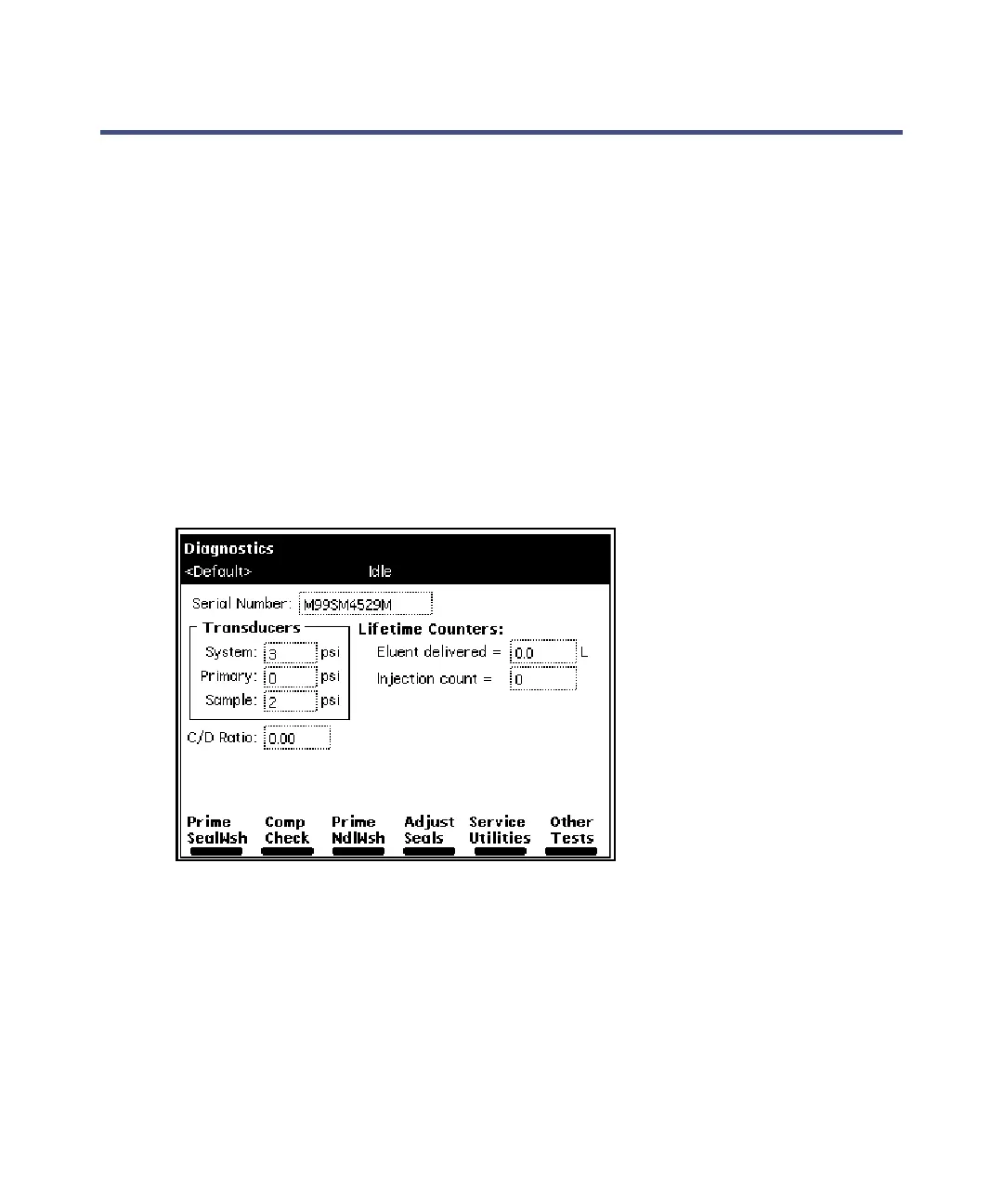
You can perform many diagnostic operations from two diagnostics screens:
• Diagnostics screen – Accesses certain system status information and
diagnostic and performance tests for the solvent management system
and the sample management system; also accesses utilities for Waters
Technical Service representatives.
• Other Diagnostics screen – Accesses diagnostic tests and functions that
allow the user to perform maintenance procedures and control optional
devices (such as the column heater, column heater/cooler, and sample
heater/cooler).
To access the Diagnostics screen, press the Diag screen key in the Main
screen. The Diagnostics screen appears.
Diagnostics screen:
Exit the Diagnostics screens
To avoid unexpected behavior, ensure that you exit from all diagnostic screens
before you allow external control of the separations module via Empower,
MassLynx, or other third-party system control.



 To Next Page