Perform automatic runs in a standalone mode
July 29, 2013, 715003794 Rev. B 139
View sample sets
You can display the Sample Set table in one of three views described below.
Press the Next View screen key to scroll from one view to another.
• Functional View – Displays the sample set with one function per line.
This view gives you a complete overview of the entire run, including vial
ranges and any linked rows.
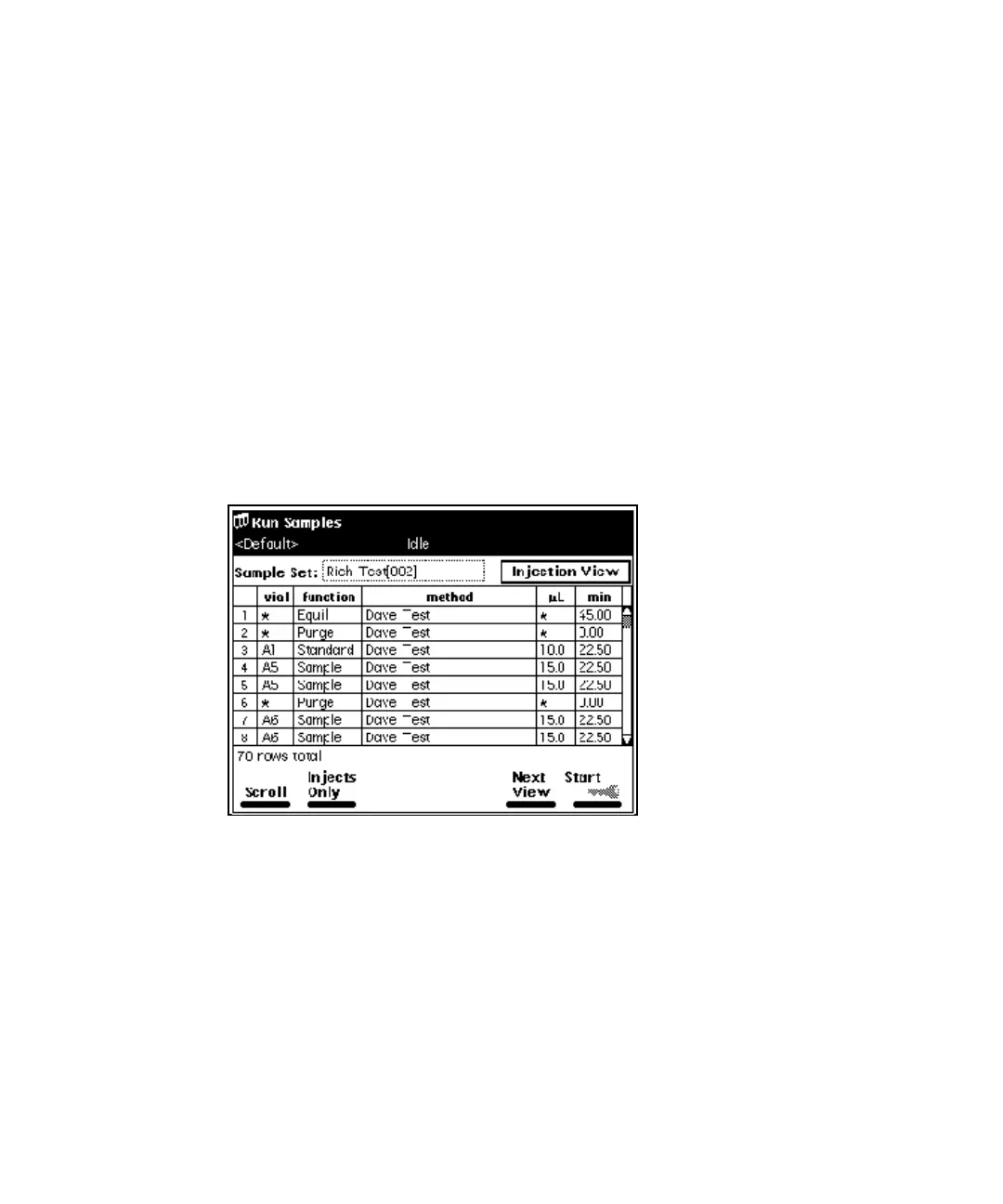
• Injection View – Displays the sample set with one injection per line (see
the figure, below). Press the Injects Only screen key to display only the
lines associated with an injection. This list corresponds directly to the
chromatograms produced by the run.
• Loading View – Displays the sample set with one vial per line (see
page 140). This view shows you how to load samples in the carousel.
Sample Set Screen – Injection View:



 To Next Page