5 Automatic Runs
138 July 29, 2013, 715003794 Rev. B
2. Select the sample set you want to run, and then press one of the
following screen keys to perform the indicated tasks:
• Initial Conds – Starts the solvent management system at the initial
conditions (specified in the first line of the sample set) and begins
equilibrating the temperature in the sample heater/cooler and/or
column heater (or column heater/cooler). When the system is
equilibrated, press the Run screen key.
• Run – Displays the selected sample set table (to view or edit). Use
the screen keys to modify the table as necessary.
3. Load the sample vials into the carousel(s) according to the locations
specified in the sample set (see “Load vials” on page 118).
Tip: For information on adding new sample vials while the instrument is
processing a sample set, see “Add new sample vials during a run” on
page 119).
4. Press the Start screen key.
Requirement: The Run Samples screen appears with a list of the
solvents required for the run. Ensure you prepared the separations
module with the indicated solvent(s).
5. Press the Routine screen key to start a normal run.
Tip: To make a stat run, or modify a run in progress, see “Modify a
sample set during a run” on page 141.
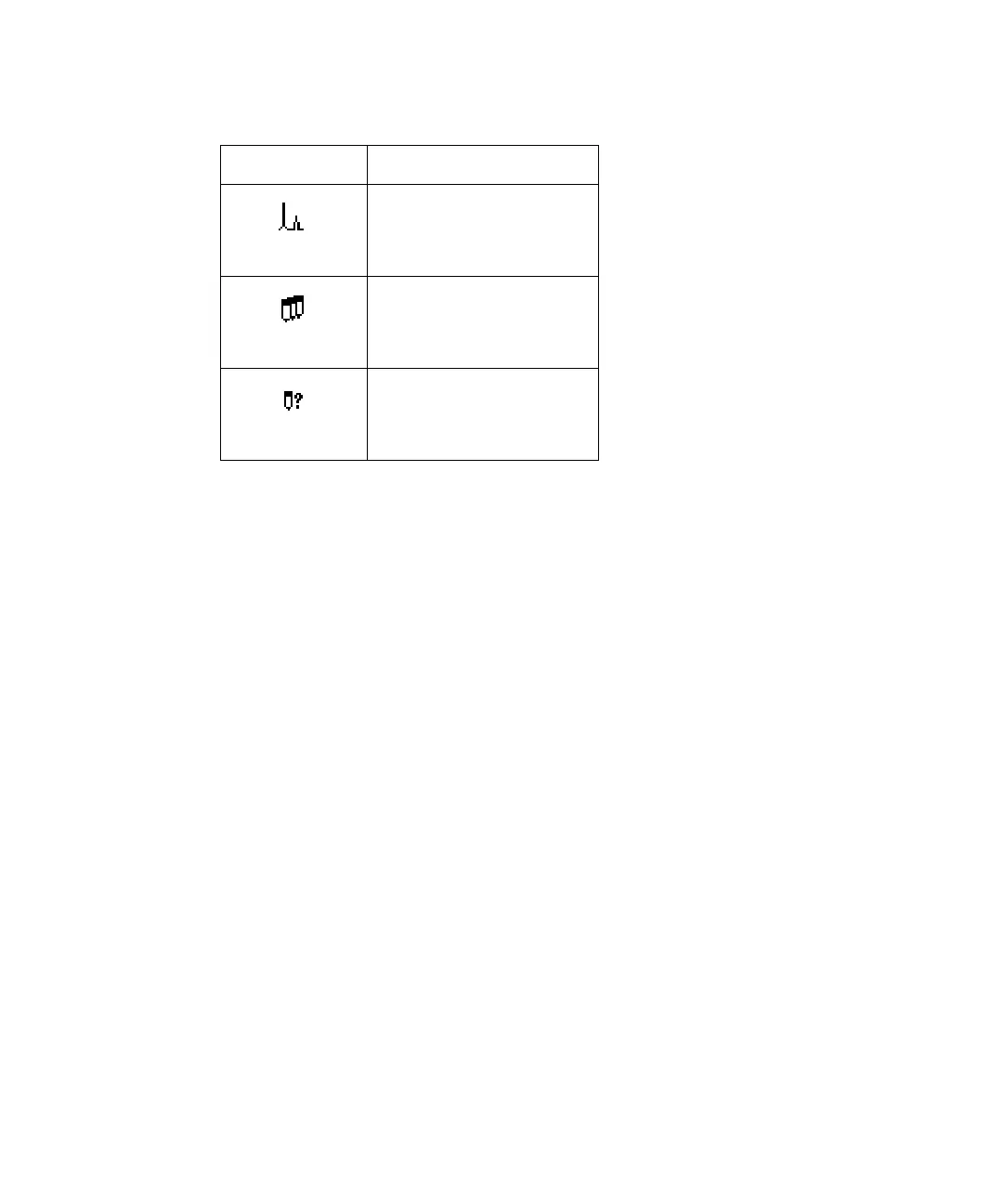
Icons in the Run Sample screen:
Icon Description
separation method
sample set
sample template



 To Next Page