5 Automatic Runs
140 July 29, 2013, 715003794 Rev. B
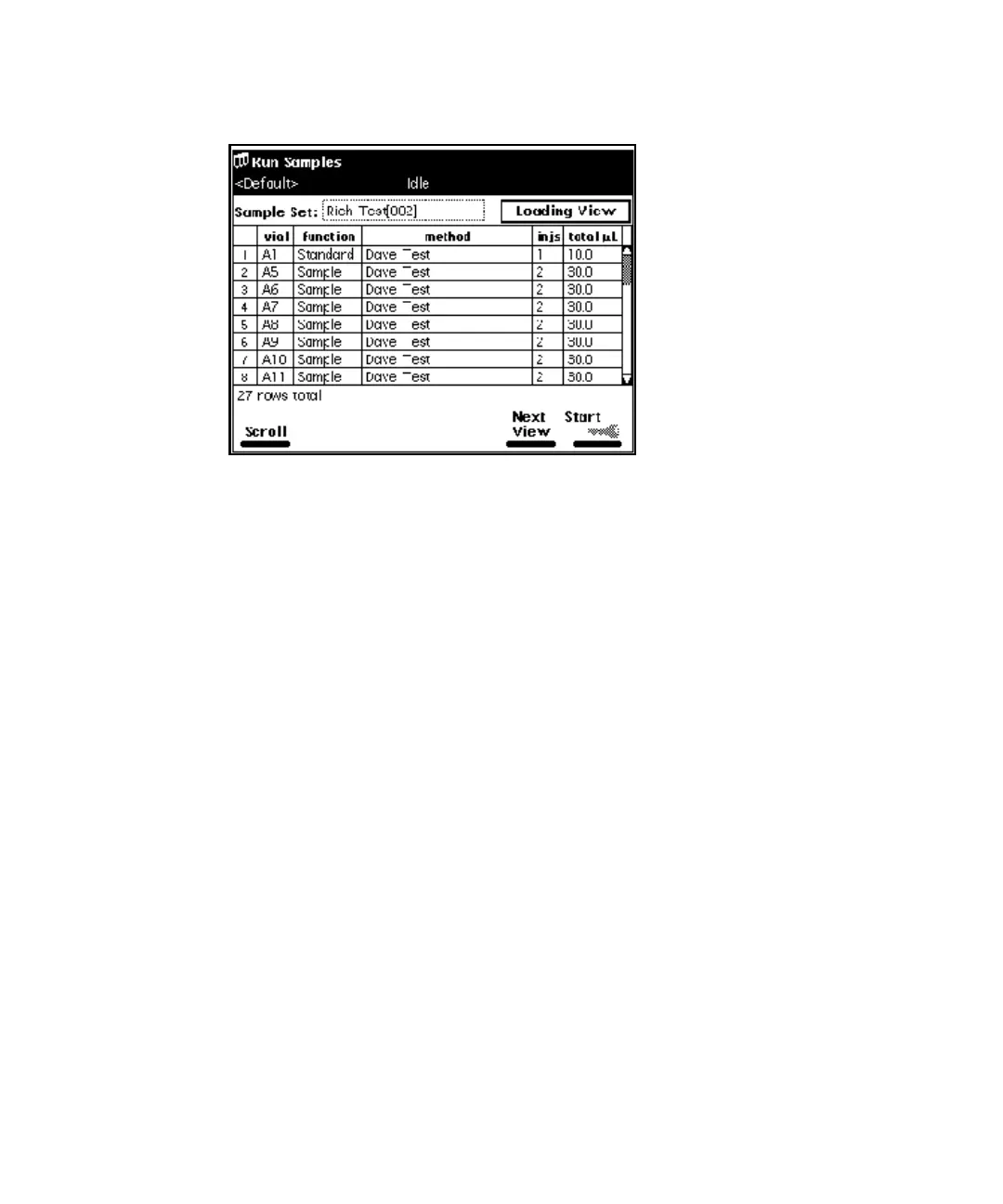
Sample Set Screen - Loading View
Perform a run from a sample template
You can perform an automated run in a standalone mode using a sample
template stored in the separations module. See “Create a sample template” on
page 180 for the procedure to create and store a sample template. Screen
prompts give you step-by-step directions to prepare for the run.
To run a sample template in a standalone mode:
1. In the Main screen, press the Run Samples screen key.
2. Select a sample template, and then press Enter.
3. Specify the number of samples to run, and then press the Continue
screen key.
4. Enter the location of the first sample vial, and then press the Continue
screen key.
Requirement: You must use consecutive sample vials on one or more
carousels.
5. Repeat step 3 and step 4 when the sample template includes multiple
separation methods.
6. Enter the number of standards in the run, and then press the Continue
screen key.



 To Next Page