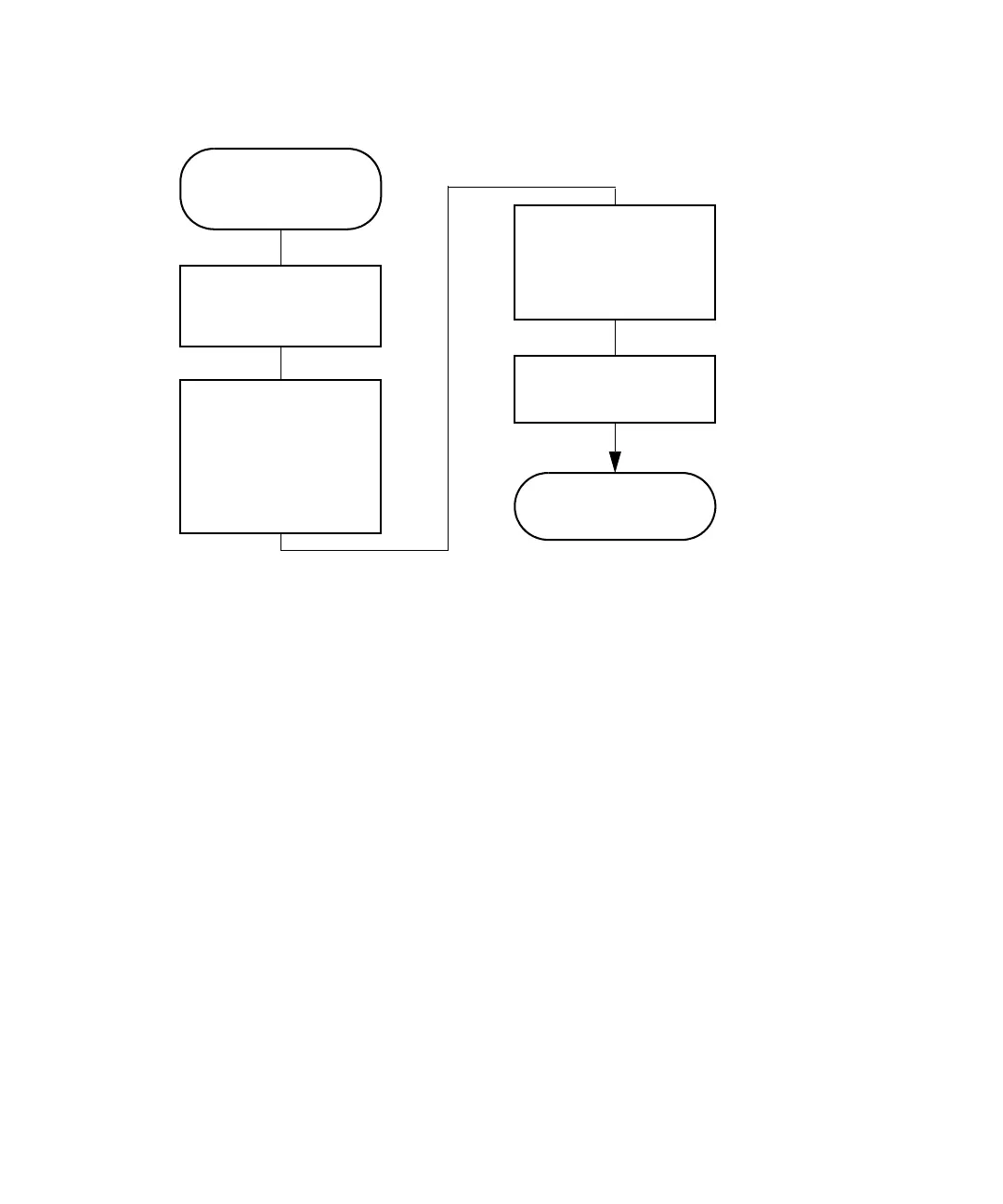
Perform automatic runs in a standalone mode
July 29, 2013, 715003794 Rev. B 137
Making an automatic run in a standalone mode:
Run a sample set
To run a sample set in a standalone mode:
1. Press the Run Samples screen key in the Main screen.
Result: The Run Samples screen appears, listing all available
separation methods, sample sets, and sample templates.
The following table describes the icons used in the Run Samples screen.
Press the Run
Samples screen key
on the Main screen
Enter Information
required by the
separation method,
sample set, or sample
template
Press the Run screen
key to select conditions,
or press the Initial
Conditions screen key to
start the solvent
management system
The run ends as
programmed
Select the separation
method, sample set, or
template to run
Press the Routine
screen key to begin
the run



 To Next Page