6 Create Methods, Sample Sets, and Sample Templates
158 July 29, 2013, 715003794 Rev. B
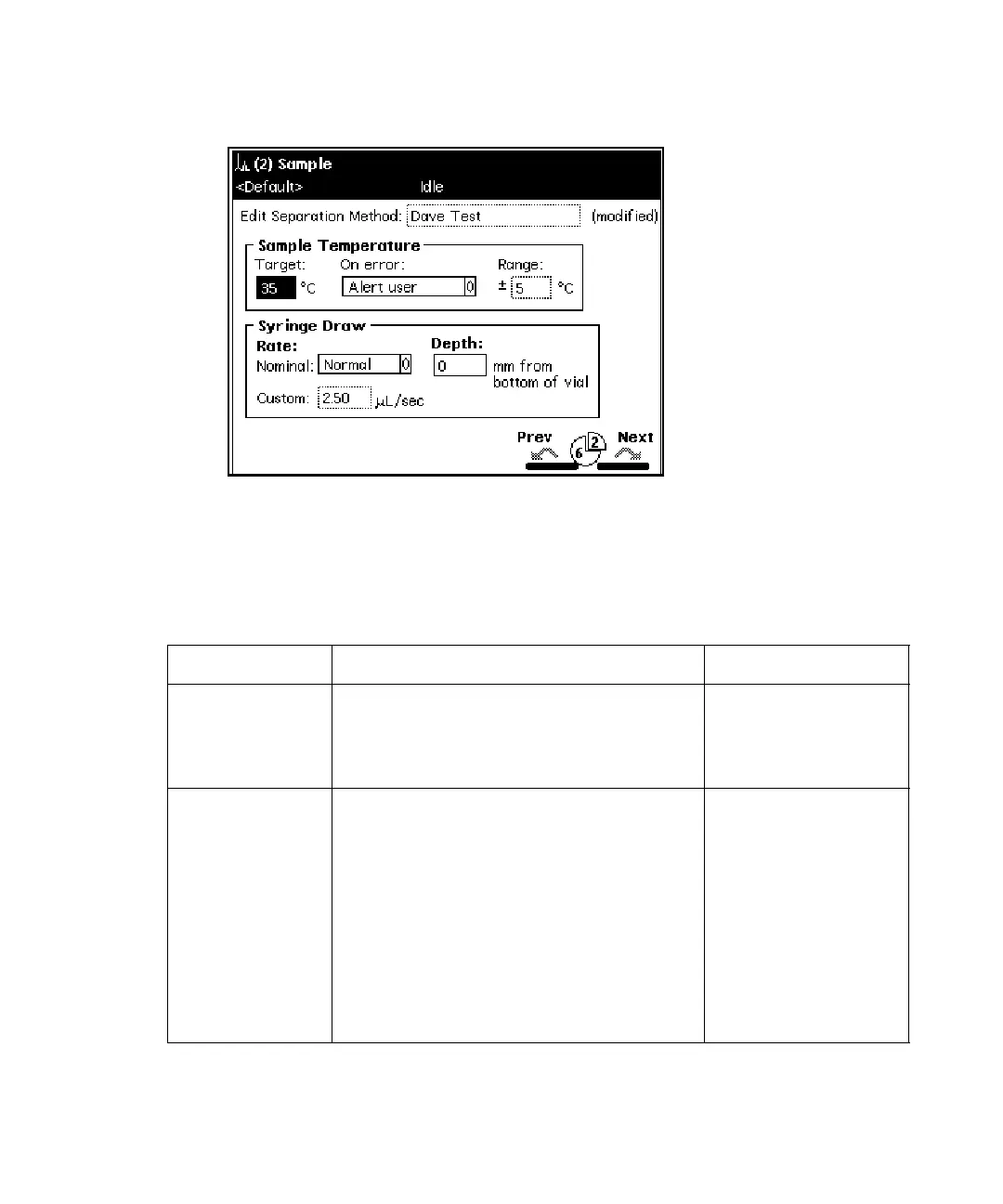
Sample screen:
2. In the Sample screen, enter or select values in the Sample screen
parameter fields.
The following table describes the parameters in the Sample screen.
Sample parameters:
Parameter Function Value range
Sample
Temperature
Target
Specifies the temperature of the
sample heater/cooler (if installed). To
turn off the heater/cooler, press the
Clear key.
Ambient, 4 to 40 °C
in 1 °C increments
Sample
Temperature
Range
Sample
Temperature
On error
Specifies the maximum allowable
deviation in sample temperature. If
the temperature deviation exceeds
the range, the alarm condition
selected in the adjacent box is
triggered.
Specifies the response that occurs
when the sample compartment
temperature is out of the specified
range during a run.
±10 °C in ±1 °C
increments
See “Alarm
responses:” on
page 154.



 To Next Page