Create and edit separation methods
July 29, 2013, 715003794 Rev. B 147
• Lock a separation method to prevent changes
• Create a sample template
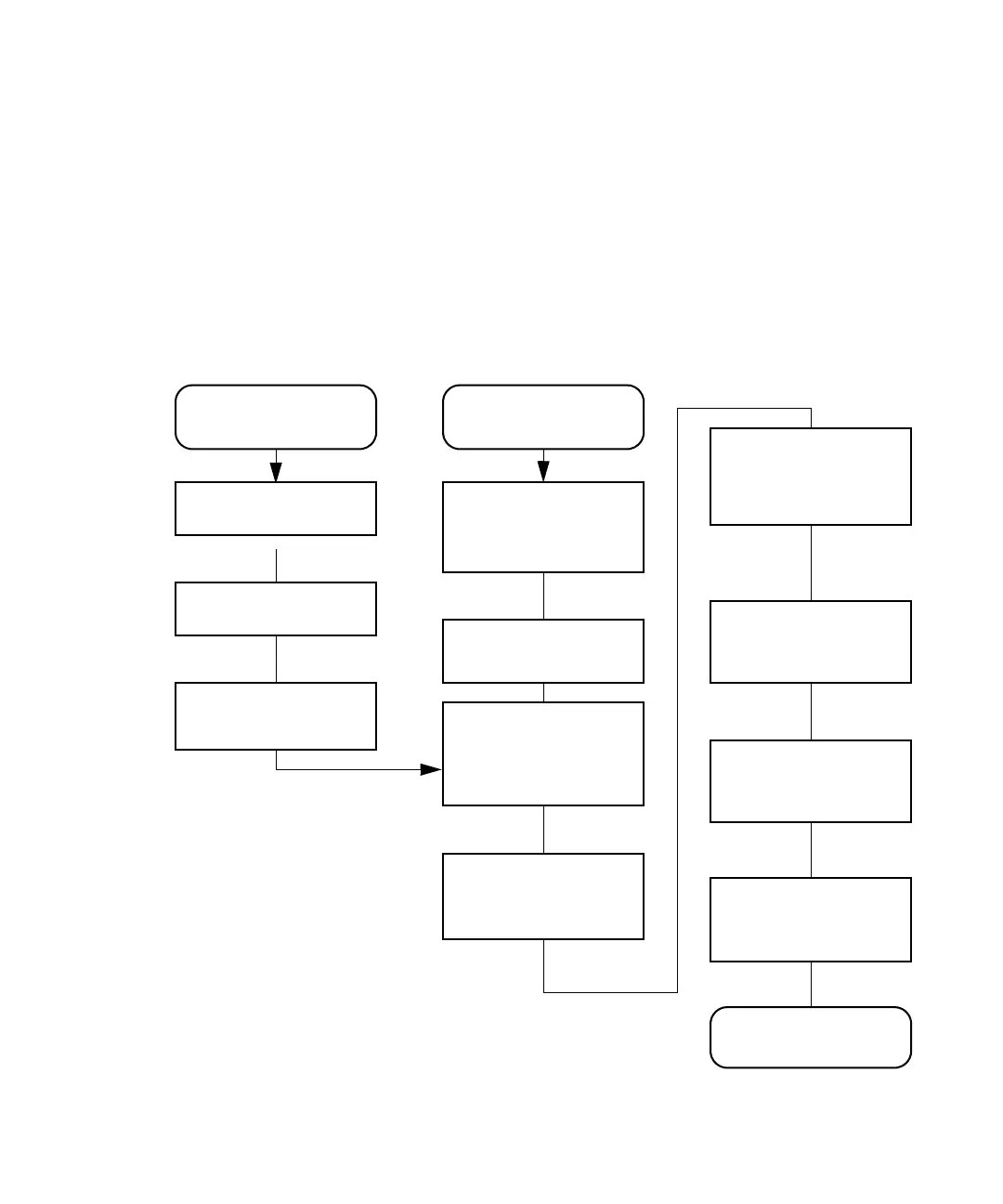
The following figure shows the steps necessary to create and edit separation
methods using the front panel of the separations module. If your HPLC
system operates under Empower software control, see the Empower
documentation for procedures to create and edit method sets. If your HPLC
system operates under MassLynx software control, see the MassLynx online
Help for details on using the Inlet Editor to create an LC method.
Create or edit a separation method:
To create a new
separation method:
Enter the mobile
phase parameters in
the Mobile Phase
screen
Enter the sample
parameters in the
Samples screen
Enter the autosampler
parameters in the
Autosampler screen
Enter the Column
Parameters in the
Column screen
Enter the I/O
parameters in the I/O
screen
Enter the detector
parameters in the
Detectors screen
Press the Develop
Methods, New, then the
Separation Method
screen keys
Name the method
Press the Develop
Methods screen key
To edit an existing
separation method:
Select the separation
method you want to edit
Press the Exit key and
save the method
Press the Edit screen
key



 To Next Page