7 Maintenance
208 July 29, 2013, 715003794 Rev. B
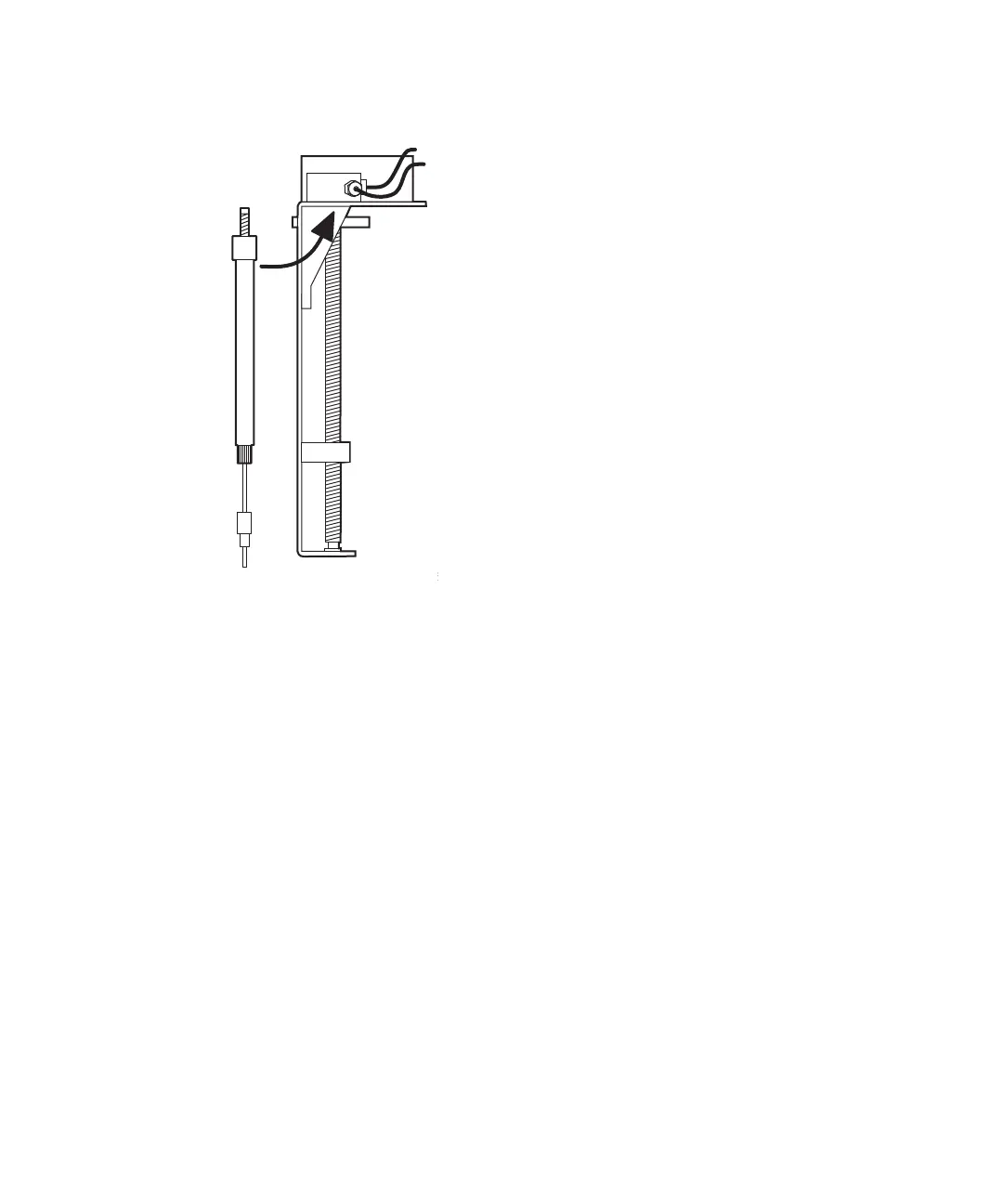
Syringe and mounting bracket:
7. Push the syringe plunger down so that the threaded end slides through
the syringe guide mounting bracket.
8. Hand tighten the syringe.
9. On the Diagnostics screen, press Other Tests.
10. In the Other Tests screen, select the Syringe Position field, and then
press Enter to display the drop-down list.
11. Select Empty, and then press Enter.
Result: The mounting bracket moves upward so that you can install the
knurled nut.
12. Press the Exit key to exit the Other Tests screen.
13. Install and finger tighten the knurled nut.
Modify syringe configuration parameters
If the replacement syringe differs in size from the original syringe, you must
configure the separations module for a new syringe size.



 To Next Page