Connect to the electrical power supply
July 29, 2013, 715003794 Rev. B 49
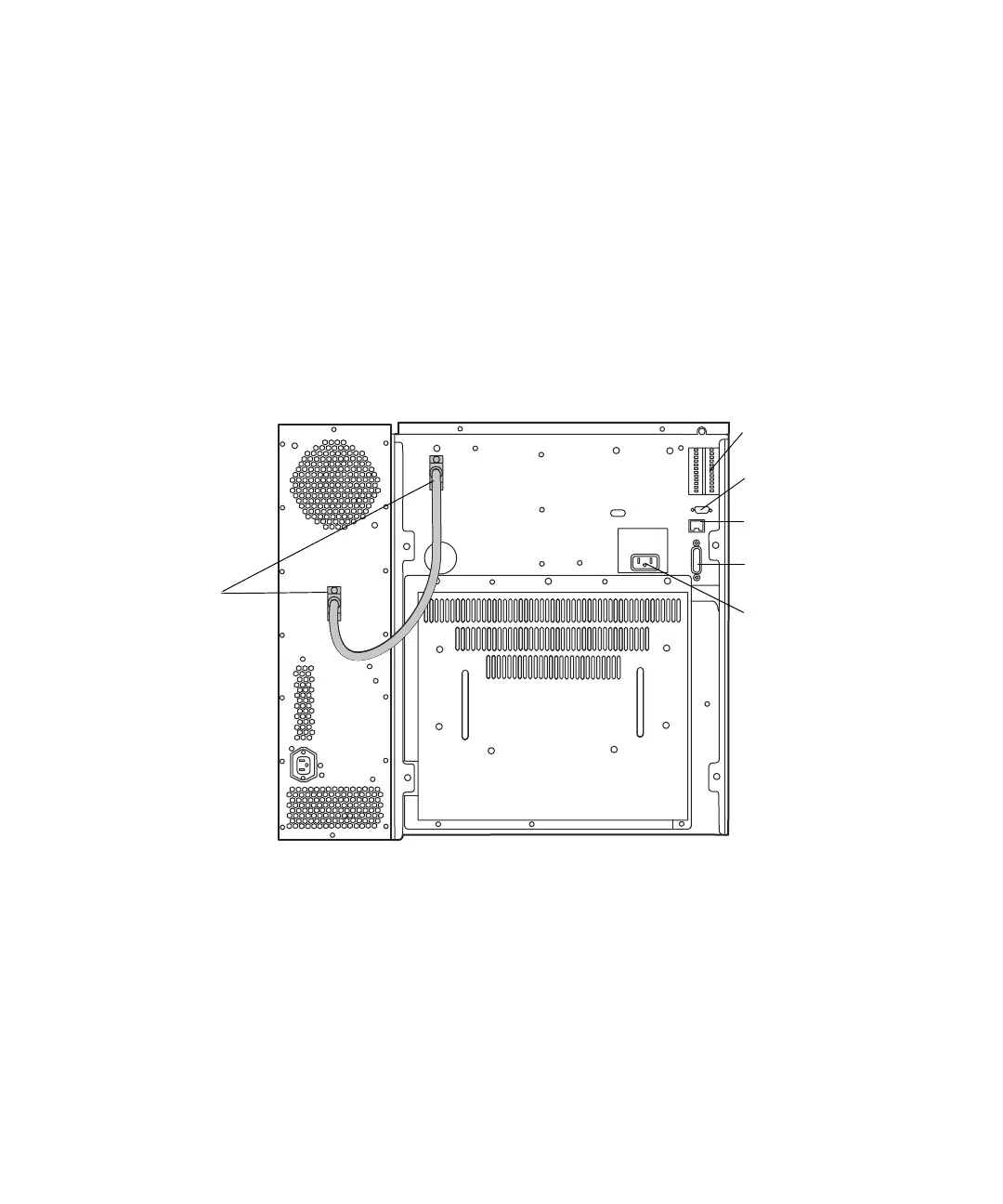
To connect to the electrical supply:
1. Ensure that the separations module is powered-off.
2. Connect the power cord to the connector on the rear panel.
3. Connect the other end of the power cord to a properly grounded AC
power supply.
Requirement: Do not power on the separations module until you
complete all plumbing and signal connections.
Rear panel of the separations module:
Column heater or
column
heater/cooler
connector
I/O connectors
RS-232 connector
Ethernet connector
IEEE-488
Power connector



 To Next Page