Connect tubing and attachments
July 29, 2013, 715003794 Rev. B 65
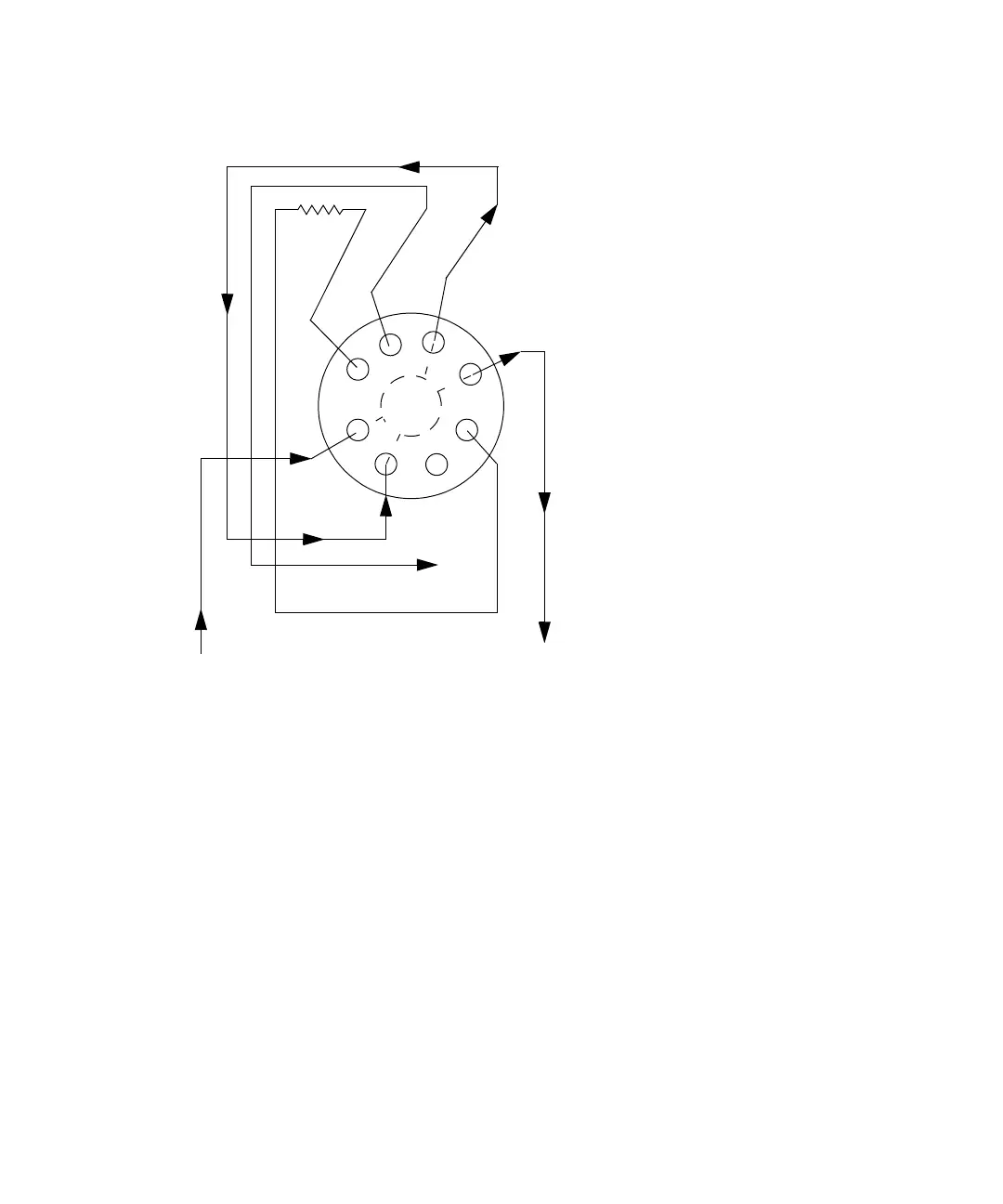
Three-column selection valve configuration (as shipped):
Install the 3-column selection valve after installing the column heater or
column heater/cooler (see “Install the column heater and column
heater/cooler” on page 81).
Required material
Open-end wrench, 5/16-inch
To connect the 3-column selection valve to the fluid path of the sample
management system:
1. Use the 5/16-inch wrench to connect the red line (from the e2695
injector) to the IN port on the column selection valve.
2. Use the tubing and fittings supplied with the 3-column selection valve to
connect the OUT port of the column selection valve to the detector inlet.
1′
2′
3′
1
2
3
Column 1
Restrictor
OUT
IN
Waste
Out to
detector
Red line
in



 To Next Page