5-8 Phaser 3250 Laser Printer Service Manual
Print-Quality Troubleshooting
c. Select Phaser 3250/Phaser 3250 PS. Right click on the printer icon
and select Printing Preferences.
d. Click the Graphic tab. Under Image Mode, select Text
Enhancement. Click OK.
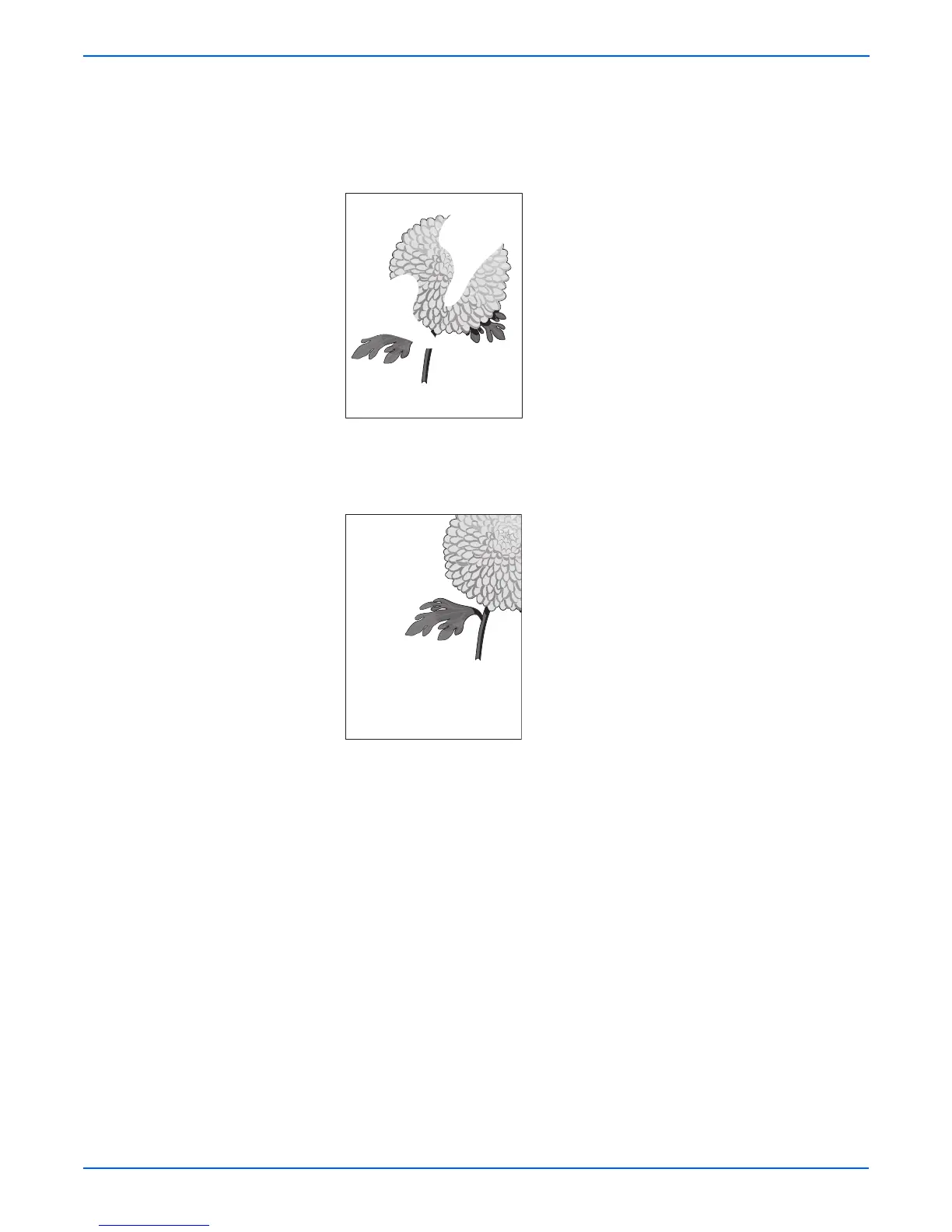
7. Part or all the page prints.
a. Check the Print Cartridge to make sure it is installed correctly.
8. The job prints, but the top and side margins are incorrect.
a. Ensure the Media Size settings in the Tray Settings are correct.
b. Ensure the margins are set correctly in your software application.
c. Perform internal test prints (i.e., printer’s Demo Page, etc.,) and
evaluate the prints.











 To Next Page