GDP-32
II
INSTRUCTION MANUAL
May 2002 Section 7, Page 6
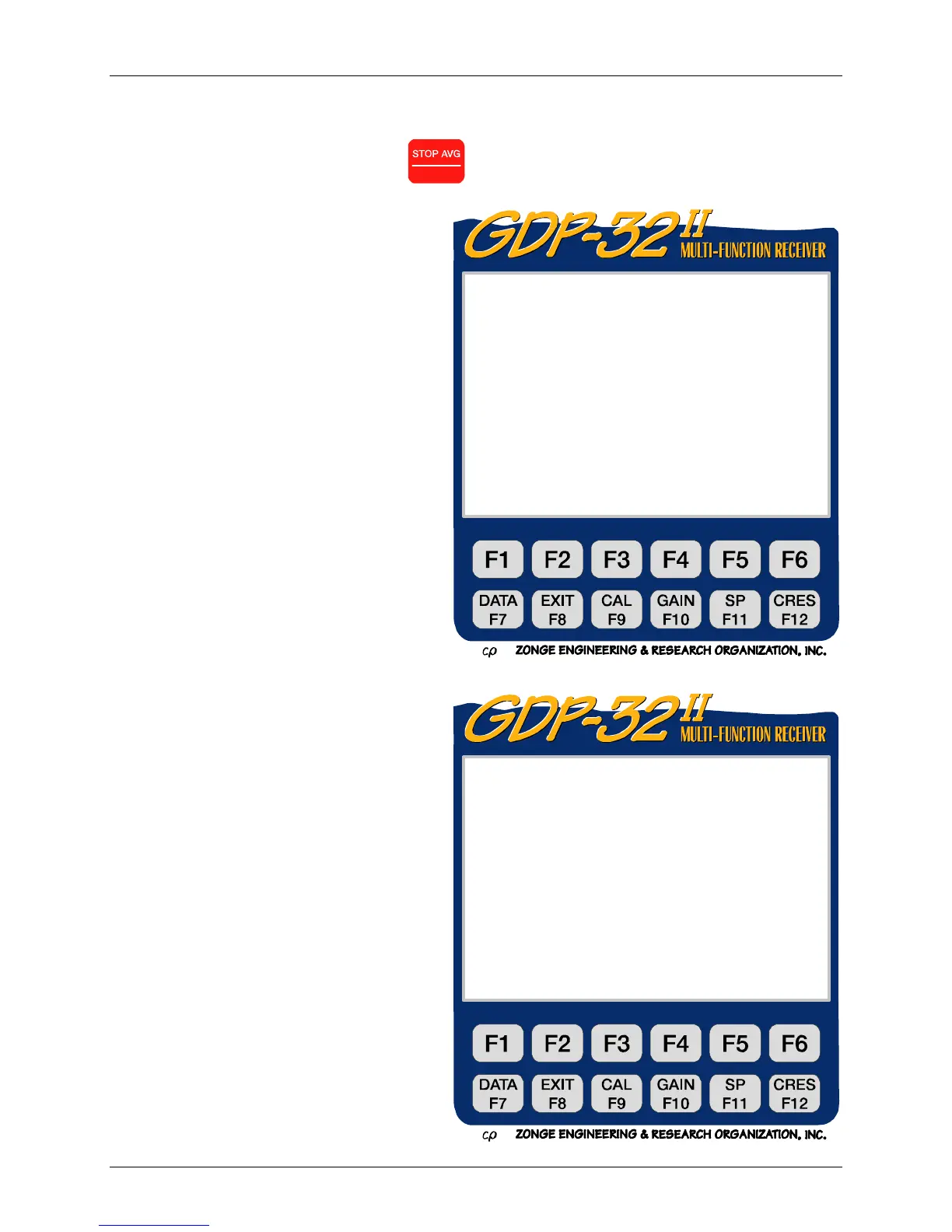
DATA MODE MAIN MENU
From the Field Data Main Menu, press
Escape
to access the Data Mode Main Menu.
The following tasks are initiated from the
Data Mode Main Menu:
Accessing data caches to view or
edit data
Initializing caches
Configuring the serial and parallel
ports
Outputting data or calibrations
Outputting Memory Diagnostics
GDP32II320 Main Menu
Current: Field Data Remaining:3388KB
1) View field data
2) Output all field data
3) Output field data block(s)
4) Input field data block(s)
Press 1 – 4, ESCAPE):
ER 320 Main Menu
Current: Field Data Remaining:3388KB
Parallel Port Disabled
1) Access Cache
2) Initialize Cache
3) Configure Serial Port
4) Set Parallel Port Mode
5) Memory Diagnostics
6) Rebuild Cache Index
(Press 1 – 6, ESCAPE):



 To Next Page