GDP-32
II
INSTRUCTION MANUAL
May 2002 Section 7, Page 8
ACCESSING FIELD DATA
Option 1 of the Access Cache Menu re-enters the Field Data Main Menu. (See Field Data Main
Menu, page 3.)
ACCESSING BOARD CALIBRATION CACHES
For board calibration data, select option 2, 3, 5 or 7 from the Access Cache Menu. This accesses
the corresponding Board Calibration Cache Menu. All Board Calibration Cache Menus are
generic.
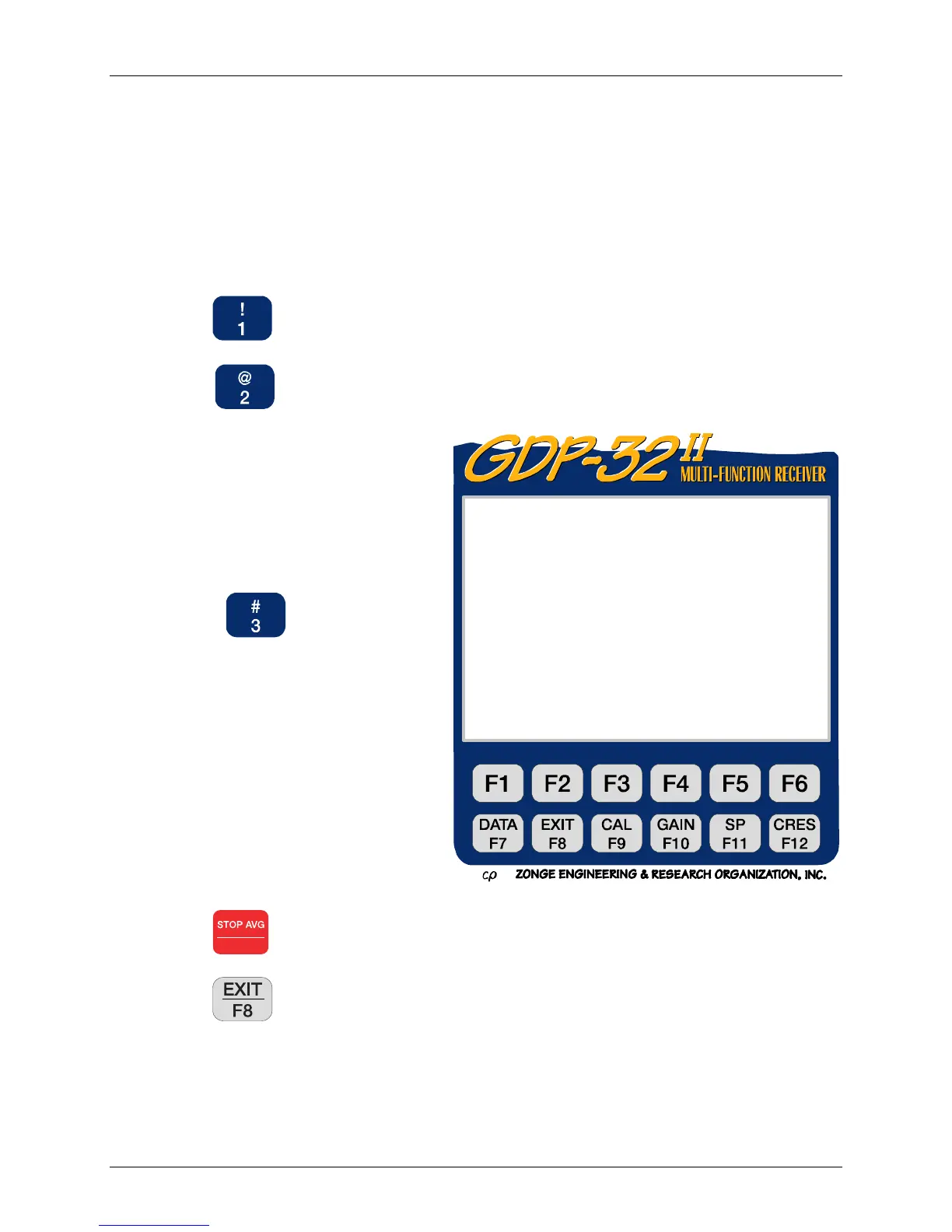
Press to view the Board Calibration data.
Press to output the Board Calibration data to an external device via the serial
port (See Section 7.6 ).
NOTE: The receiver writes
calibration data to the calibration
cache and to the Field Data cache.
Thus it is unnecessary in most cases
to specifically output calibration
data.
Press
to input Board
Calibrations from an external
computer. This option is used for
special applications. For complete
instructions for inputting calibration
data see Section 7.7.
NOTE: When Option 3 – Input
Board Cals is selected the receiver
expects data to be received via the
serial port. To escape, re-boot the
receiver by pressing Control –
Alt – Delete.
Press
Escape
to return to the Data Mode Main Menu.
Press
to exit Data Mode.
GDP32II320 Main Menu
Current: Freq Domain Cal Remaining:3388KB
1) View RPIP/CSAMT Board cals
2) Output RPIP/CSAMT Board cals
3) Input RPIP/CSAMT Board cals
Press 1 – 3, ESCAPE):



 To Next Page