COMPLEX RESISTIVITY & HACSAMT PROGRAM
Section 10, Page 7 January 2003
MENU 4
Upon pressing
Enter
after the parameters are set up in Menu 3 the following screen will be
displayed. This is a combination of Menu 3 and Menu 4.
ÅWe have selected the Dipole-Dipole
reference CR mode
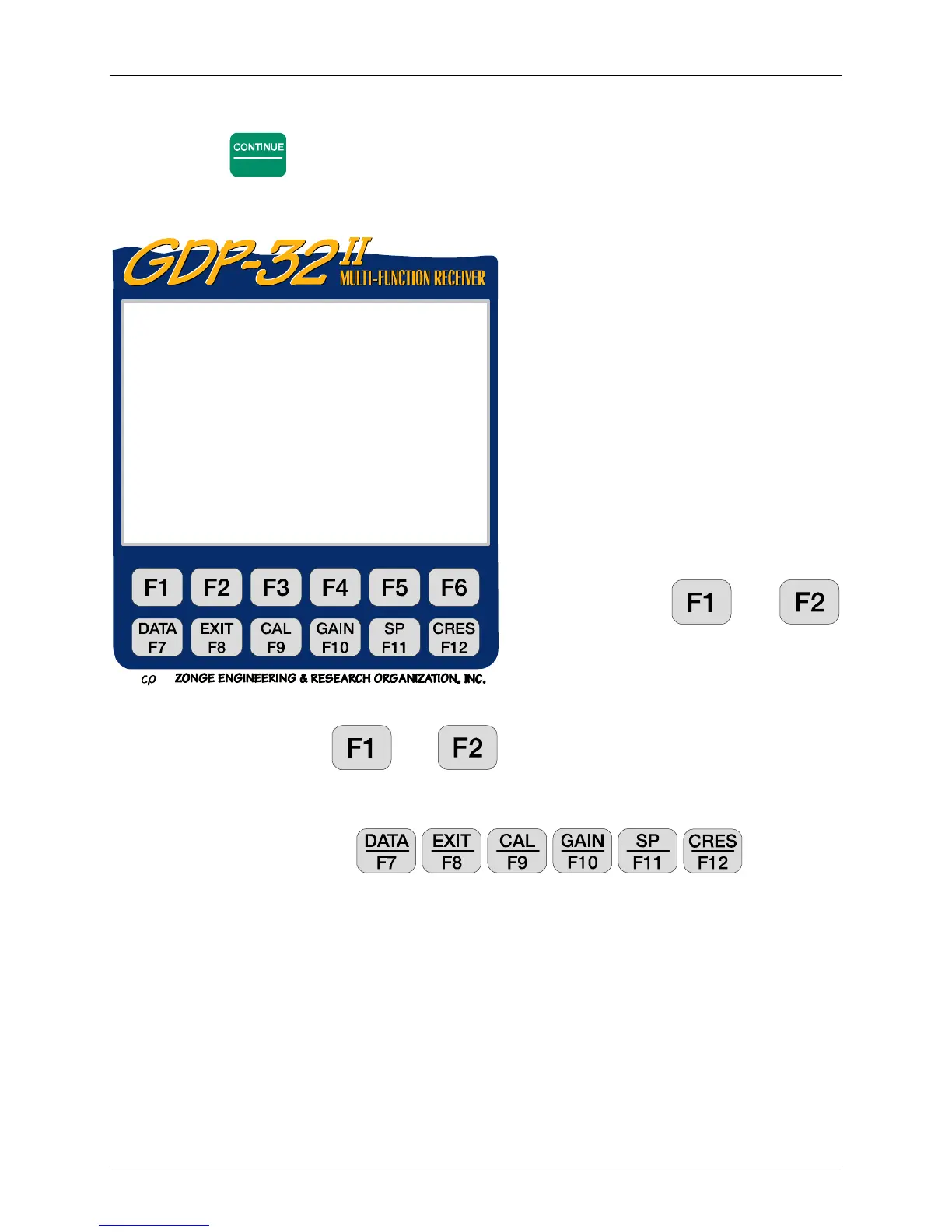
Soft function keys
and
are active.
PREV/NEXT Pressing and permits the operator to scroll the channel
parameters up and down, so that all 16 channels can be accessed. These labels will not be
displayed if the receiver has 8 channels or less.
All function keys are active: , , , , , .
Tx. Transmitter location. Our convention is to use the lowest numbered electrode of the
dipole (or the electrode for a transmitting pole). Here we are transmitting on a dipole with
electrodes numbered 1 and 2. Hence, Tx is set to 1. The field for Tx designation is
±NNNNNNN with a floating decimal point.
Note: for the Gradient array selection, "Tx" will appear as "Ry", and is used to input the
receiver coordinates. See the TDIP or RPIP program manual for examples.
Rx. Receiver location. Our convention is to use the lowest numbered electrode for the
dipole closest to the transmitting dipole (or pole). Here we are receiving on dipoles 3,4; 4,5;
etc. Hence, Rx is set to 3. See Section 15 for other arrays. The field for Rx designation is
±NNNNNNN with a floating decimal point.
0094 CR 0535 12.3 15 Mar 98 08:57:59
Survey D-D
Tx 1 Rx 3 N OUT
1 Hz / 1 Cycle Tx Curr 1
CH N/Ant
1 Ref
2 Ex 1
3 Ex 2
4 Ex 3
5 Ex 4
6 Ex 5
7 Ex 6
8 OFF
CONT-Take data, ESC-Prev Menu, F2-Exit
PREV NEXT



 To Next Page