GDP-32
II
INSTRUCTION MANUAL
January 2003 Section 10, Page 14
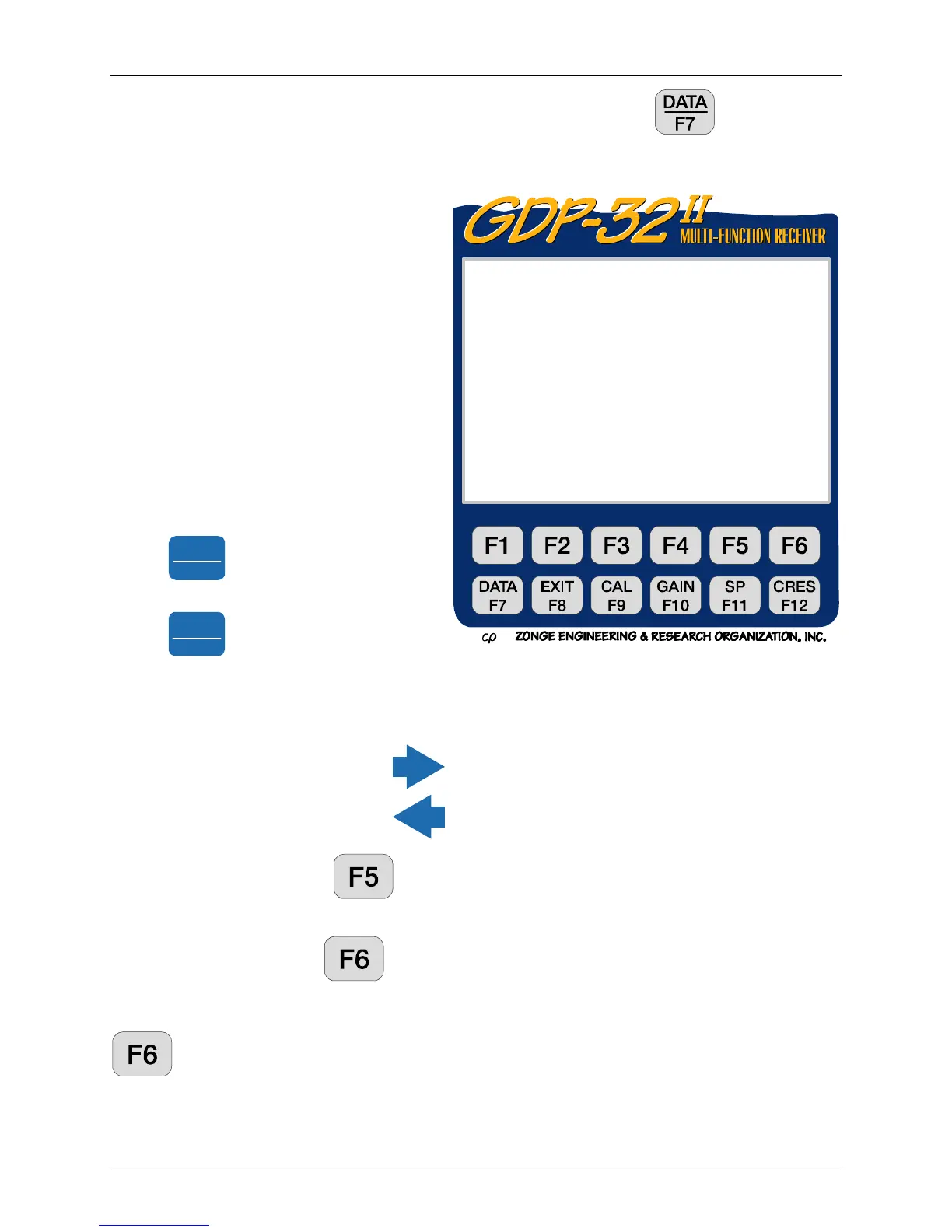
To view all of the data, including the harmonic data, you must press the function key. It
will display the last stack taken and stored. See Section 7 for explanations. The data display is
in the following format:
To view the harmonic data press
Pg Dn
NEXT FIELD
To return to the first part of the display
press
Pg Up
PREV FIELD
The values of the magnitudes and phase of the first through ninth harmonics for the 7 channels
are saved but are off the screen to the right. The SEM, SP and contact resistance values have
also been saved to the right of the screen.
To view these numbers, press
several times to move to the right,
or press to move to the left.
Plot Data. By pressing you get into the plot routines. See Section 14 for more
information. Only complex plane plots are enabled for this version of CR.
Skip Flag. By pressing
an 'x' is placed between the version number and the date in
the header for the block being viewed. This flag is recognized by the plot routines and the
flagged data will be skipped when averaging multiple blocks for plotting. Repeated pressing of
will remove and replace the 'x'.
Block: 0095 Total:0095
CR 0535 98-03-15 09:13:17 12.3v D-D
Tx 1 Rx 3 N OUT
.125 Hz 4 Cyc Tx Curr .56
1 Re 72.140m -41.1 0.0 005O
2 Ex 1 72.317m .0 9.488 005O
3 Ex 2 72.164m .0 37.71 005O
4 Ex 3 72.387m .0 94.57 005O
5 Ex 4 72.098m .0 188.4 005O
6 Ex 5 72.353m .0 330.8 005O
7 Ex 6 72.425m .0 529.9 005O
Select Plot Skip
Block Data Flag



 To Next Page