GDP-32
II
INSTRUCTION MANUAL
October 2002 Section 12, Page 16
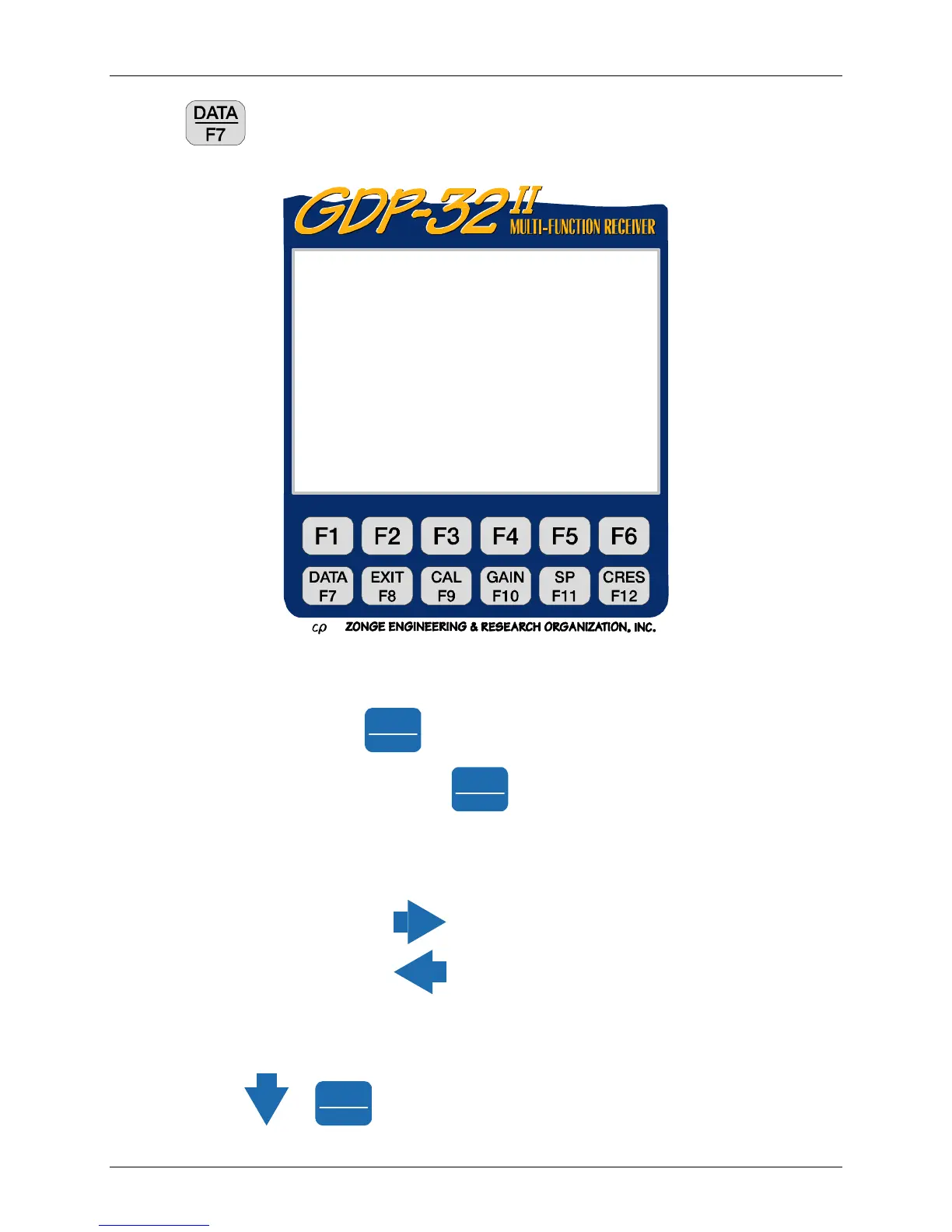
Press the function key to view the data. It will display the last stack taken. See DATA
Section 7.2, Viewing Data for explanations. The data display is in the following format:
Notice that all of the decay data have not have been displayed. The apparent resistivity data, if
calculated, will be to the right of the decay data.
To view the rest of the data press
Pg Dn
NEXT FIELD
several times as needed.
To return to the first part of the display press
Pg Up
PREV FIELD
.
Again, you may have to press it several times. If we were running with more than one Hz
channel in the above example, some of the data would have been off the screen to the right. The
SEM, SP and contact resistance values have also been saved to the right of the screen.
To view these numbers press
several times to move to the right,
or press
to move to the left.
The Window data are a combination of point and integrated values, normalized by the
transmitter current. See the following section for window specifications. When you first enter
the data mode, only the first few windows appear because all data will not fit onto the screen at
one time; use the
or
Pg Dn
NEXT FIELD
to see the rest.
Block: 0095 Total:0095
TEM 0539 98-03-15 09:13:17 12.3v INL
Tx 1 Rx 3 N OUT
32 Hz 128 Cyc Tx Curr 1 122.1u
1 Hz 1 2.0731u 1.549m 0.871 060O
2 Hy 1 1.9526u 1.549m 060O
3 Hx 1 1.7043u 1.549m 060O
Wn Mag 1 Mag 2 Mag 3 Rho 1
31.07u 38.861m 39.013m 38.965m 0.854
61.59u 21.049m 21.132m 21.106m 0.407
92.11u 11.412m 11.456m 11.444m 0.312
122.6u 6.1950m 6.2196m 6.2136m 0.290
Select Plot Skip
Block Data Flag



 To Next Page