NATURAL SOURCE MAGNETOTELLURICS
May 2002 Section 13, Page 10
MENU 4:
Upon pressing
Enter
after the channels are set up in Menu 3, the following screen will be
displayed:
Tensor configuration selected
with channels 6 and 7 used as
remote reference
<– H-fields as shown above in Menu 3B.
<– Point Count - only displayed for the
low frequency band
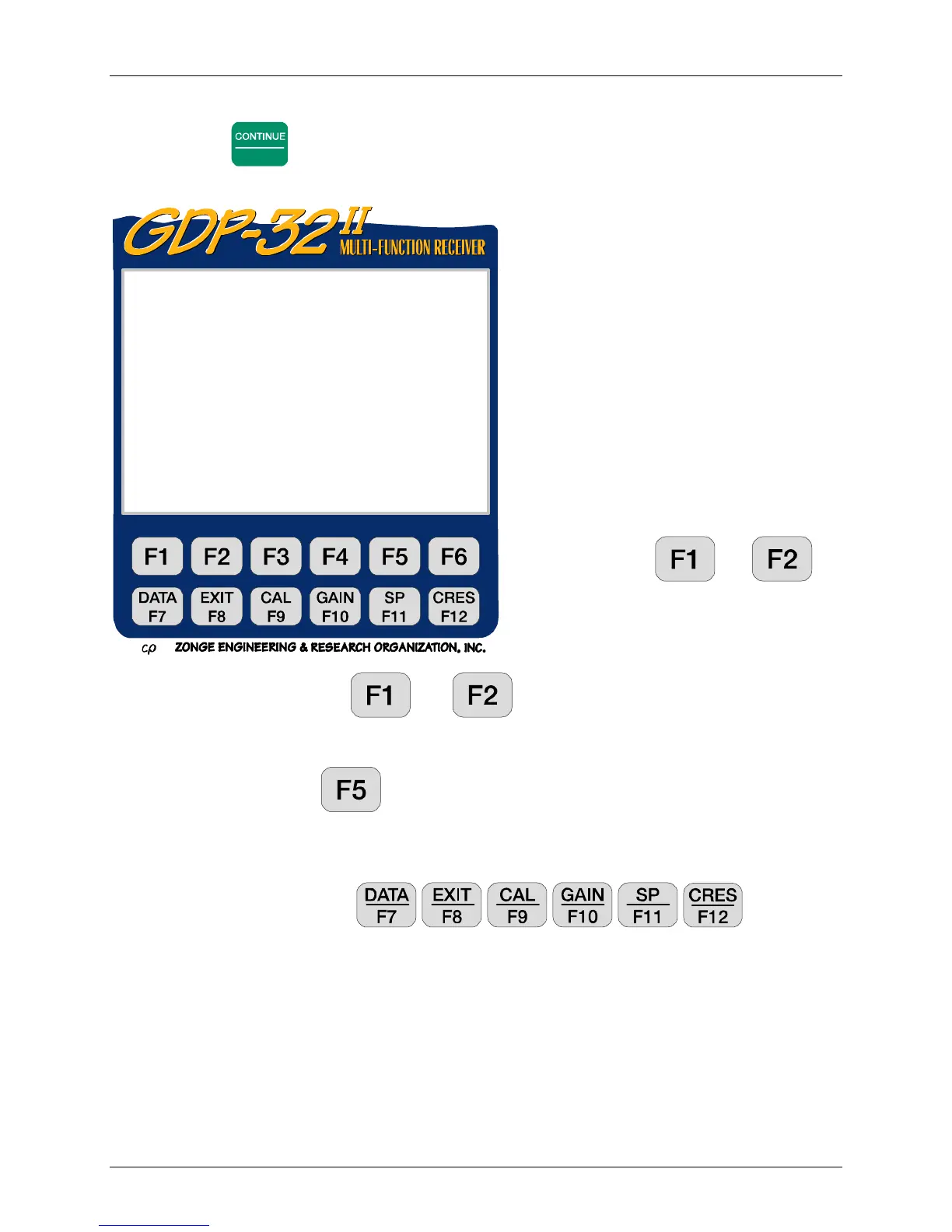
Soft function keys
and are
active:
PREV/NEXT Pressing
and permits the operator to scroll the channel
parameters up and down, so that all 16 channels can be accessed. These labels will not be
displayed if the receiver has 8 channels or less.
Sched. By pressing you enter the automatic time schedule mode, for automatic
control of data acquisition. If you are using an SC-8 signal conditioner box, the same
schedule can be entered into the box for control of gains and filter settings as a function of
time. See Section 13.13.
All function keys are active: , , , , , .
Tx. Transmitter location. The field for Tx designation is ±
±±
±NNNNNNN with a floating
decimal point. Tx is not used for AMT calculations, but could be used as a location or
survey designator.
Rx. Receiver location. The field for Rx is ±
±±
±NNNNNNN with a floating decimal point.
For multiple E-field surveys, we normally set Rx equal to the station location at which the
receiver is set up. In this example, we are occupying one station, so the station number (Sta)
and Rx are the same.
N. Powerline notch filter switch. You have several possible selections here,
depending upon the configuration of your receiver. For this example, we have two options.
0097 AMT 0538 12.3 15 Mar 98 08:57:49
Survey Vector AMT
Tx 1 Rx 1 N OUT
.0938- 4 5 Stacks
6 Levels Point Count: / 8285
CH Sta/Ant G0 G1 G2 Atn SP GGGA
1 Ex 1 1 1 1 OUT 0.00 000O
2Hy 141 1 1OUT 0.00000O
3Ey 1 1 1 1OUT 0.00000O
4Hx 241 1 1OUT 0.00000O
5Hz 341 1 1OUT 0.00000O
6Hx 1041 1 1OUT 0.00000O
7Hy 1141 1 1OUT 0.00000O
8OFF
CONT-Set gains, ESC-Prev Menu
PREV NEXT Sched


 To Next Page
 Loading...
