GDP-32
II
INSTRUCTION MANUAL
May 2002 Section 17, Page 10
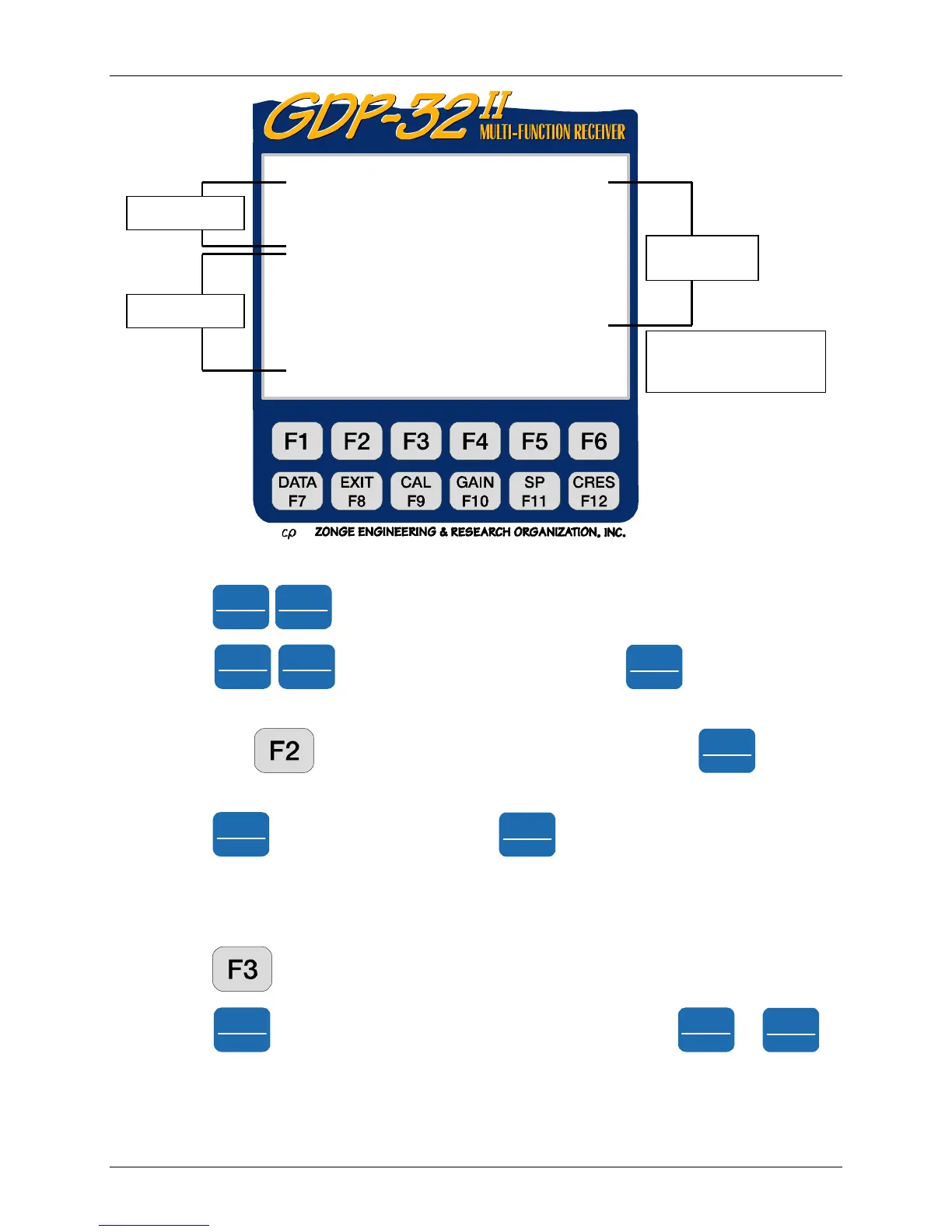
Figure 17.2 (c) Three channel TDIP example
9. Press
Home
SELECT UP
Home
SELECT UP
to display Channel 3.
10. Press
Pg Dn
NEXT FIELD
Pg Dn
NEXT FIELD
to get to the CAL OUT field. Press
SELECT DN
End
to turn the calibrate
input IN.
11. Now press , PREV to get to the Cal Pow OFF field. Press
SELECT DN
End
to turn the
calibrator ON.
12. Press
Pg Dn
NEXT FIELD
to get to Mux Pow and press
SELECT DN
End
to set Mux Pow to CAL.
13. Turn the meter select switch on the lid panel to Channel 3. Observe the needle swinging
hard to the right and left. This is due to the high gains set from the TDIP routine with no
signal on the inputs.
14. Press
, NEXT to return to the analog card menu.
15. Press
Pg Dn
NEXT FIELD
eight times to move to the Gain Stage line. Use
Home
SELECT UP
or
SELECT DN
End
to
change the gains on the first stage to 1.
DIAG 5.0 13 Mar 96 17:00:00
Freq .125 Hz Ch 1 SN 177
SR 128 Hz Power ON Notch 50,3-5,9
DUTY 50% DiffAmp
Xmitter ON Cal OUT
Ohm OUT
Cal Pow OFF At ten OUT
Mux Pow OHM DA C -46 -.003V
DAC 0 Notch 60
.000 V G ains 16 64 64
Mux Cal Alias OUT LO Value 8
Output OHM Mux ANALOG
+100uA 0.00246819V18
Escape to exit, CONTINUE f or measurement
PREV NEXT ACAL
Timing
Calibrate
Analog
Cards
<A
D Output
< Instructions
< Options



 To Next Page