GDP-32
II
INSTRUCTION MANUAL
May 2002 Section 17, Page 12
NANOTEM DIAGNOSTICS (FOR BOARD 194)
The NanoTEM diagnostics program is an abbreviated form of the main diagnostics program, and
is valid when a NanoTEM board is installed.
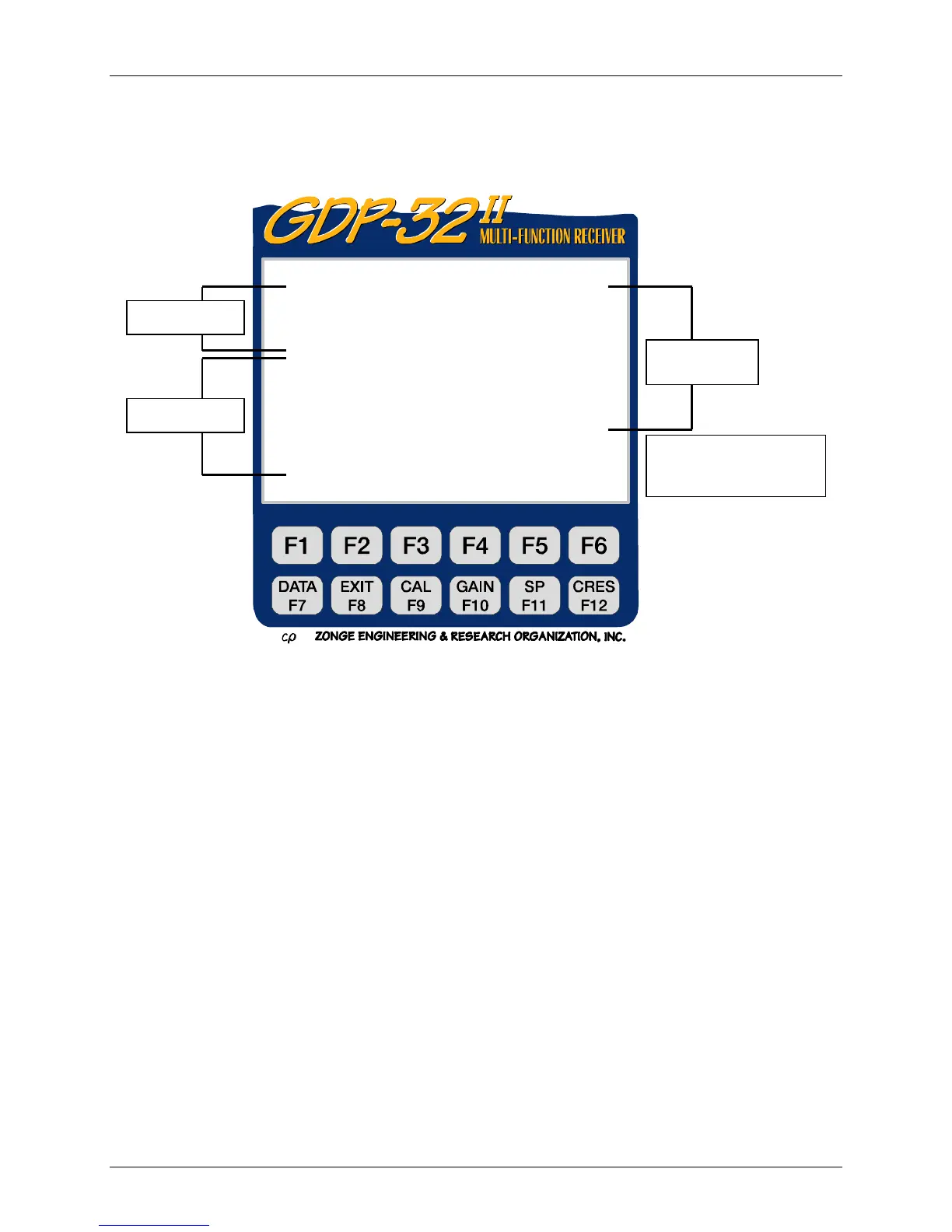
Figure 17.2 (d) NanoTEM example
In the above screen Channel 3 has been turned ON.
Notice that the Timing and Calibrate parameters are the same as for the standard analog card
diagnostic screen, but the right-hand side is configured for the NanoTEM card only.
Power ON
Turn the power to the board ON and OFF.
A/D 1.2 usec
The high speed A/D and firmware has been installed on this board, enabling a 1.2
µsec sample period.
A/D Power ON
The A/D power is turned on automatically when Power ON is selected, but the A/D
power can be turned off with this selection (A/D Power OFF).
Cal OUT
Connect (IN) or disconnect (OUT) the calibration signal input from the calibrate
board.
DIAG 5.0 13 Mar 96 17:00:00
Freq 32 Hz Ch 3 SN 1 3
SR 32768 Hz Power ON A/D 1. 2 usec
DUTY 50% A/D Power ON
Xmitter ON Cal OUT
Ohm OUT
Cal Pow OFF Sa mp En OFF
Mux Pow OHM Tr ig FD SR 1.2 usec
DAC 0 Points 8192
.000 V G ains 1
Mux DAC
Output OHM Mux ANALOG
+100uA 0.00549316V9
Escape to exit, CONTINUE f or measurement
PREV NEXT ACAL
Timing
Calibrate
Analog
Cards
<A
D Output
< Instructions
< Options



 To Next Page