QUICK START
Section 4, Page 9 October 2003
9. Press
Enter
. The program
now sets all gains to 1, and
pauses to enable the operator to
change gains and attenuator
settings.
10. Press
Enter
to automatically
gather calibration data from the
starting frequency to the highest
frequency available in the
selected program.
11. To limit the calibration to a particular frequency range, press
Escape
at the
appropriate frequency. If you halt the calibration routine, you must answer the
question: “Exit auto-cal mode? (1 - yes, 2 - no)”. Press
to change the frequency, number of cycles, or calibration voltage, and then proceed
with the calibration. The calibration data is stored in the corresponding calibration
cache, and in the main field data cache.
12. To terminate the calibration before it completes its cycle for all frequencies, press
Escape
and then to exit the autocal mode [“Exit autocal mode? (1
- yes, 2 - no)”].
13. When the calibration is complete, a system check is recommended.
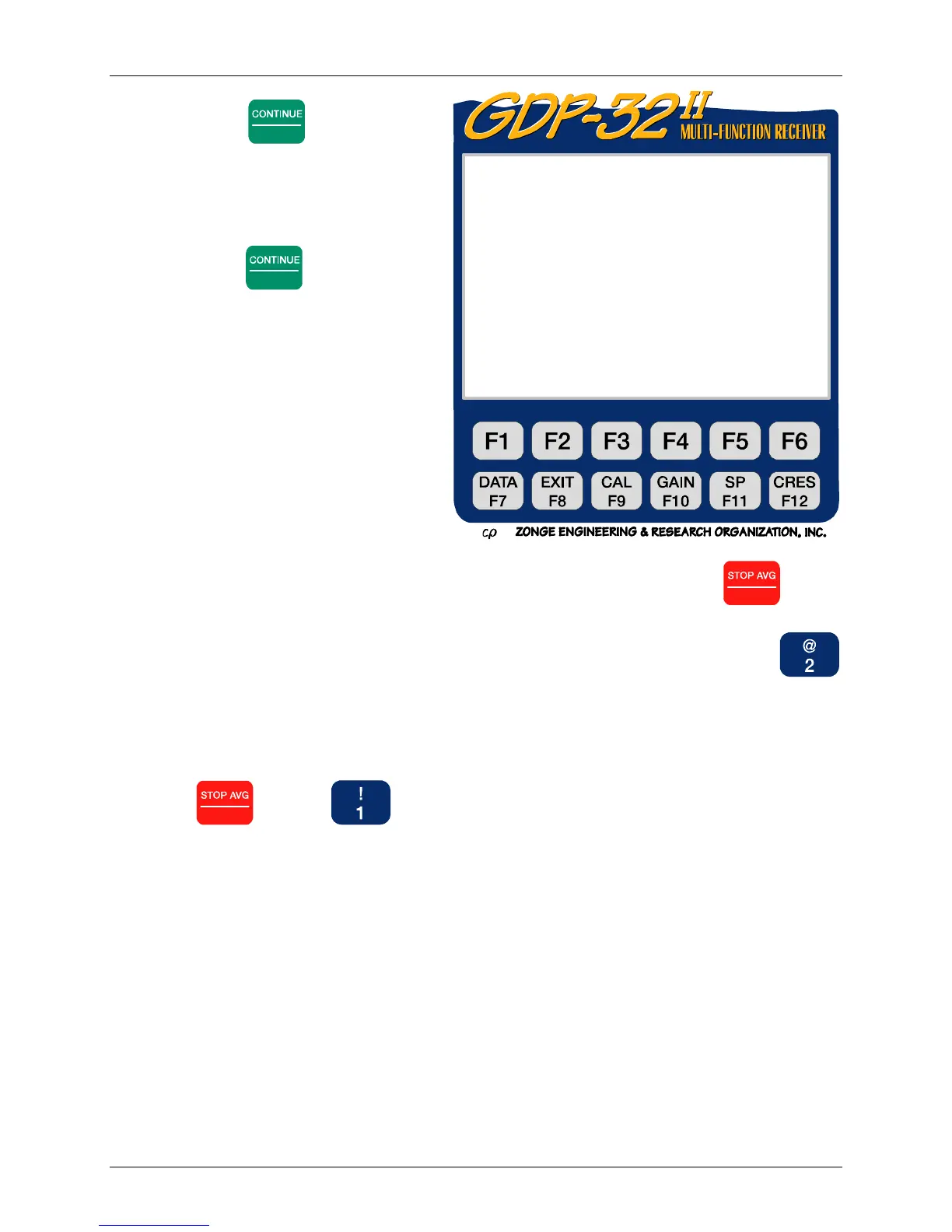
0151 RPIP0613 11.7 26 Jan 00 20:33:33
Survey D-D
Tx 1Rx 700N 60, 5 Ical 1v
1 Hz 16 Cycles Tx Curr 8
CH N G0 G1 G2 Atn SP GGGA
1 ON 1 1 1 1 OUT 8.00 088O
1 ON 2 1 1 1 OUT 8.00 088O
3 ON 3 1 1 1 OUT 8.00 088O
4 ON 4 1 1 1 OUT 8.00 088O
CONT when gains are set, ESCAPE to exit



 To Next Page