ACCESSING PROGRAMS
Section 5, Page 9 May 2002
CHANNEL PARAMETERS SCREEN
Enter channel parameters as outlined in each Field Survey Program Section into the Channel
Parameters Screen.
User Programmable Fields
CH
Available channels are displayed on the
screen. For each channel (for the RPIP
Survey Program) set the channel parameter
to one of the following:
• ON
• Ref – This designator is
used for single
frequency Complex
Resistivity (CR)
measurements with a
current reference (the
channel designated as
Ref).
• OFF
N
Defines the N-spacing for a particular channel. Fractional N's are permitted. Up to four digits
are permitted (e.g. 6.25). The decimal point does not appear for integer N-spacings. This
parameter is accessible in both the Channel Parameters Screen and the Data Acquisition Screen
for ease in changing values during a survey.
Additional Options
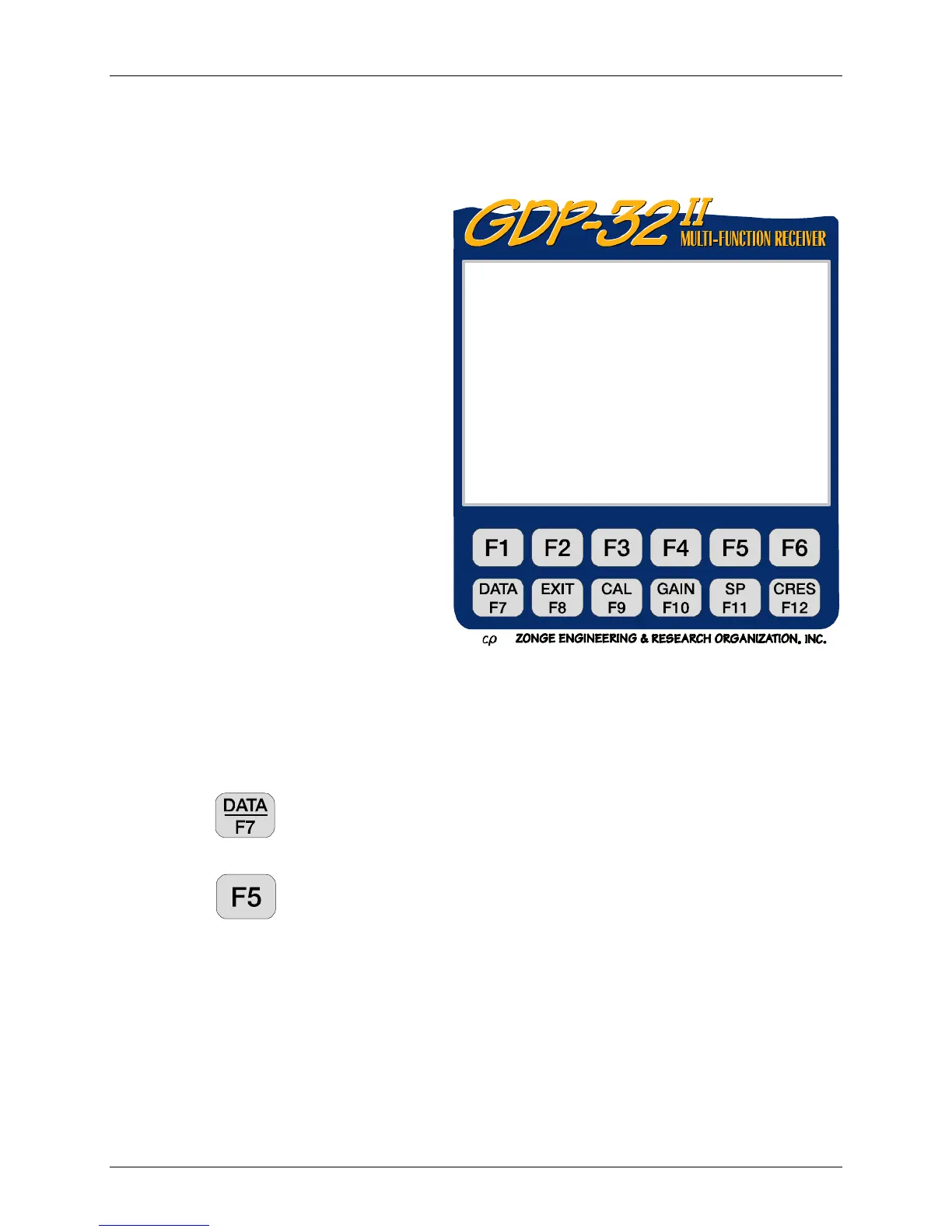
Press
to temporarily exit the data taking routine and look at data in the Field
Data Cache. See Section 7 - Handling Data for information about Data Mode.
Press
to access Ch Info data on the analog cards that are turned on. For
example:
1 DiffAmp Notch+60,3-5,9 S/N 67 Passed
2 DiffAmp Notch+60,3-5,9 S/N 127 Passed
3 DiffAmp Notch+60,3-5,9 S/N 256 Passed
• DiffAmp indicates the input plug-in card is a differential amplifier
• The powerline notch filter is a 60/180/300/540 Hz filter, (the "+" indicates a
modification level)
• The three board serial numbers are 67, 127, and 256
0810 RPIP0612 11.0 19 Jan 08 14:32:19
OPER dbf TX ID 1234 A-SP 6
JOB 94001 LINE 1 N SPREAD 1
CH N
1ON1
2ON2
3OFF
4OFF
CONTINUE: Next menu, ESCAPE: Prev. menu



 To Next Page