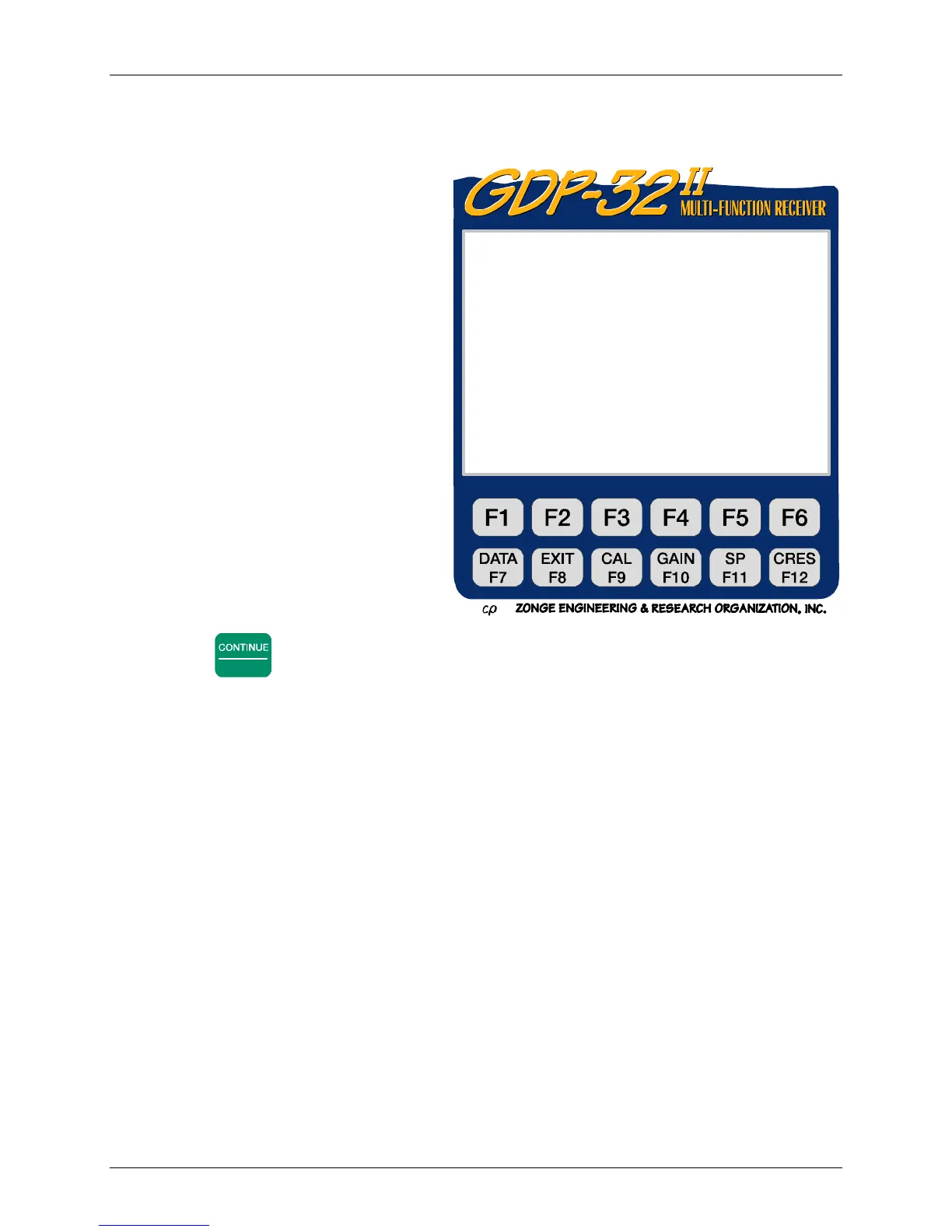
RECEIVER SETUP
Section 6, Page 19 May 2002
0575 SYNC0537 11.7 04 Jan 18 16:39:06
Tx 2 Rx 3 N OUT Esys 0.35 v
1Hz 00008CyclesTxCurr1
Adjust crystal using SELECT UP/SELECT
DOWN for coarse, UP/DOWN ARROW for
medium, and P REV/NEXT FIELD for fine
adjust until phase meter needle stops
completely. Then press RESET on XMT.
Both meters s hould deflect to right.
CONTINUE to acquire phase data
ESCAPE to exit
CONT-Take data, ES C-Prev Menu
9. To electronically adjust the crystal frequency of the GDP-32
II
to match that of the XMT-
32 use the cursor control keys and follow the instructions on the display:
While adjusting the frequency of
either instrument, the XMT-32
phase meter needle should come to
rest near the center of the meter,
where it is most sensitive to
movement. Use the cursor control
keys to adjust the frequency up or
down slightly until the needle
roughly stabilizes near the center of
the scale.
10. Press RESET on the XMT-32 to
synchronize the counter chains of
the two instruments. RESET places
the counters in both instruments in
the reset mode with the needles on
the analog meters steady and
deflected towards the right. When
RESET is released, both counters
simultaneously start to count,
thereby providing synchronized
frequency waveforms that can be
selected from the GDP-32
II
and
XMT-32.
11. Press
Enter
. The GDP-32
II
automatically measures the phase difference between the
external calibration signal generated by the GDP-32
II
and the corresponding signal
generated by the XMT-32. If the two instruments have been properly synchronized, the
measured phase difference is close to 0.0 mr.
12. Repeat step 11 several times to check the synchronization. The measured phase
difference should remain close to 0.0 mr.
13. Ensure that synchronization can be maintained without the synchronization cable. First,
disconnect the cable from the XMT-32, then from the GDP-32
II
, then repeating the phase
measurement.



 To Next Page