MODULE 4: RUN OPTIONS
4-16 AEROSET
®
Customer Training Guide
94858-103 — July 2003
Batch Ordering
Batch ordering is used when the same assays will be ordered for more
than one sample.
NOTE: Prior to using the Batch option, verify that sequentially
numbered carrier/positions are available for the number of
samples in the batch.
1. Enter the first patient sample order.
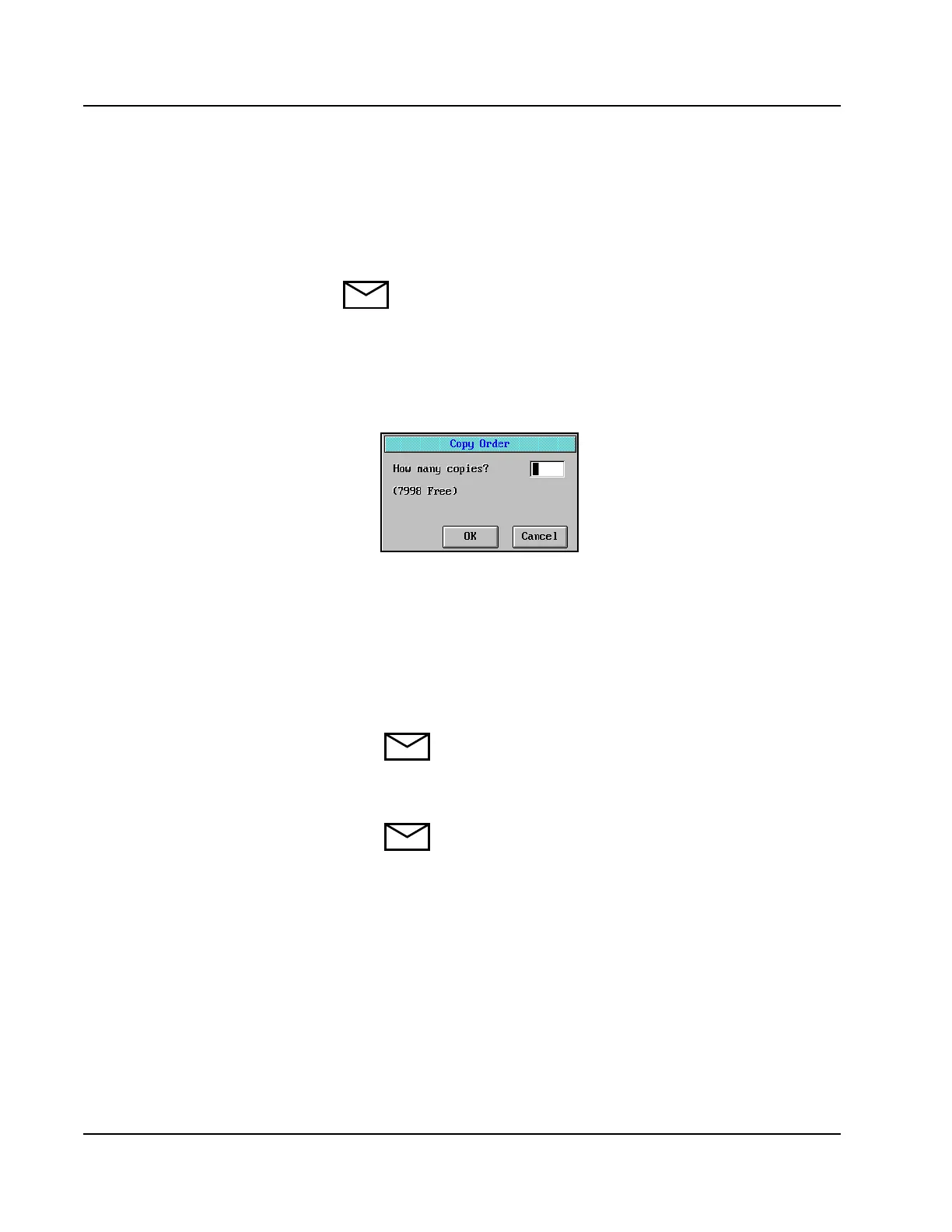
2. Select <Copy> in the right-hand column of the Order Samples
screen. The Copy Order dialog window is displayed.
Figure 4.7: Copy Order Dialog Window
3. Enter the number of additional samples in the batch, then select
<OK>. The order is copied for the specified number of samples.
The patient name and demographic information are not copied. The
C/P automatically increments. The Sample ID automatically
increments, only if it is defined as numeric format in the SYSTEM
CONFIGURATION screen.
NOTE: When using the Batch ordering option on the
Sample Carousel, ensure the configured carrier positions
on the Run Options screen match those of the
automatically incremented samples.
NOTE: Configuring the Sample ID format is reviewed in
Module 8, Configuration.
4. When ordering is complete, select <OK> in the right-hand column
of the Order Samples screen.
• When Alphanumeric SID IS
SELECTED in system
configuration, the SID WILL NOT
increment. If Alphanumeric SID is
NOT selected in system
configuration, the SID WILL
increment. SID can be edited if
desired.
• After touching “OK” to close “Copy
Order” dialog box, can use “Next”
to access records to edit SID. On last
copy, touch “OK” or “New”.
• Show that Sample Carousel C/P
does not automatically increment
from 1000/5 to 2000/1.



 To Next Page