Editing Results
AEROSET
®
Customer Training Guide 5-31
94858-103 — July 2003
EDITING RESULTS
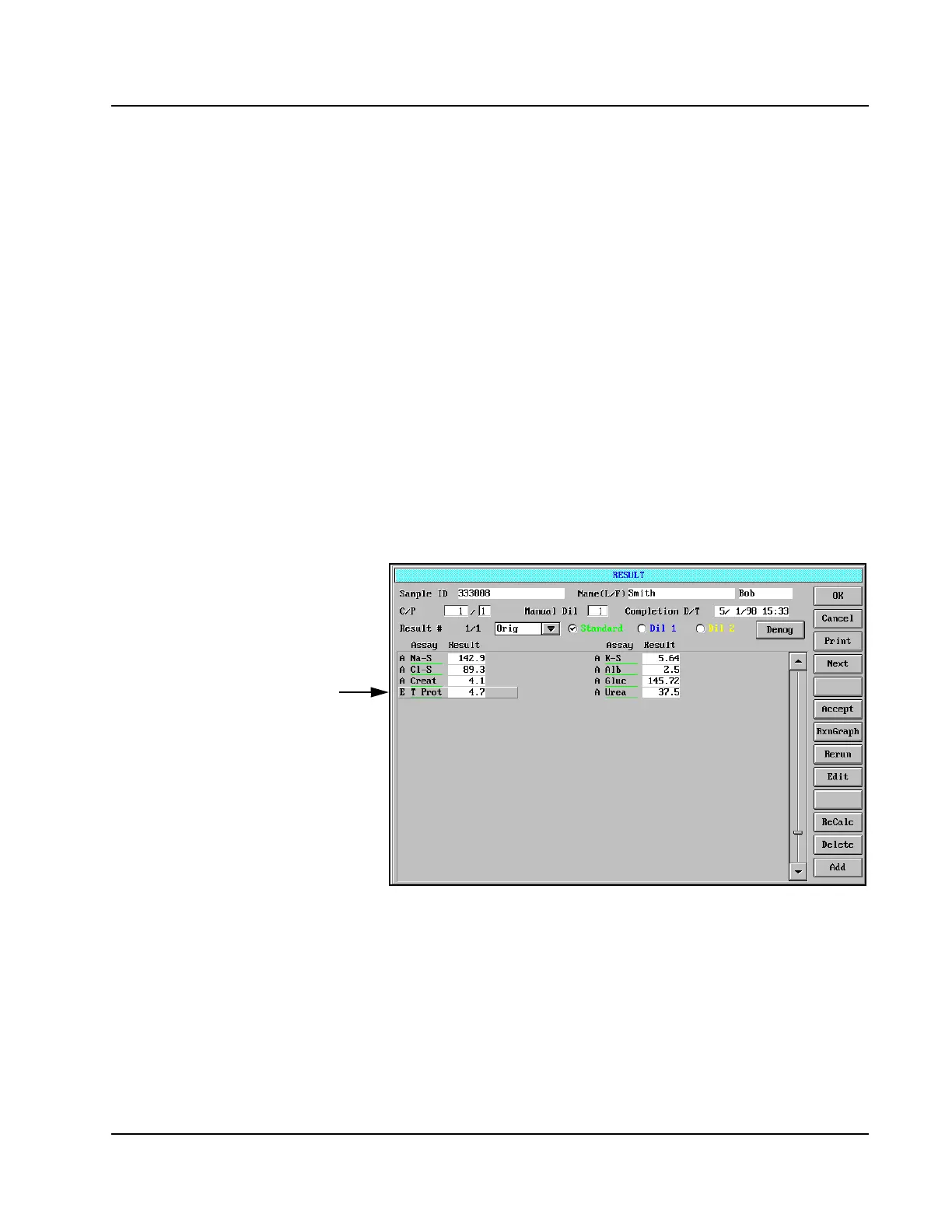
Whenever a result is edited, the Processing Code “E” (Edited) is
displayed for the result. The “E” remains even after the result has been
accepted and validated. To edit a result, perform the following
procedure:
1. Select <Database> in the Information Access Area, if the screen is
not currently displayed.
2. Select the desired sample.
3. Select <Result> in the right-hand column. The RESULT screen is
displayed.
4. Touch the desired assay result.
5. Select <Edit> in the right-hand column of the RESULT screen (or
press [E] on the keyboard).
6. A blue box appears around the result to be edited, and a cursor
appears in the Result field.
Figure 5.19: Editing the RESULT Screen
7. Type in the result desired.
8. Press [Enter]. An “E” is displayed next to the edited result.
9. Select <OK> to exit to the DATABASE screen.
10. If all results for the sample have been accepted or edited, a dialog
box displays which prompts the Operator to validate the sample.
Select <OK> to validate or <Cancel> to exit.
• Manually edit 1 result at a
time.
• Will give an “E” flag on that
result on screen, can be
configured to appear on
printout. “E” flag will be sent
to the Host.
Result
Field



 To Next Page