MODULE 5: RESULT HANDLING
5-30 AEROSET
®
Customer Training Guide
94858-103 — July 2003
ADDING ASSAYS TO A COMPLETED SAMPLE
1. Select <Database> in the Information Access Area, if the screen is
not currently displayed.
2. Select the sample to which assays will be added.
3. Select <Result> in the right-hand column. The RESULT screen is
displayed.
4. Select <Add> in the right-hand column of the RESULT screen.
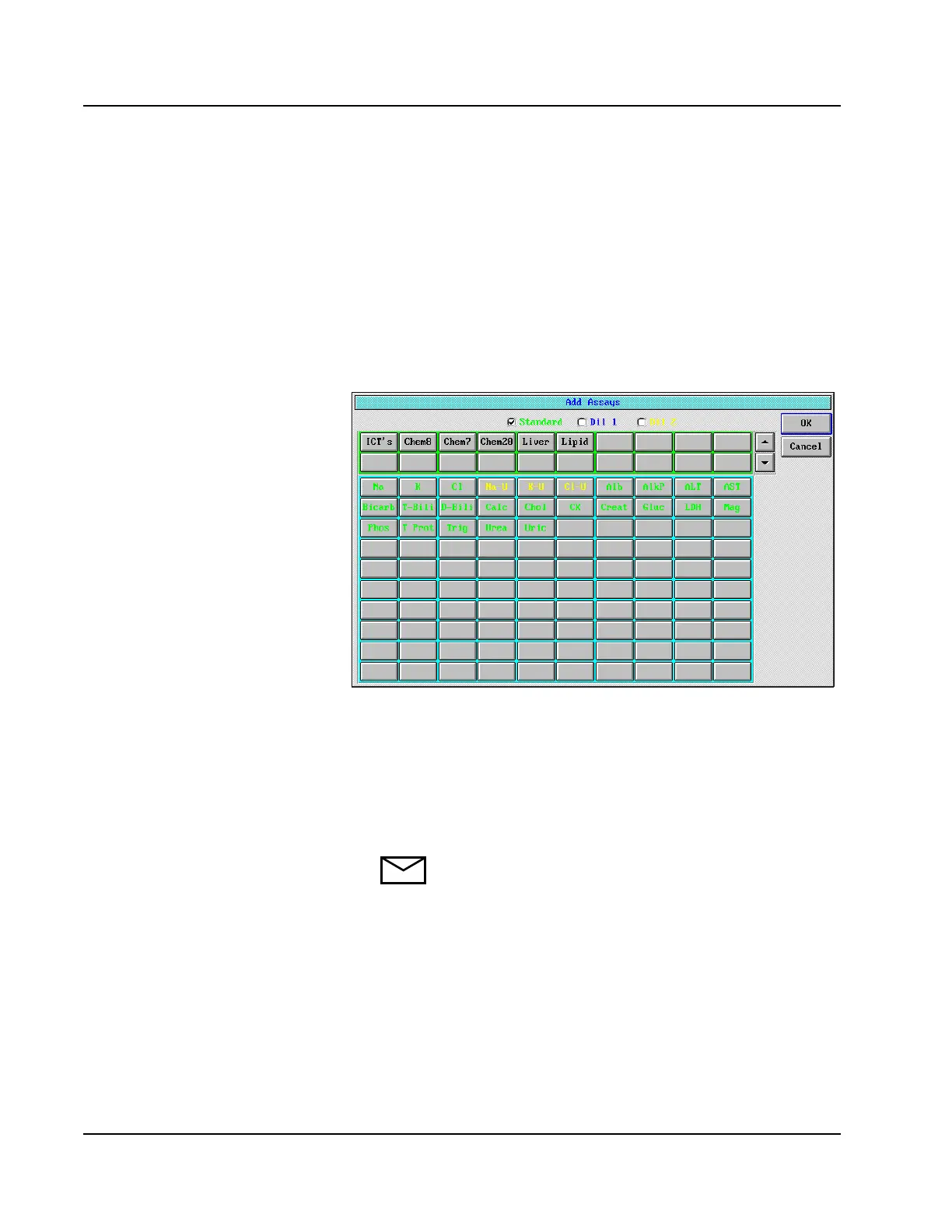
The Add Assays screen is displayed.
Figure 5.18: Add Assays Screen
5. Select the assay(s)/panel(s) to be added to the completed sample.
6. Select <OK>. The added assays display on the RESULT screen.
7. Select <OK> to exit to the DATABASE screen. The sample is
displayed with an “R” Processing Code and pink text to indicate that
it is pending.
NOTE: If the System is not configured for Auto Return,
the Operator must manually move the sample to a
sampling position.
8. To initiate the run, select <RUN> in the Action Area. The RUN
OPTIONS screen is displayed.
9. Select the options desired, then select <Start> in the upper
right-hand corner of the RUN OPTIONS screen.



 To Next Page