Reviewing Results
AEROSET
®
Customer Training Guide 5-5
94858-103 — July 2003
REVIEWING RESULTS
Once a sample is complete, you can review the results. There are two
screens from which results may be viewed:
• DATABASE screen
• RESULT screen
Reviewing Results on the DATABASE Screen
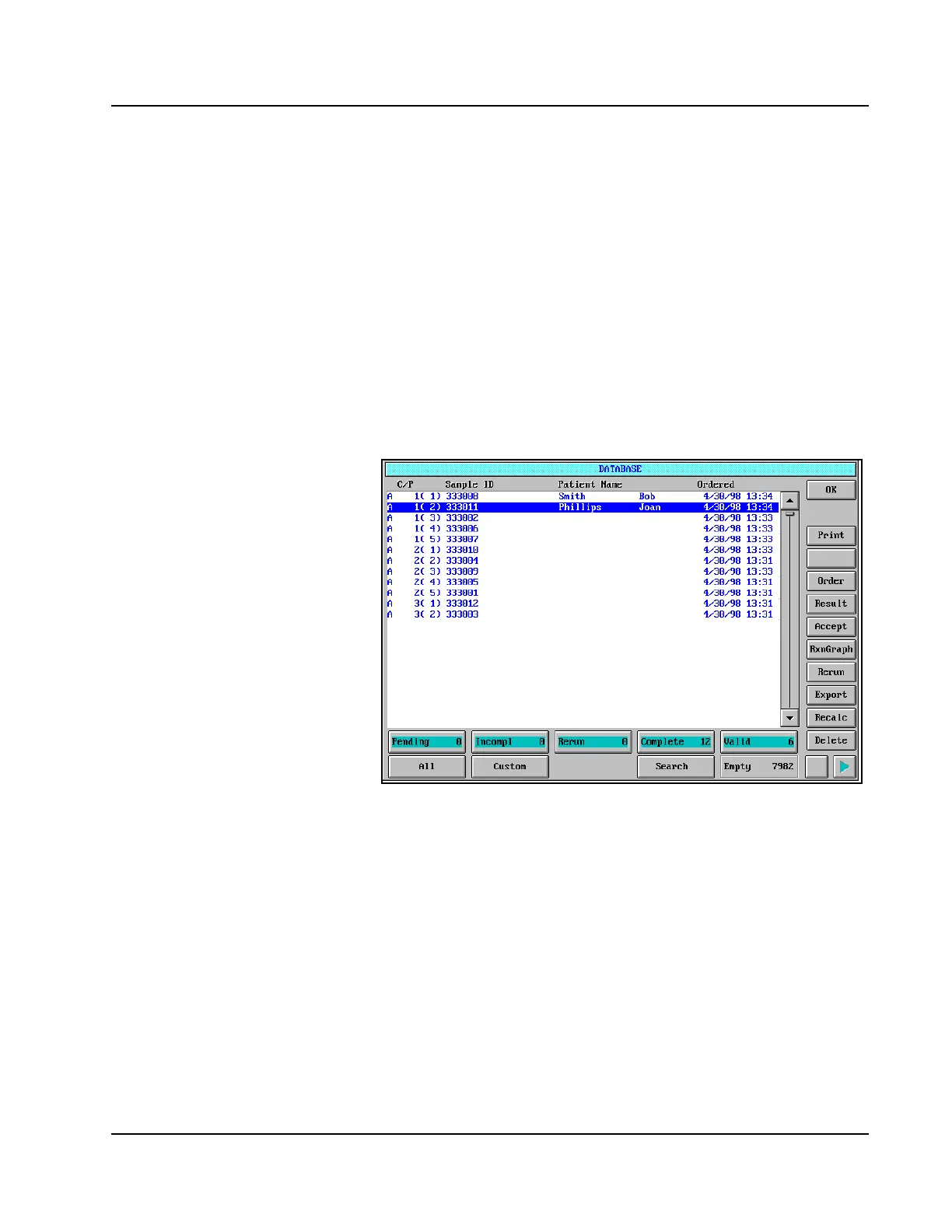
1. To access the DATABASE screen, select <Database> in the
Information Access Area. The DATABASE screen is displayed.
Figure 5.1: DATABASE Screen
2. To view the results for the samples displayed in the DATABASE
screen, select the arrow buttons at the bottom of the right-hand
column or press [→] or [←] on the keyboard to scroll right and left.
The DATABASE screen is configured like a spreadsheet with rows and
columns. A sample occupies one row and the different columns are
viewed by scrolling right and left.
The C/P and Sample ID columns do not scroll. These columns remain
fixed for data identification. The following columns are displayed in the
DATABASE screen:
• Processing Code
• C/P (Carrier/Position)
• Discuss how the Training
Guide shows reviewing results
on database screen and
reviewing results in Results
screen (good reference tool).
• Tab to end and see
demographics after the
100 assays.



 To Next Page