MODULE 5: RESULT HANDLING
5-26 AEROSET
®
Customer Training Guide
94858-103 — July 2003
REVIEWING AND SELECTING RERUN AND REPLICATE
RESULTS
Original, rerun, and replicate results are displayed in the DATABASE
screen. When a rerun is complete, the original sample has a Processing
Code of “I” to the left side of the sample information on the DATABASE
screen. The rerun sample has a Processing Code of “L” (Link) because it
is linked to the original sample. The replicate sample has a processing
code of “r”.
Reviewing Rerun Results
To review the results of the original, and rerun or replicate samples,
perform the following procedure:
1. Select <Database> in the Information Access Area, if the screen is
not currently displayed.
2. Select the original sample to be reviewed (the sample with the
Processing Code of “I”).
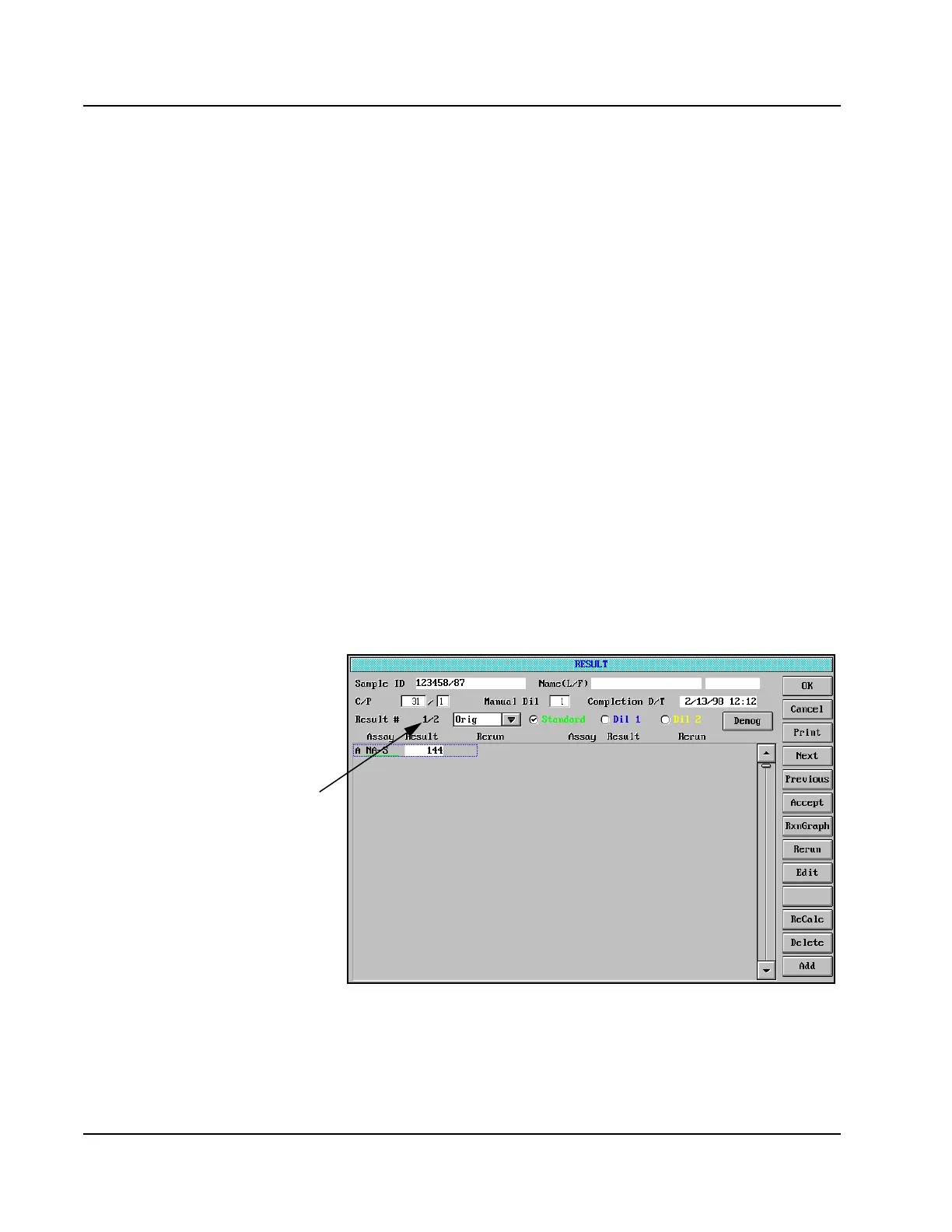
3. Select <Result> in the right-hand column. The RESULT screen is
displayed.
Figure 5.15: RESULT Screen
• When viewing links,
measurement type underline
will only appear under assays
with reruns.
• Show how reruns and linked
samples can be displayed by
selecting the Result # Drop
down box
• Rerun = Link 1, Link 2...
• Replicate = Orig-1
Orig-2....
Result #
Indicator



 To Next Page