MODULE 5: RESULT HANDLING
5-32 AEROSET
®
Customer Training Guide
94858-103 — July 2003
DELETING RESULTS
Deleting Samples from the DATABASE Screen
1. Select <Database> in the Information Access Area, if the screen is
not currently displayed.
2. Select the sample(s) to be deleted:
• To highlight multiple consecutive samples in a list, select the
first sample in the list then highlight the remaining samples by
holding [Shift] and pressing [↓] on the keyboard.
• To highlight multiple random samples, hold down [Ctrl] while
selecting the samples on the screen.
NOTE: A sample cannot be deleted while it is running
(the text is brown).
NOTE: Deletion of an original sample also deletes all
reruns and replicates ordered for that sample.
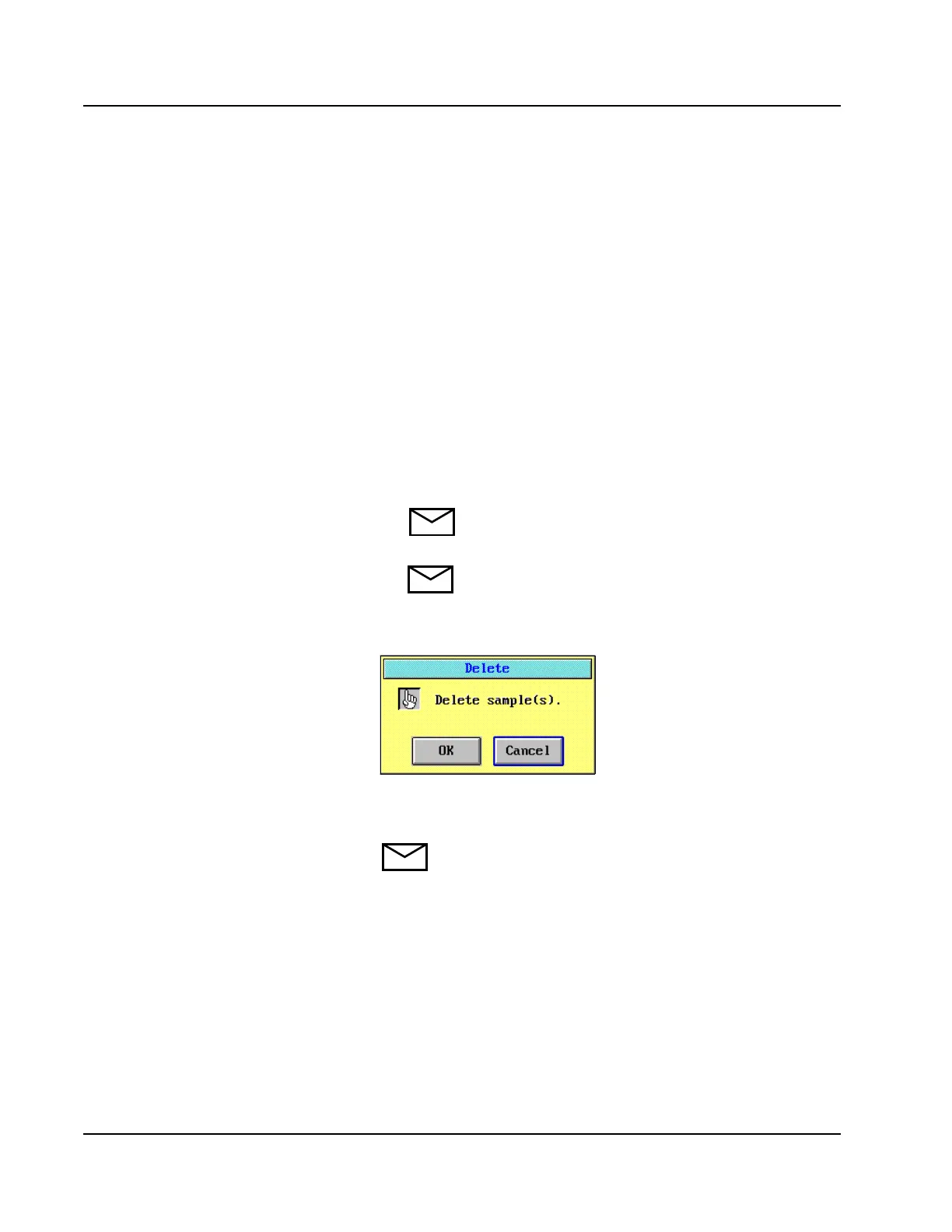
3. Select <Delete> in the right-hand column. The Delete confirmation
dialog window is displayed.
Figure 5.20: Delete Confirmation Dialog Window
4. Select <OK> to delete the selected samples.
NOTE: Deleting samples from the DATABASE screen
does not accomplish the same function as the daily clearing
of the Database (All Records) option in the SHUTDOWN
Procedure.



 To Next Page