Power OFF Procedure
AEROSET
®
Customer Training Guide 11-11
94858-103 — July 2003
POWER OFF PROCEDURE
When troubleshooting or performing component replacement, it may be
necessary to turn the System power OFF. Perform the following
procedure to shutdown the software prior to turning the power OFF.
1. Close or exit any open screens.
2. Select the Exit icon from the Action Area of the Main
Display.
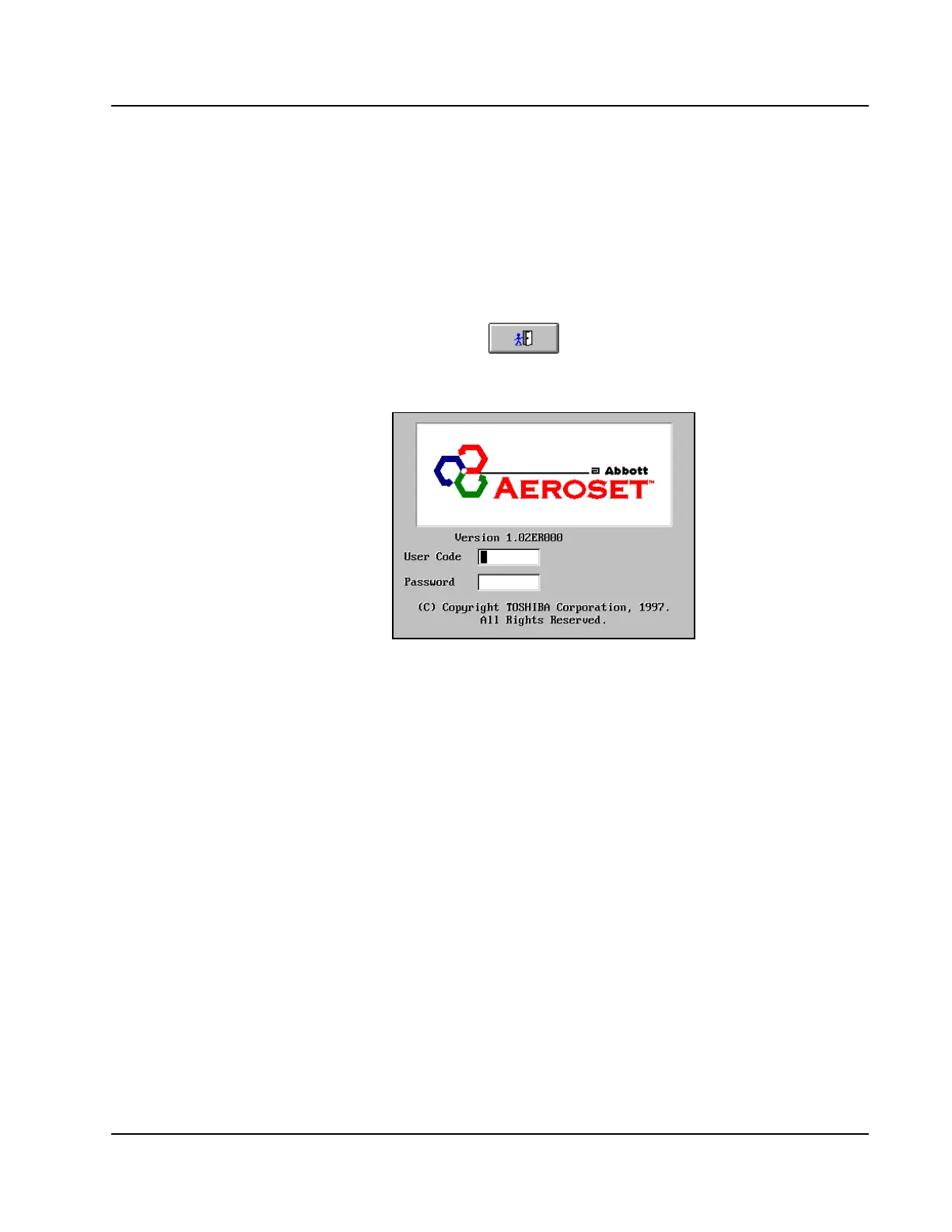
3. Select <OK> . The Log On screen is displayed.
Figure 11.7: Log On Screen
4. In the User Code entry field, type bye.
5. Press [Enter]. The following messages are displayed:
• “Starting System Power OFF Procedure”
• “Shutdown will be completed in 10 sec”
• “Shutdown Procedure in progress”
• “Please, Power OFF!”



 To Next Page