MODULE 4: RUN OPTIONS
4-8 AEROSET
®
Customer Training Guide
94858-103 — July 2003
SAMPLE ORDER OPTIONS
Ordering Patient Samples on the Sample Carousel
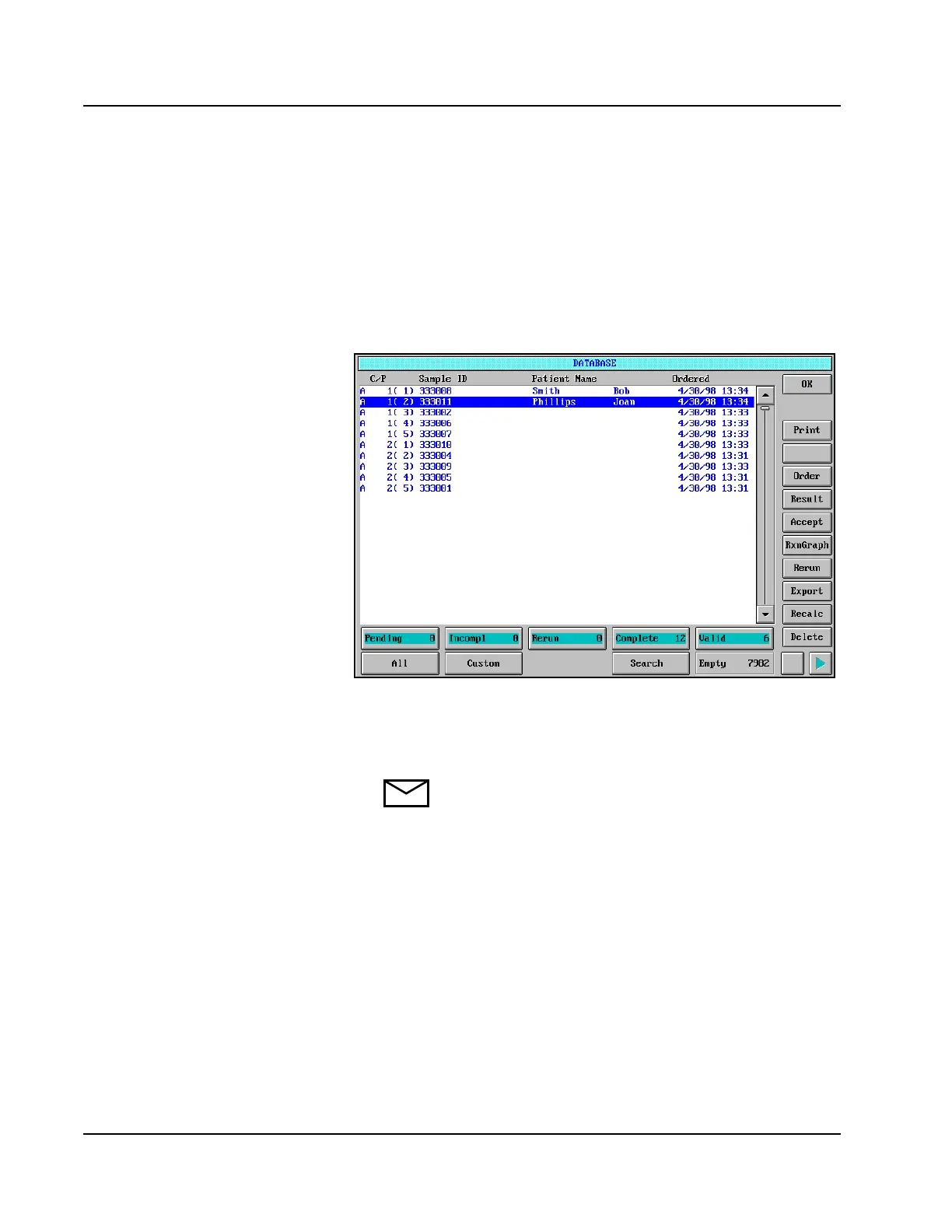
1. Select <Database> in the Information Access Area of the Main
Display if the DATABASE screen is not currently displayed.
Figure 4.2: DATABASE Screen
2. Determine which available Sample Carousel carrier and position
will be used for the sample to be run.
NOTE: If no carrier/positions are available, highlight the
sample(s) occupying the position(s) to be used, and delete
those samples.
• Pull out sample carousel and show
students sections A-F, 5 positions in
each and how sections relate to Run
Options screen.
• Ask - What would the Carrier ID and
position # be for Position A3?
• Have an unlimited # of carousel #’s.
• Would have to redefine each time you
want to reuse the positions.



 To Next Page