System Log On and Log Off
AEROSET
®
Customer Training Guide 3-5
94858-103 — July 2003
SYSTEM LOG ON AND LOG OFF
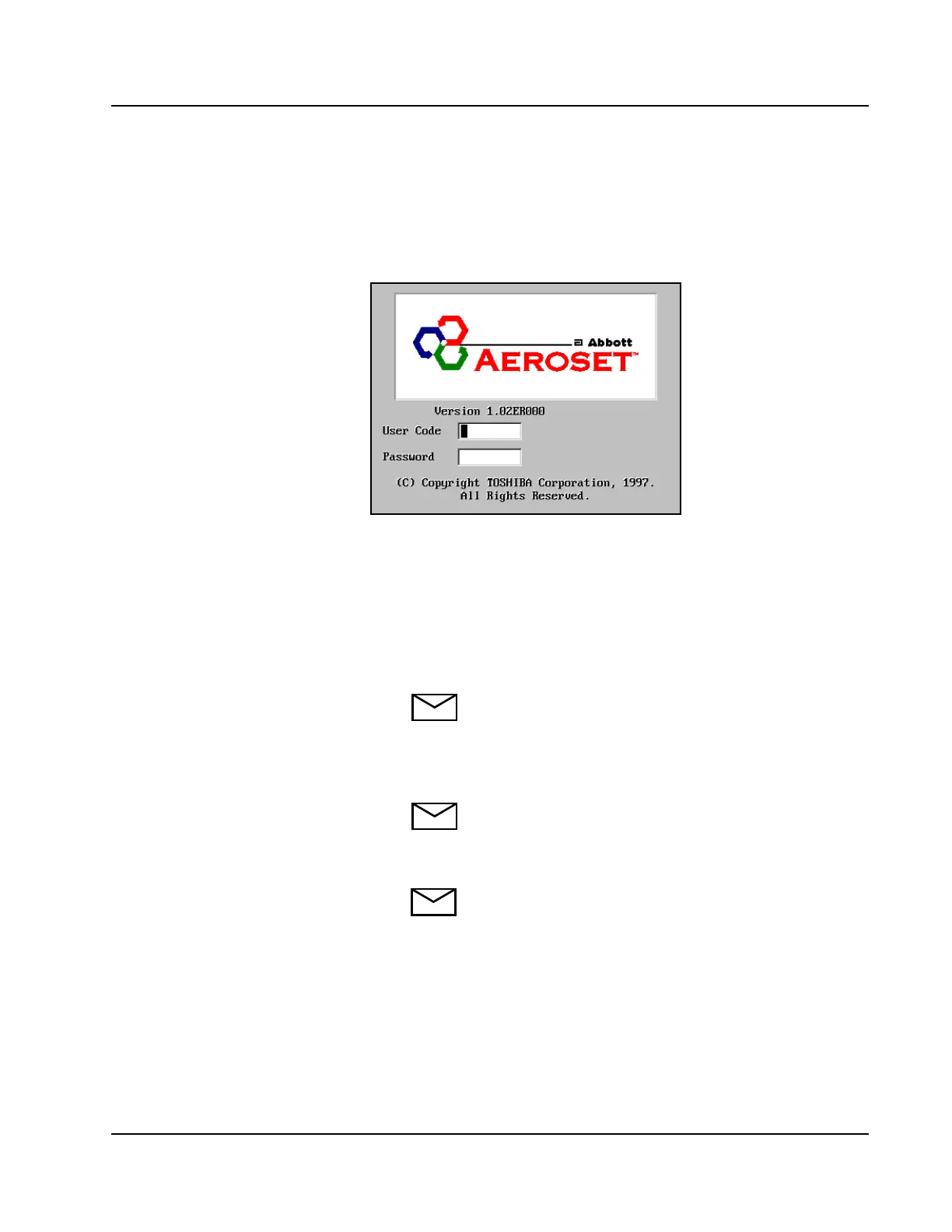
When the AEROSET System is Powered ON, the software on the
System Control Center opens to the Log On dialog window. This screen
is shown below:
Figure 3.1: Log On Dialog Window
Log On
To Log On to the AEROSET System, perform the following procedure:
1. Type the User Code.
NOTE: Do not press [Enter] after typing the User Code.
2. Press [Tab] on the keyboard.
3. Type the Password.
NOTE: Both fields are case sensitive.
4. Press [Enter] or select <OK>.
NOTE: For the procedure on creating User
Code/Passwords, refer to Module 8, Configuration.
• guest/xxxx* (numbered password)
• extra/ex_tra*
*Abbott personnel only
• These user codes/passwords are
configured on training instruments
only. They will not be configured on
customer’s instrument.
- abbott/Aeroset
- aeroset/user



 To Next Page