MODULE 3: DAILY START UP AND CHECKS
3-6 AEROSET
®
Customer Training Guide
94858-103 — July 2003
Log Off
The Operator must Log Off to enable another Operator to Log On or to
perform the Power OFF Procedure.
1. Close or exit any open screens.
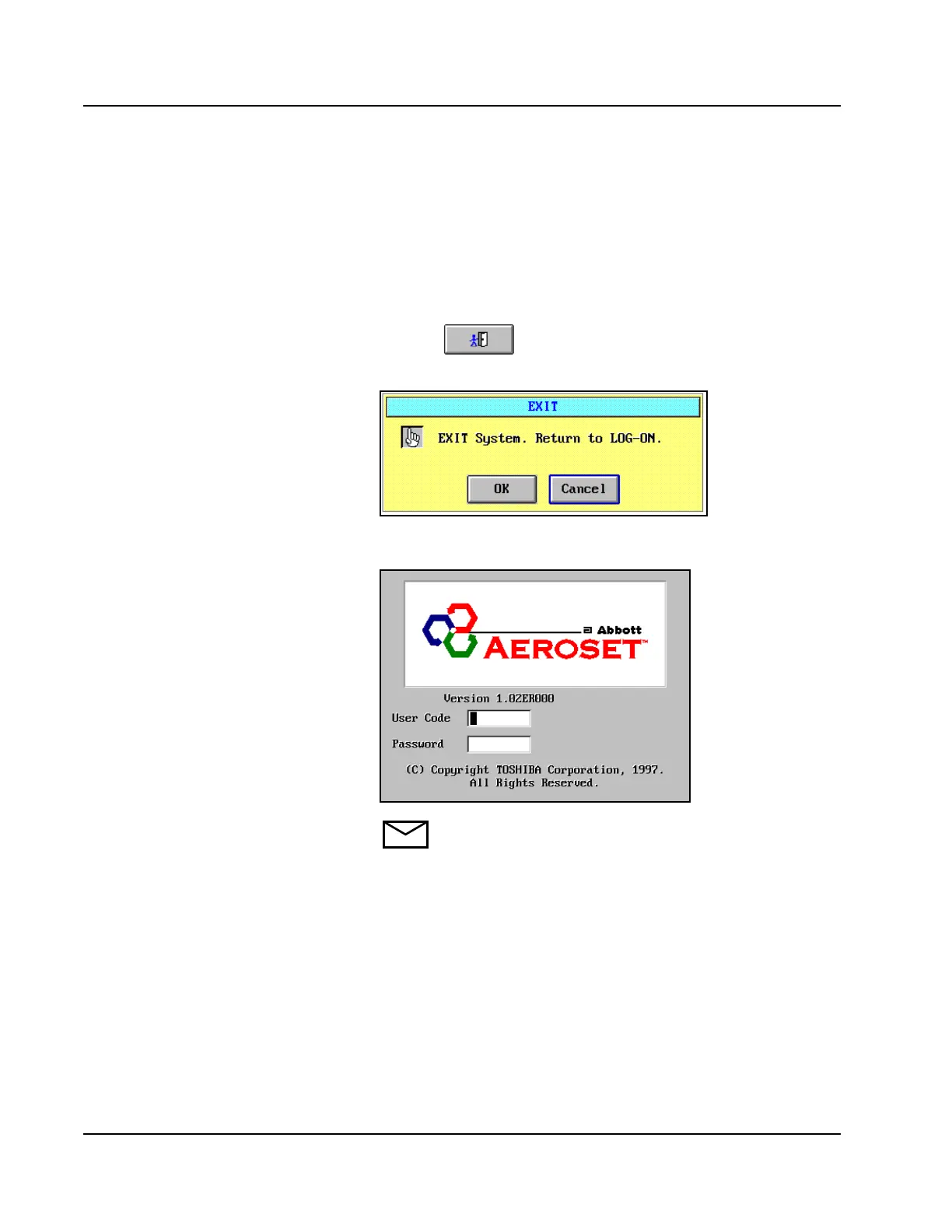
2. Select the Exit icon from the Action Area of the Main
Display.
3. The EXIT dialog window is displayed.
Figure 3.2: EXIT Dialog Window
4. Select <OK>. The Log On screen is displayed.
NOTE: For the Power OFF Procedure, refer to Module 11,
Component Replacement and Troubleshooting.
5. The System is ready for the new Operator to perform the Log On
Procedure.



 To Next Page