QC Summary Report
AEROSET
®
Customer Training Guide 7-39
94858-103 — July 2003
8. Enter a file name, up to 8 characters.
9. Insert a disk in the floppy disk drive of the SCC computer.
NOTE: Ensure FLOPPY DISK displays in the Drive field.
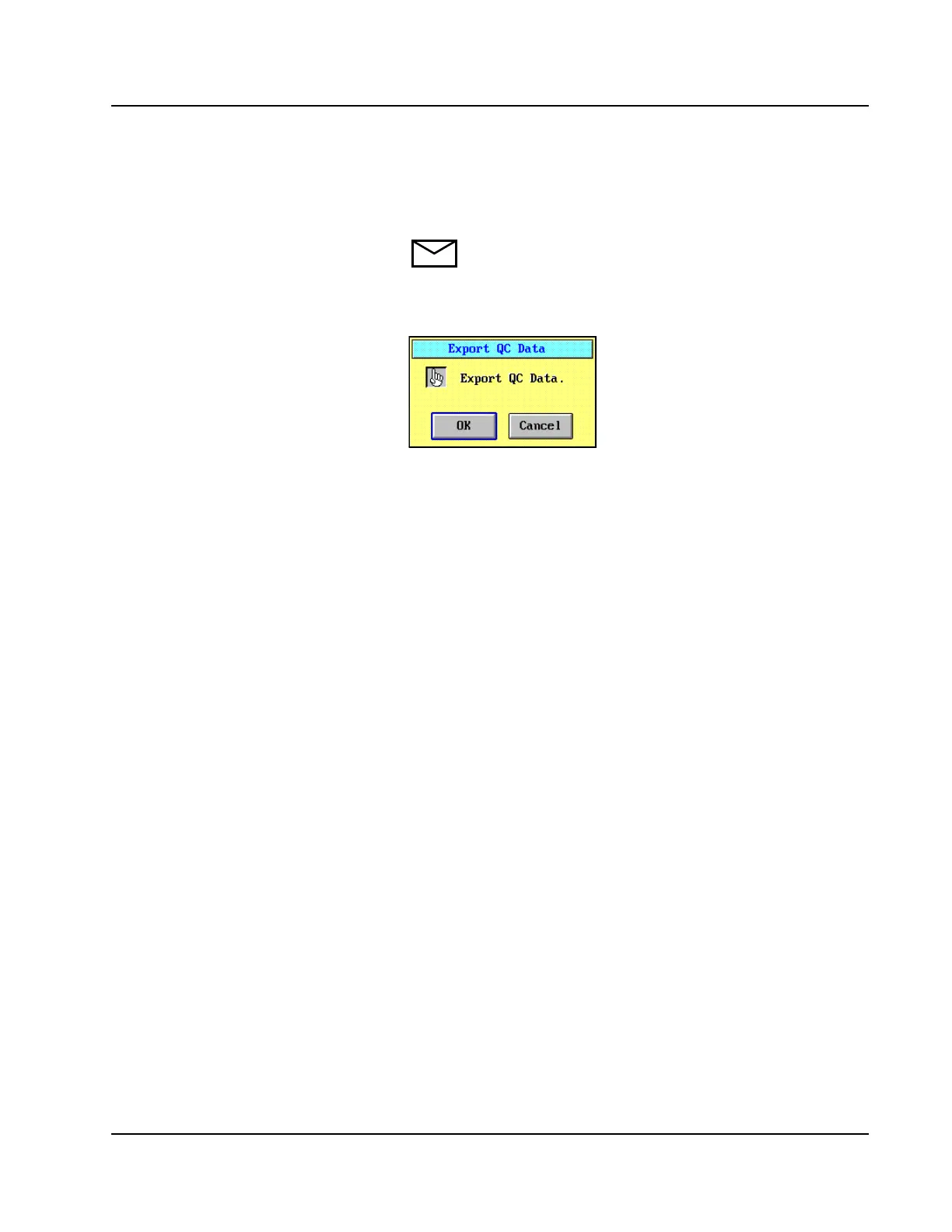
10. Select <OK>. The Export QC Data confirmation dialog window
displays.
Figure 7.25: Export QC Data Confirmation Dialog Window
11. Select <OK>. QC data are transferred to the floppy disk.
12. Remove the disk from the floppy disk drive when the export process
is complete.



 To Next Page