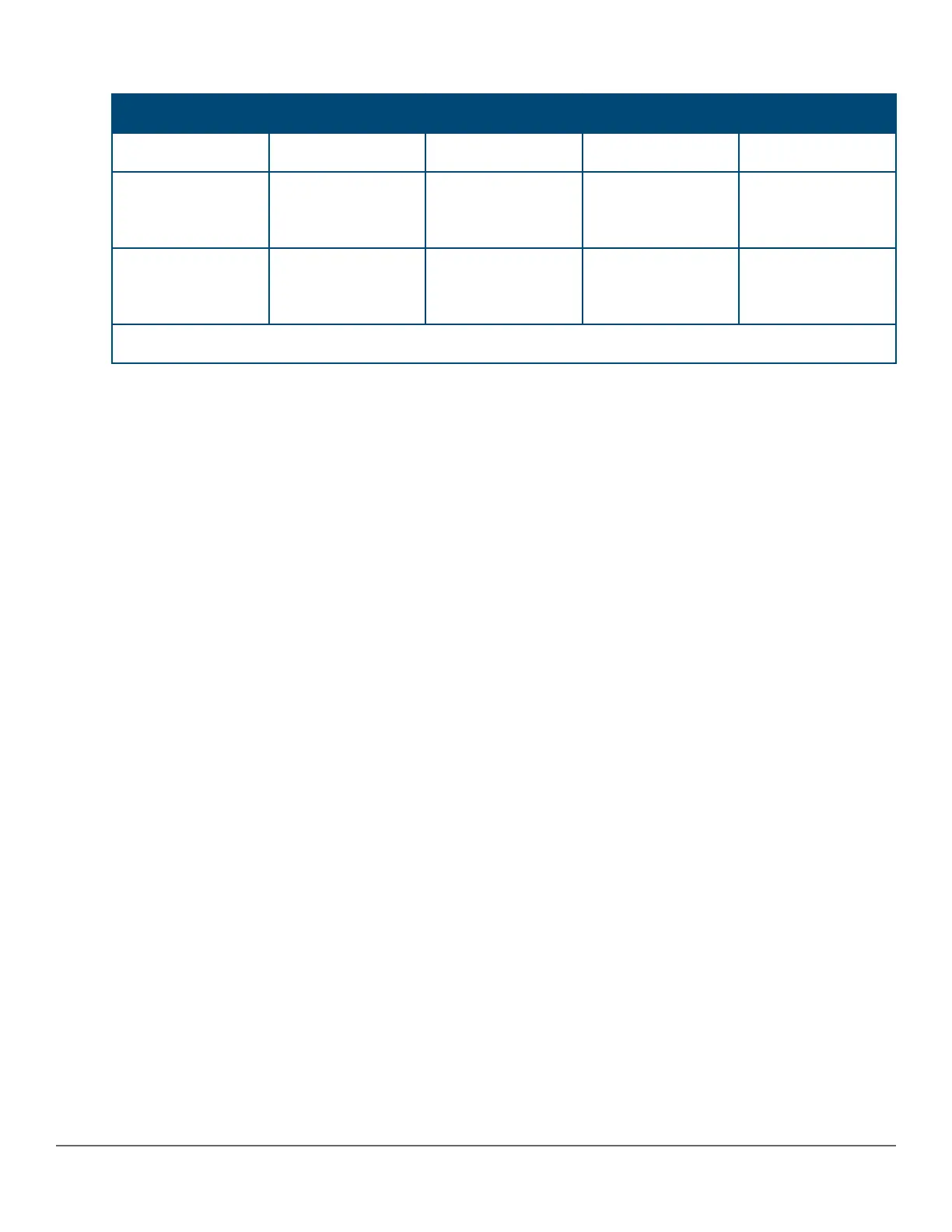
Table 19: Peer state transition timings
Interval Time Interval 1 Interval 1 + delta Interval 2 Interval 3
5 sec 5+(<5) sec* 10 sec 15 sec
With triggered
updates
State = blockedPeer
State = blocked
Inform PeerState =
unblockedPeer State
= unblocked
Regular UDLD TX Regular UDLD TX
Without triggered
updates
State = blockedPeer
State = blocked
State =
unblockedPeer State
= blocked
Inform PeerState =
unblockedPeer State
= unblocked
Regular UDLD TX
*delta is the time when the unblock event occurs on local side
Restrictions
• There is no support available when configuring this mode from the web and menu interface.
• There are no new packet types are introduced with UDLD.
• There are no new UDLD timers being introduced.
UDLD configuration commands
Syntax:
HP Switch(config)# link-keepalive mode [verify-then-forward | forward-then-verify]
This command configures the link-keepalive mode.
Link-keepalive provides two modes of operation; verify-then-forward and forward-then-verify.
When using the verify-then-forward mode, the port is in a blocking state until the link configured for UDLD
establishes bidirectional communication. When using the forward-then-verify mode, the port forwards the
data then verifies the status of the link-in state.
When a unidirectional state is detected, the port is moved to a blocked state.
When a bidirectional state is detected, the data is forwarded without interruption.
Syntax:
HP Switch(config)# link-keepalive mode verify-then-forward
Keeps the port in a logically blocked state until the link configured for UDLD has been successfully established in
bi-directional communication.
Syntax:
HP Switch(config)# link-keepalive mode forward-then-verify
Forwards the data then verifies the status of the link. If a unidirectional state is detected, the port is then moved to
a blocked state.
170 Aruba 2530 Management and Configuration Guide for
ArubaOS-Switch 16.05














 To Next Page