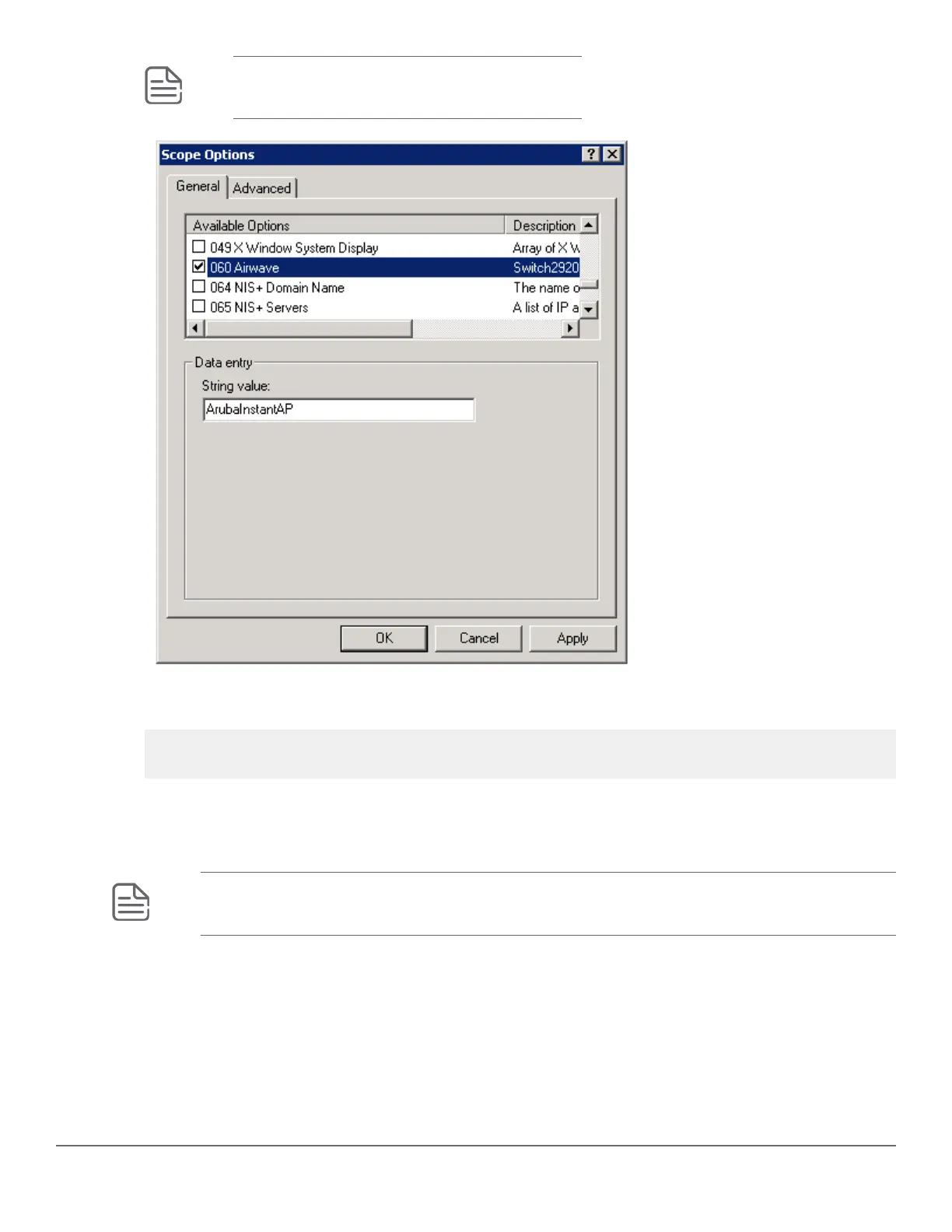
NOTE: No changes are required to the 060 option.
13. You can verify the AirWave details as follows:
switch# show amp-server
switch# show run
Configure AirWave details in DHCP (alternative method)
To configure a DHCP server for ZTP and AirWave, from a Windows Server 2008, do the following steps:
NOTE: Use these steps to configure ZTP for every switch by selecting a different Vendor Class for
each type of switch.
Procedure
1. From the Start menu, select Server Manager.
228 Aruba 2530 Management and Configuration Guide for
ArubaOS-Switch 16.05














 To Next Page