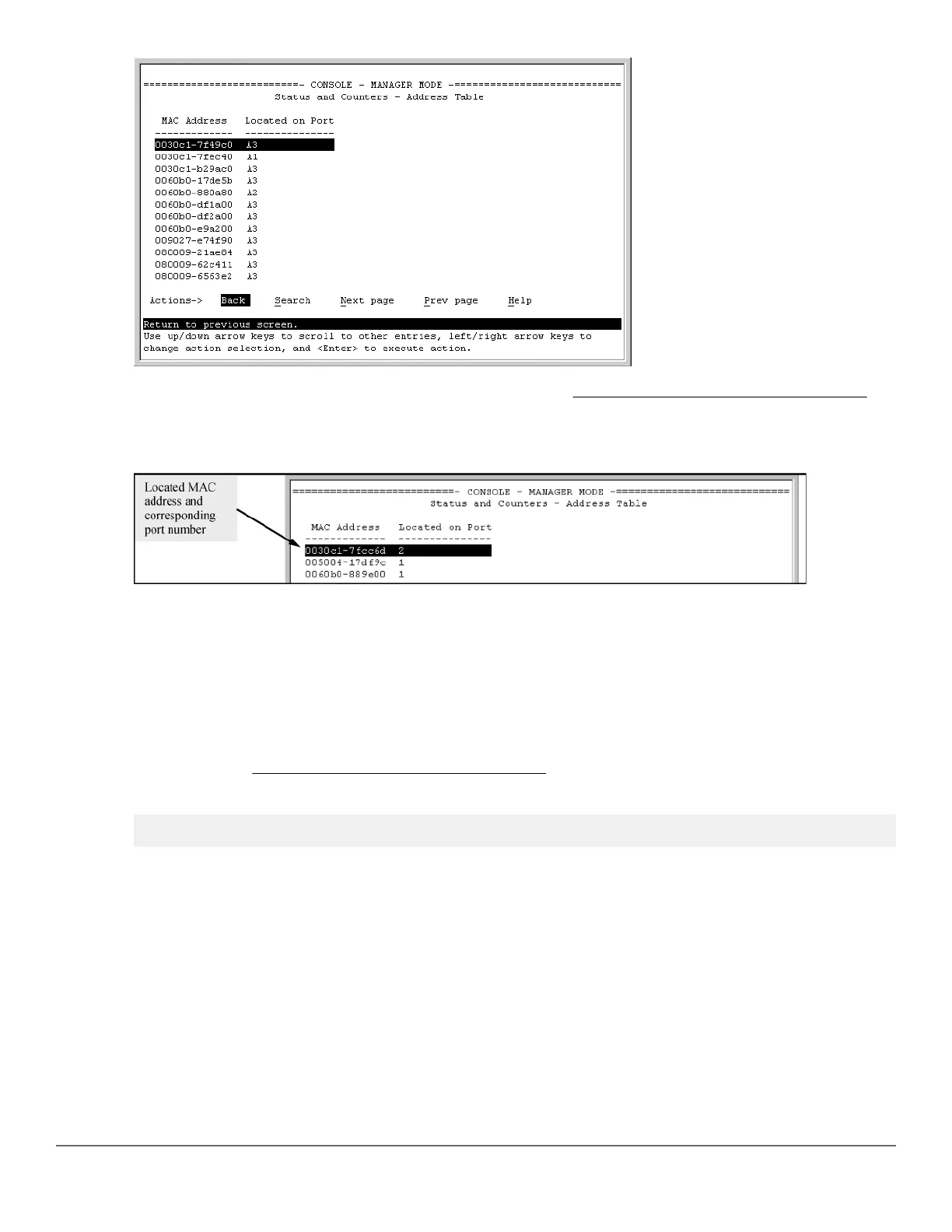
The switch then displays the MAC address table for that VLAN (Figure 45: Example of the address table on
page 286.)
Figure 45: Example of the address table
3. To page through the listing, use Next page and Prev page .
Finding the port connection for a specific device on a VLAN
This feature uses a device's MAC address that you enter to identify the port used by that device.
Procedure
1. Proceeding from Figure 45: Example of the address table on page 286, press [S] (for Search ), to display
the following prompt:
Enter MAC address: _
2. Enter the MAC address you want to locate and press [Enter].
286 Aruba 2530 Management and Configuration Guide for
ArubaOS-Switch 16.05














 To Next Page