NOTE: Select Back to exit the display.
Example:
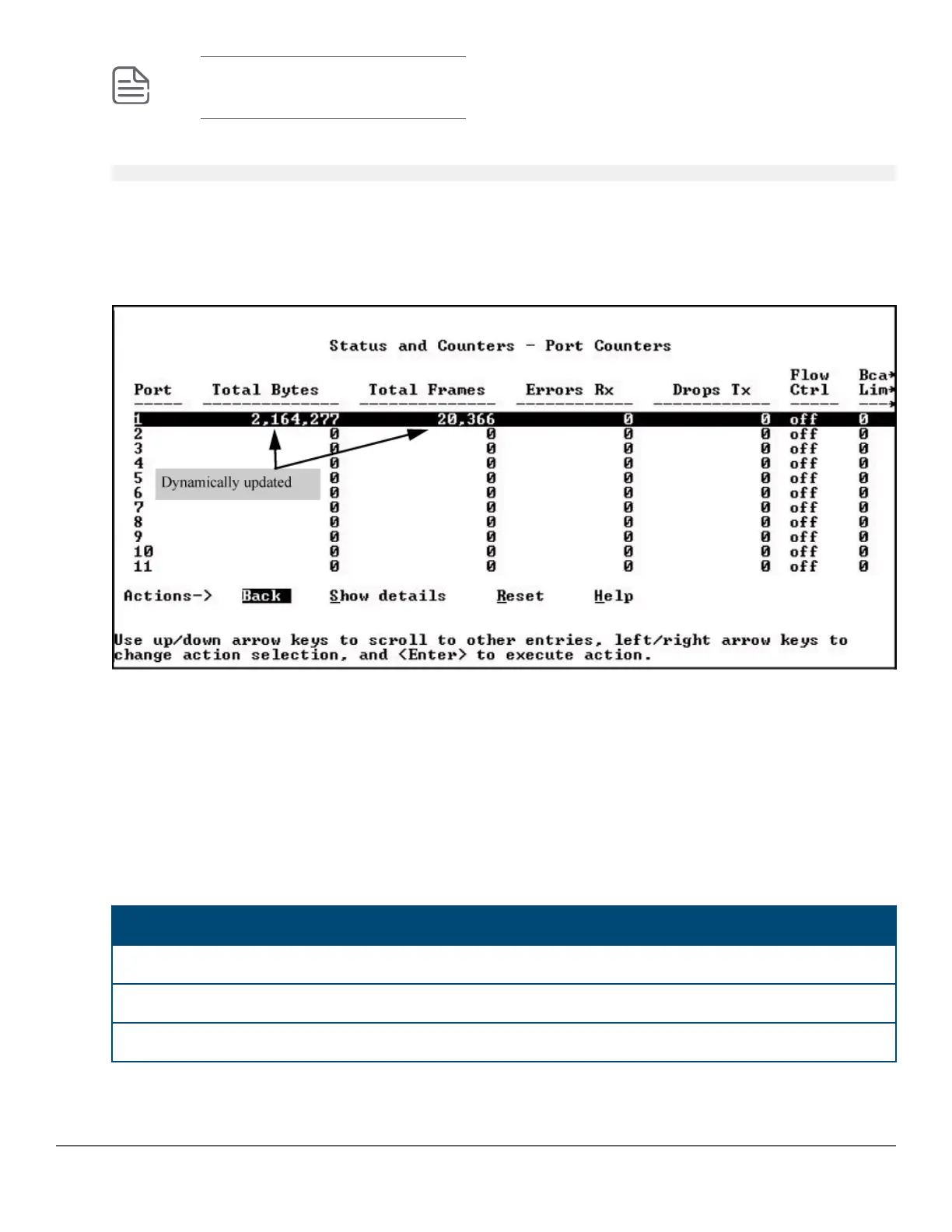
switch# show interfaces display
When using the display option in the CLI, the information stays on the screen and is updated every 3 seconds, as
occurs with the display using the menu feature. The update is terminated with Cntl-C.
You can use the arrow keys to scroll through the screen when the output does not fit in one screen.
Figure 6: show interfaces display command with dynamically updating output
Customizing the show interfaces command (CLI)
You can create show commands displaying the information that you want to see in any order you want by using
the custom option.
Syntax:
show interfaces custom [port-list] column-list
Select the information that you want to display. Supported columns are shown in the table below.
Table 6: Supported columns, what they display, and examples:
Parameter column Displays Examples
port Port identifier A2
type Port type 100/1000T
status Port status up or down
Table Continued
60 Aruba 2530 Management and Configuration Guide for
ArubaOS-Switch 16.05














 To Next Page