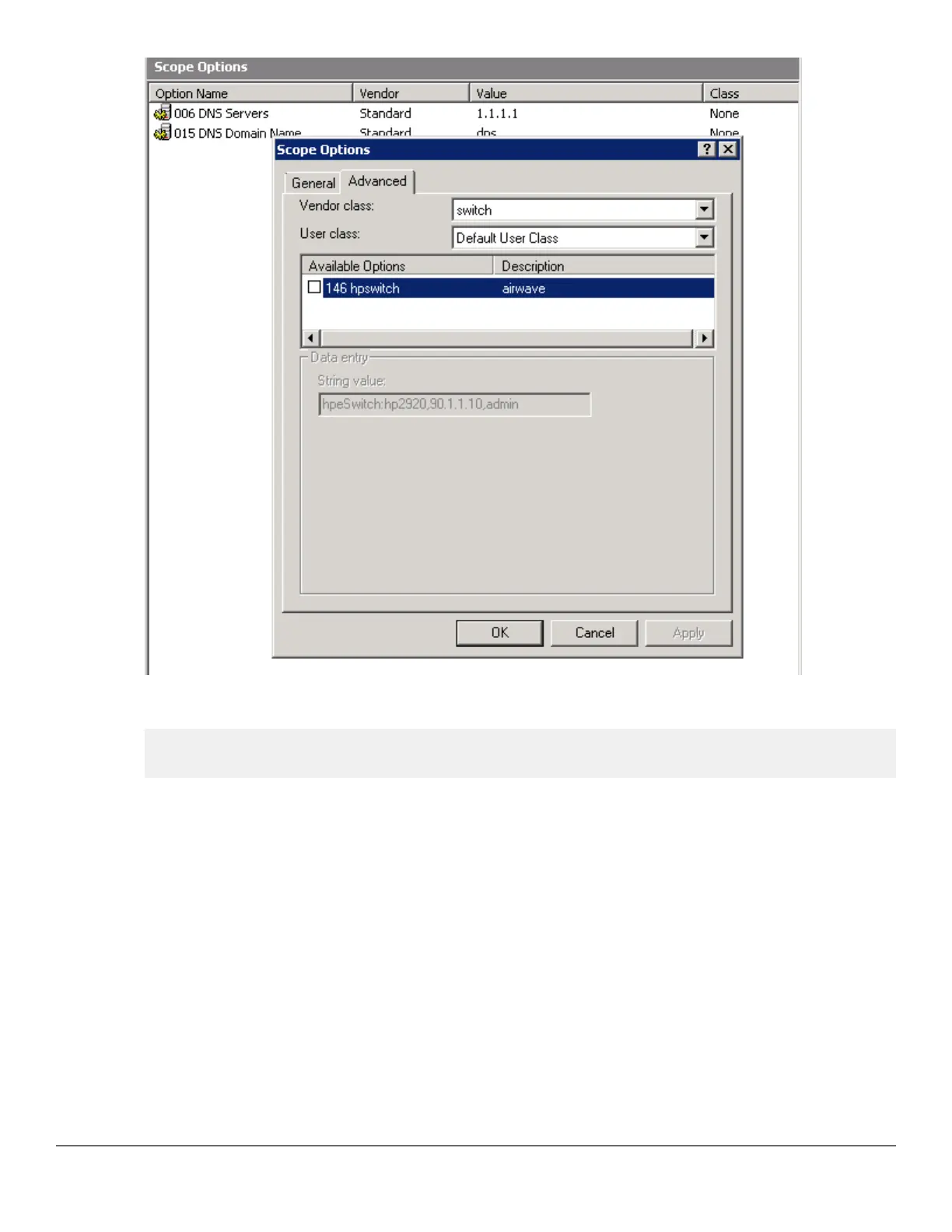
19. You can verify the AirWave details as follows:
switch# show amp-server
switch# show run
Configure AirWave details manually
This section focuses on configuring the switch manually to reach out to AirWave. Manual configuration may be
required, if ZTP is disabled due to the following scenarios or if AirWave credentials are not provided during the
DHCP offer:
• Switch with configuration that explicitly disables ZTP
• Switch with nondefault configuration
• Switches that have upgraded from older images to 16.xx
In any of the above scenarios, you need to manually configure to reach the AirWave server using the amp-
server command. This command helps you configure the AirWave IP address, group, folder, and shared secret.
You must have the manager role to execute this command.
For example:
Chapter 10 Zero Touch Provisioning with AirWave and Central 235














 To Next Page