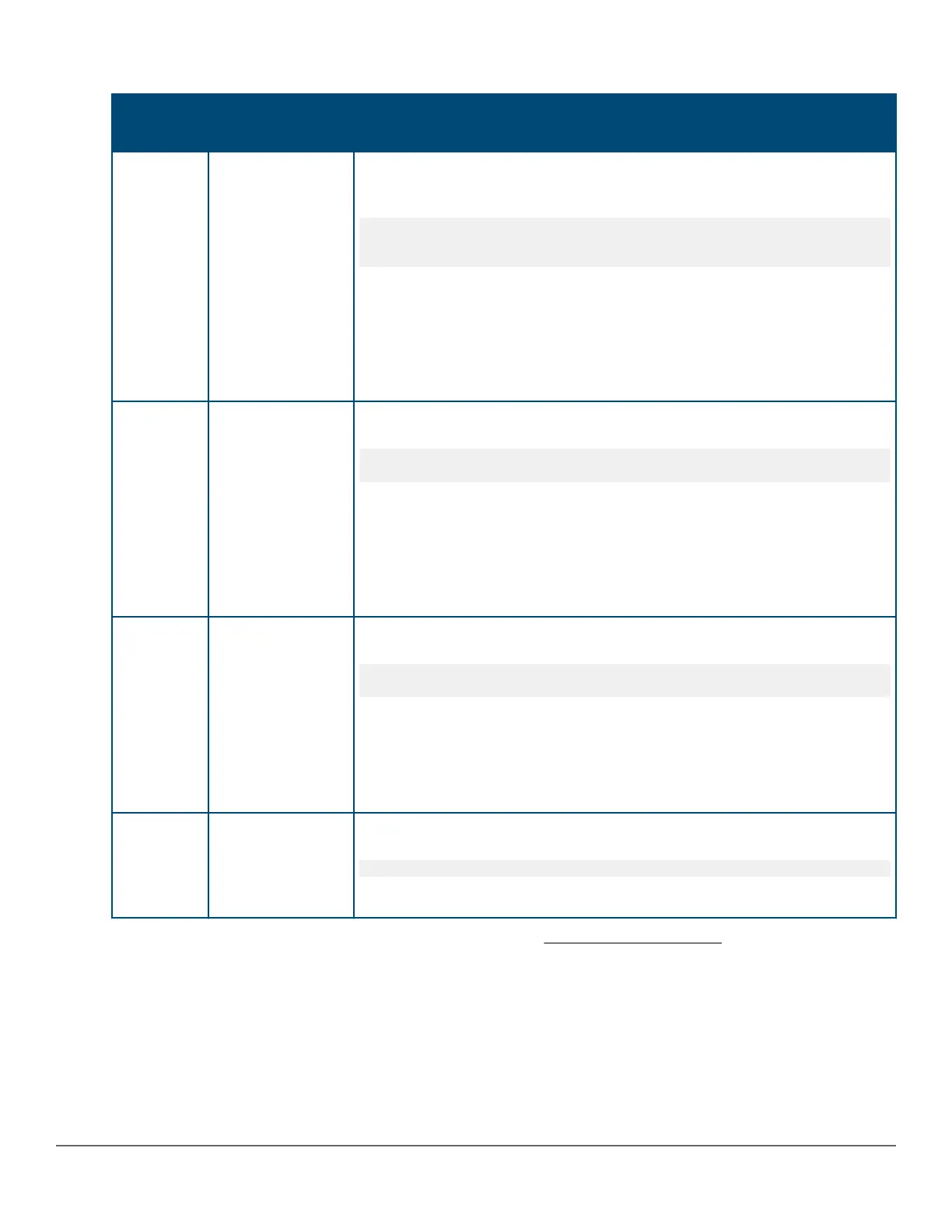
Table 9: PoE priority operation on a PoE module
Port Priority setting Configuration command
1
and resulting operation with PDs connected
to ports C3 through C24
C3 - C17
Critical
In this Example:, the following CLI command sets ports C3 to C17 to
Critical:
switch(config)# interface c3-c17 power-over-ethernet
critical
The critical priority class always receives power. If there is not enough
power to provision PDs on all ports configured for this class, no power goes
to ports configured for high and low priority. If there is enough power to
provision PDs on only some of the critical-priority ports, power is allocated to
these ports in ascending order, beginning with the lowest-numbered port in
the class, which, in this case, is port 3.
C18 - C21
high
In this Example:, the following CLI command sets ports C19 to C22 to high:
switch(config)# interface c19-c22 power-over-ethernet
high
The high priority class receives power only if all PDs on ports with a critical
priority setting are receiving power. If there is not enough power to provision
PDs on all ports with a high priority, no power goes to ports with a low
priority. If there is enough power to provision PDs on only some of the high-
priority ports, power is allocated to these ports in ascending order, beginning,
in this Example:, with port 18, until all available power is in use.
C22 - C24
low
In this Example:, the CLI command sets ports C23 to C24 to low
2
:
switch(config)# interface c23-c24 power-over-ethernet
low
This priority class receives power only if all PDs on ports with high and
critical priority settings are receiving power. If there is enough power to
provision PDs on only some low- priority ports, power is allocated to the ports
in ascending order, beginning with the lowest-numbered port in the class
(port 22, in this case), until all available power is in use.
C1 - C2
N/A
In this Example:, the CLI command disables PoE power on ports C1 to C2:
switch(config)# no interface c1-c2 power-over-ethernet
There is no priority setting for the ports in this Example:.
1
For a listing of PoE configuration commands with descriptions, see
Configuring PoE operation.
2
In the default PoE configuration, the ports are already set to
low priority. In this case, the command is not necessary.
Controlling PoE allocation
Syntax:
[no] int <port-list> poe-allocate-by [usage | class | value]
Allows you to manually allocate the amount of PoE power for a port by either its class or a defined value.
Chapter 4 Power Over Ethernet (PoE/PoE+) Operation 89














 To Next Page