For example, if your terminal emulator is the Hyperterminal application available with Microsoft
®
Windows
®
software, you can copy the show tech output to a file and then use either Microsoft Word or Notepad to display
the data. (In this case, Microsoft Word provides the data in an easier-to-read format.)
The following example uses the Microsoft Windows terminal emulator. If you are using a different terminal
emulator application, see the documentation provided with the application.
Procedure
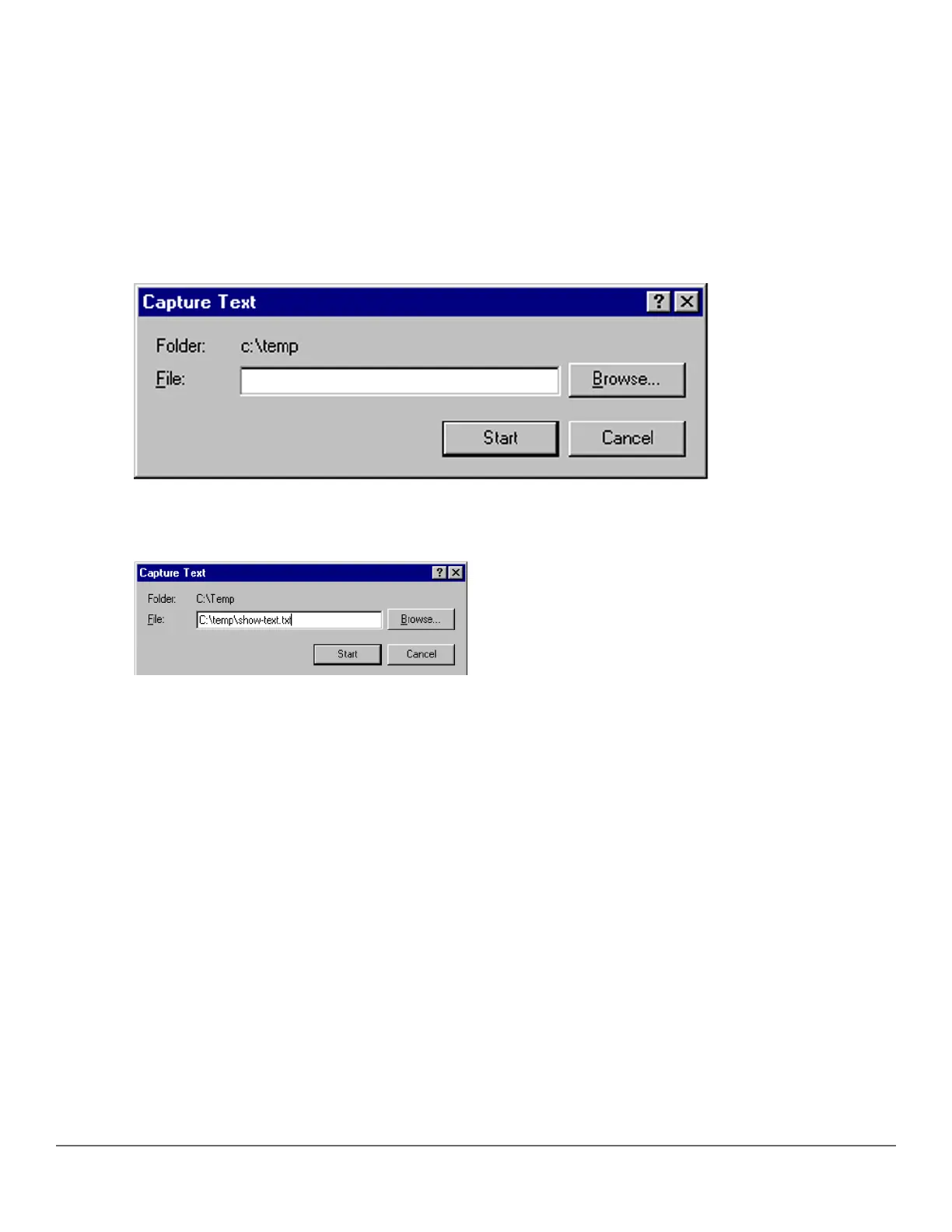
1. In Hyperterminal, click on Transfer|Capture Text….
Figure 70: Capture text window of the Hyperterminal application
2. In the File field, enter the path and file name in which you want to store the show tech output.
Figure 71: Entering a path and filename for saving show tech output
3. Click [Start] to create and open the text file.
4. From the global configuration context, enter the show tech command:
switch# show tech
The show tech command output is copied into the text file and displayed on the terminal emulator screen.
When the command output stops and displays -- MORE --, press the Space bar to display and copy more
information. The CLI prompt appears when the command output finishes.
5. Click on Transfer|Capture Text|Stop in HyperTerminal to stop copying data and save the text file.
If you do not stop HyperTerminal from copying command output into the text file, additional unwanted data can
be copied from the HyperTerminal screen.
6. To access the file, open it in Microsoft Word, Notepad, or a similar text editor.
Viewing more information on switch operation
Use the following commands to display additional information on switch operation for troubleshooting purposes.
Syntax:
show boot-history
376 Aruba 2530 Management and Configuration Guide for
ArubaOS-Switch 16.05














 To Next Page