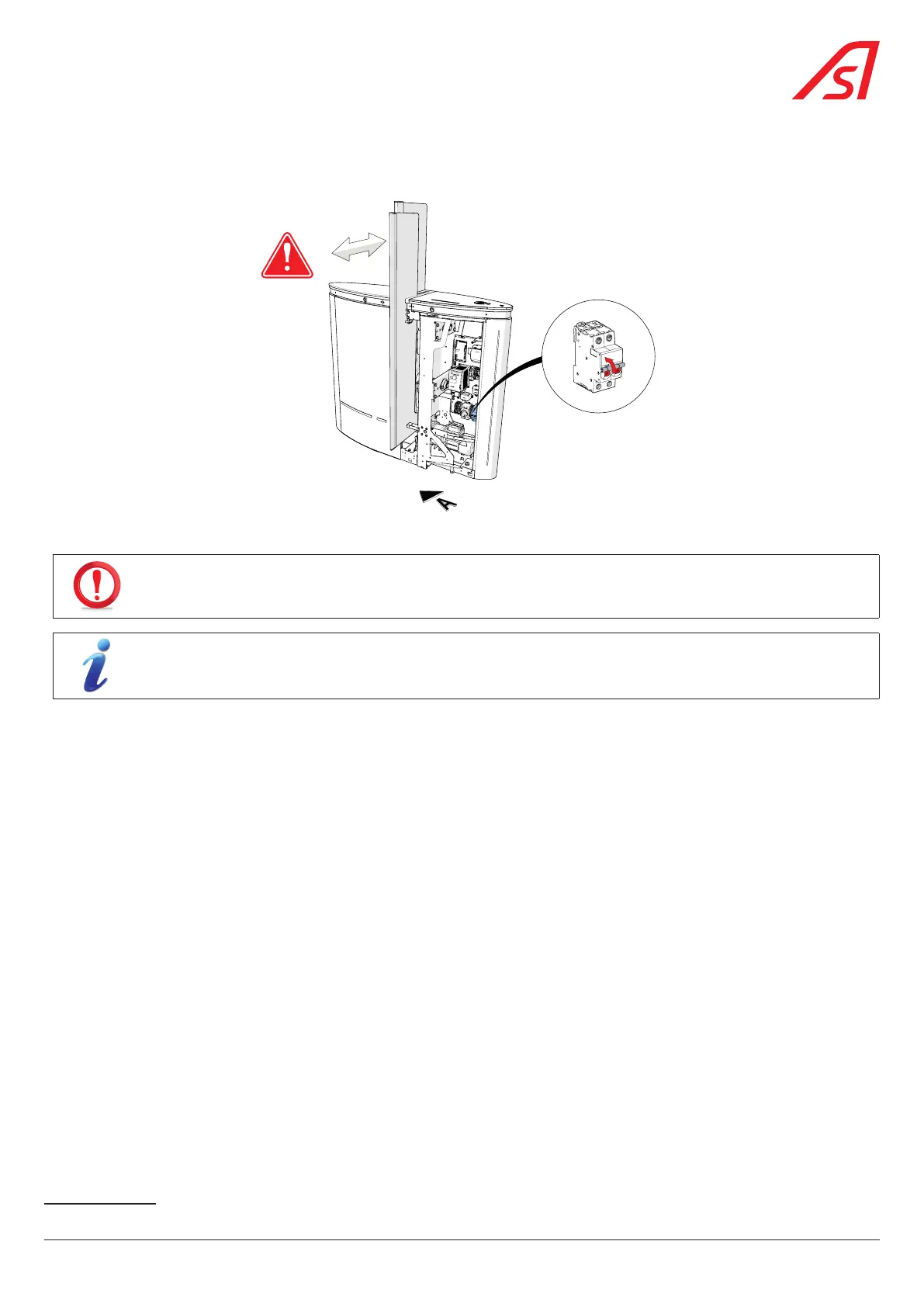
8.3.3. POWER ON
Set the main circuit breaker to ON.
ON
Fig. 60 - Power on
THE OBSTACLES WILL START MOVING (INITIALISATION PHASE) IN ORDER TO DEFINE THE EXTREME OPENING AND
CLOSING POSITIONS!
During the restart phase, the dynamic status light is off and the dynamic orientation light is solid red.
12
When the restart phase is over, the dynamic status light is blue and the dynamic orientation light is green.
12
Once the cycle is complete, replace the right side panel - side A ( Chap. 8.6, page 57).
8.4. ADJUSTING THE OBSTACLE CLOSING POINT
In its initialisation phase, the device will automatically search for the obstacle's opening and closing end points.
If, however, it is found that the mobile obstacle does not reach its opening and/or closing limits, please consult the Maintenance
Interface manual.
12 Standard programming.
55
SmartLane



 To Next Page