3. GENERAL SYMBOLS
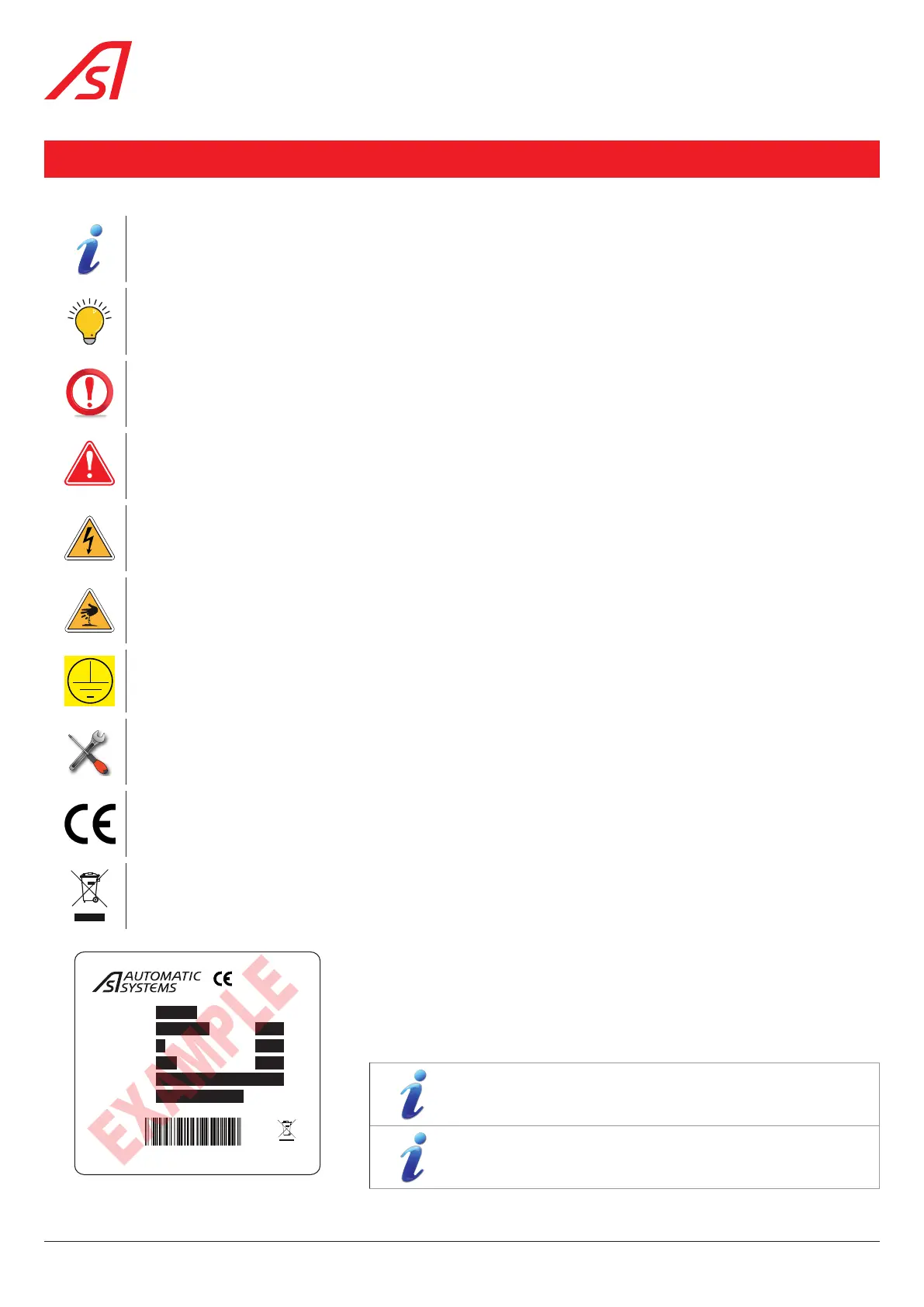
The following symbols are used in this manual or as labels on the equipment:
This symbol is used to highlight a tip that may help you better understand the product.
Reminder or quick tip useful for understanding how the product works.
This symbol is used to highlight an important instruction for the correct use and/or maintenance of the product.
Important! : This symbol is used to highlight a risk of injury or material damage.
This symbol is used to highlight a risk of electric shock or electrocution.
This symbol is used to highlight a risk of cutting yourself.
This symbol is used to identify the principal ground connection point.
(Either in the form of an affixed label or directly engraved on a mechanical part).
13
This symbol is used to indicate the tools required for the relevant operation.
This symbol indicates that the equipment conforms to European standards and directives.
This symbol indicates that the equipment must be disposed of in accordance with the applicable European
Directives (DEEE 2012/19/EU).
Model
Mfg Date
Phases
Volts
kg
Hz
A
Item
Serial
SN
MADE IN BELGIUM
www.automatic-systems.com
1
230
50/60
1
150
SL29xx
30/06/2021
21-SL29xx-B0041
SL2NR12G00430_C80166
Product identification label.
Reference article = significant codification (SL2NR12G00430)
+ PBA index (C80166)
Serial number = year of production + model + country of
manufacture code followed by the serial number index.
10
SmartLane



 To Next Page