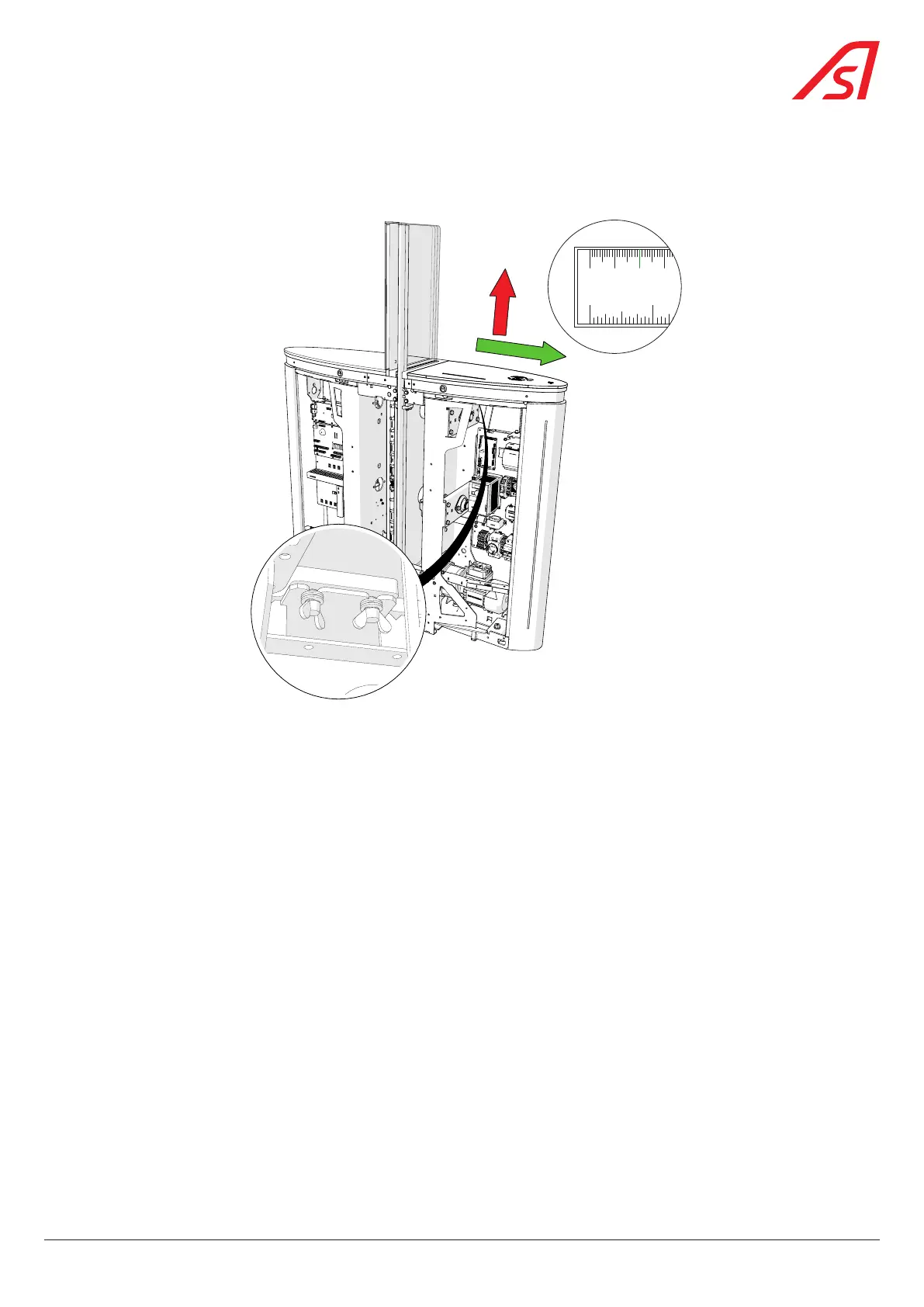
8.15. REMOVING THE COVER PLATE
8.15.1. REMOVING A SHORT PLATE (UNITS WITH HIGH GLASS OBSTACLES)
0
0
1/4
1/2
3/4
1
1/4
1 2 3
mm cm inch
2
1
Fig. 76 - Removing a short plate
1. Switch off the device ( Chap. 8.3, page 54) and remove the panel located under the short plate to be removed;
2. Unlock the two (2) butterfly screws, without removing them;
3. Slide the plate ± 20 mm forward (towards the front) and then lift it off.
4. Remove the plate safely.
69
SmartLane



 To Next Page