152 SERIAL LINKS
SERIAL LINKS menu
Port1 is a non-isolated RS23 2 port used for PL/X configuration and serial comms.
Glossary of terms.
Protocol The instructions for the order of sending data and handshaking.
Port The physical connector for the serial link.
RS232, RS4 22, RS4 85 Electrical specification standards for serial transmission.
(RS – Recommended Standard)
Baud rate The rate at w hich the data is sent, which must be matched for all parties.
ASCII American standard code for information interchange.
ANSI A merican national standards institute.
10.1 SERIAL LINKS / RS232 PORT1
PINs used 187 to 192.
The RS232 PORT1 is located just above the middle
set of control terminals.
It is a female 4 way FCC-68 type socket.
This port can be used in 2 ways.
1)For PARA METER EX CH A NGE with other devices.
a) From another computer or drive in ASCII.
b) To another computer or drive in ASCII.
c) To another computer or printer in the form of a
text list of display windows and their parameters.
This function may be used to keep records and files
of parameter settings, or allo w the transfer of
parameter settings from an old control board to a
ne w one.
There is also an option to select ASCII COMMS in 188)PORT1 FUNCTION to implement a full duplex ANSI
communications protocol for use with a host computer or for interface with a PC based configuration tool.
The sub-menu for this function is PORT1 CO MMS LINK. Please refer to the SERIAL C O MMS M ANU AL.
Note. PORT 1 FUNCTION is not subject to password control for software versions 4.06 and above.
2) For speed REFEREN CE EX CH ANGE to or from another unit in digital format during running.
This allows low cost digital speed accuracy ratio bet w een drives especially when using encoder feedback.
Note. Some computers may not be fitted with an RS232 C O M port. Instead they will possess a USB port. In
this case it is necessary to fit a USB - RS232 convertor (E.g. Single in line convertor type USB to serial male
D9, or multiport type Belkin F5U120uPC). After installation of the convertor drivers, right click on the ‘My
Computer’ icon and select Properties / Device Manager / Ports to find the port allocations. (COM1, COM2,
COM3 etc.). Then you must use the nominated USB port allocation within Hyperterminal or PL PILOT.
See 10.1.4 How to use USB ports.
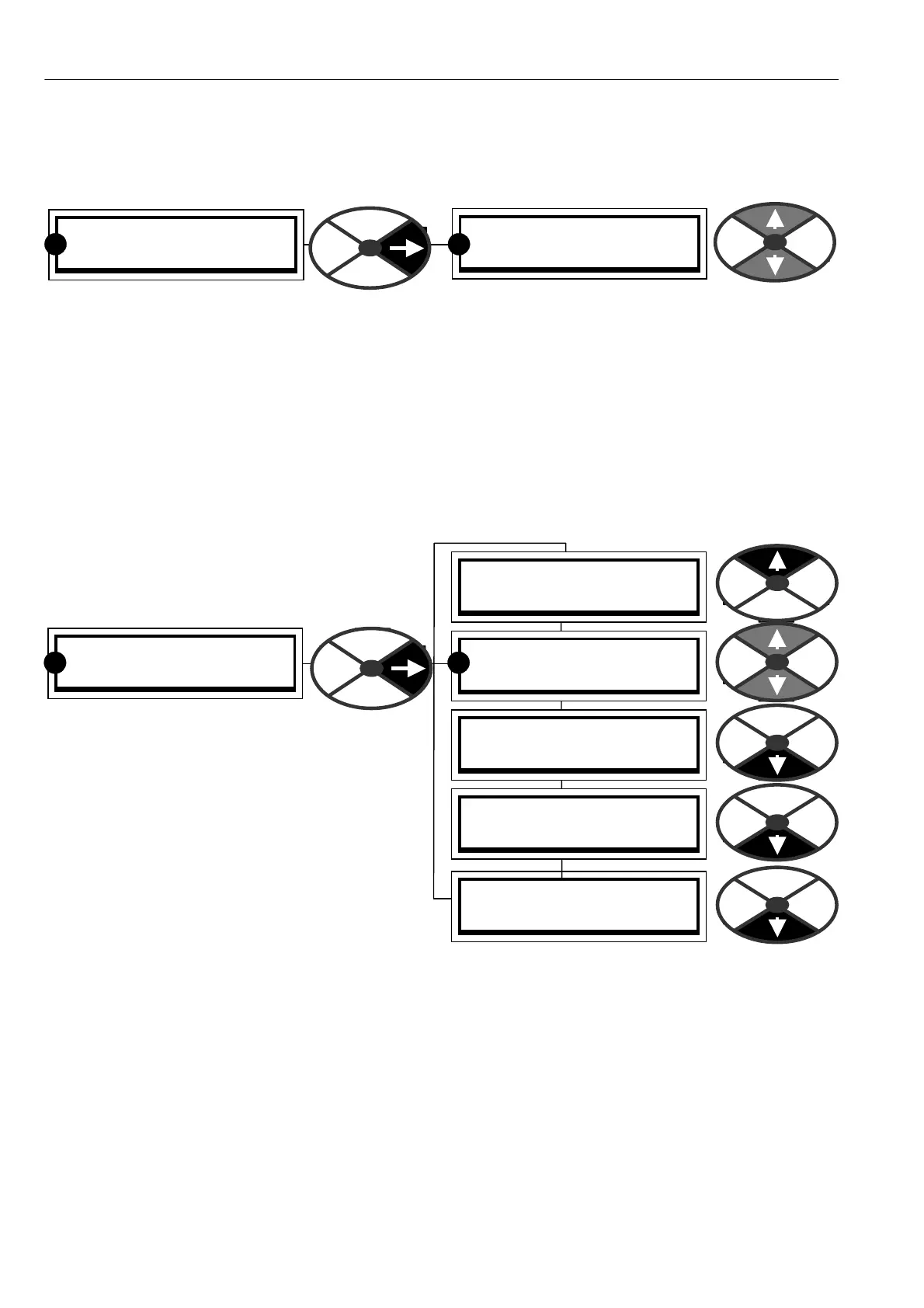
ENTRY MENU LEVEL 1
SERIAL LINKS 2
SERIAL LINKS 2
RS232 PORT1 3
R R
SERIAL LINKS 2
RS232 PORT1 3
R
RS232 PORT1 3
PORT 1 COM MS LINK 4
RS232 PORT1 3
187)PORT1 B AUD RA TE
RS232 PORT1 3
188)PORT1 FUNCTION
RS232 PORT1 3
PARA METER EX CH A NGE 4
R
RS232 PORT1 3
REFERENCE EXCH ANGE 4



 To Next Page