70 CHA NGE PARA METERS
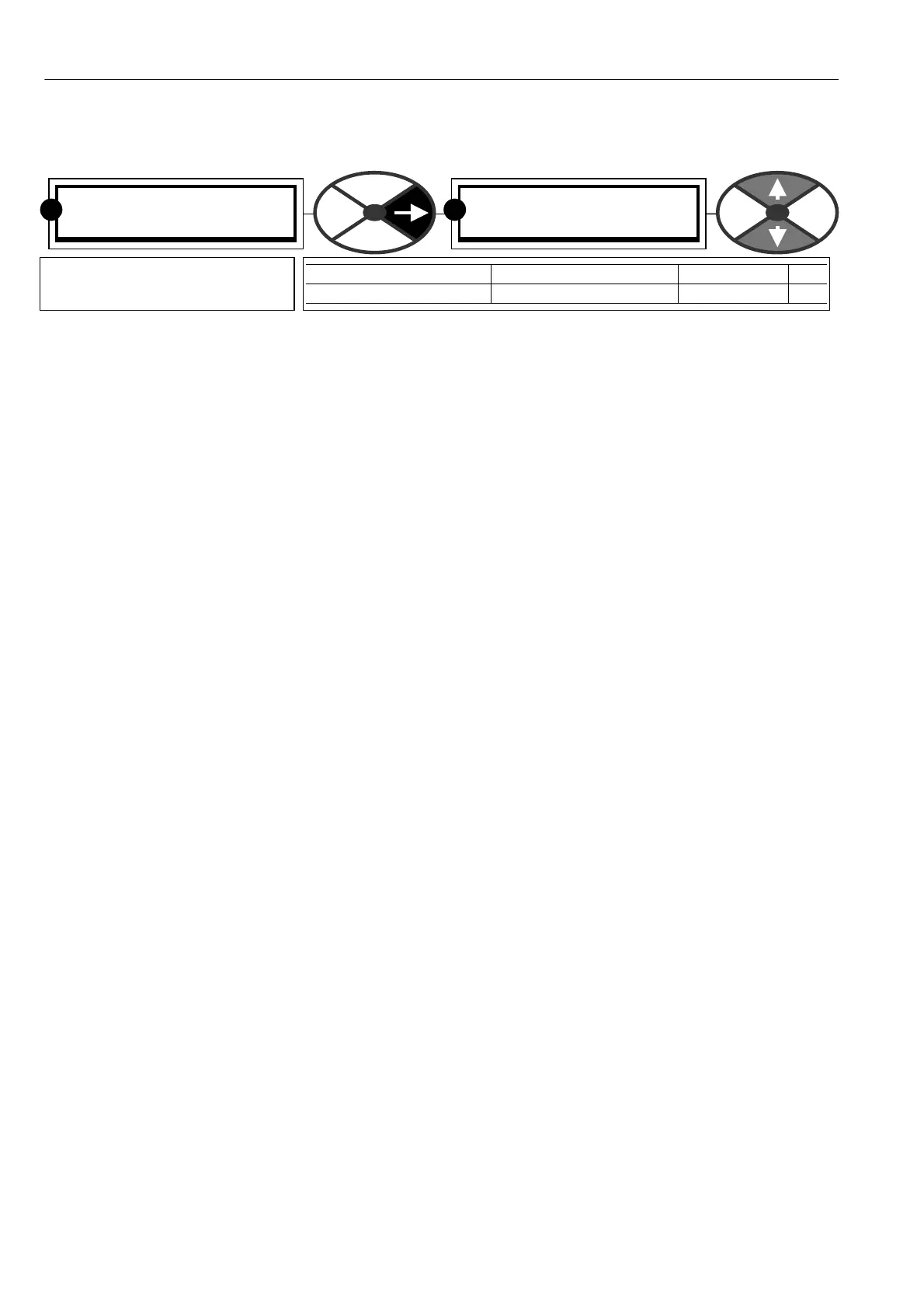
6.1.17 C ALIBRA TION / Motor 1 or 2 select PIN 20
All the alterable parameters contained in the CH A NGE PARA METERS reduced menu may have 2 value
settings. (MO TOR 1 and MOT OR 2). This window selects the active set. The active set is al ways the one
available in the CHANGE PARA METERS menu display. The passive set can be viewed and modified in the
configuration menu. See 13.1 3.1 DRIVE PERSO NALITY / PASSIVE MO T OR SET.
See 11.1 DISPLAY FUNCTIONS / Reduced menu enable. The passive motor set of parameters is the same as
the REDU CED MENU.
This PIN can of course be configured to be set by a digital input for external set selection. It may also be
used as a diagnostic to sho w which set is active, and may be connected to a digital output if desired.
Rules of operation.
1) Motor 1 and 2 calibration parameters are NOT overwritten if the factory default parameters are restored.
2) The MOTOR 1, 2 SELECT parameter is NO T overwritten if the factory default parameters are restored.
This means that the PL/X default power up (4-KEY RESET) will not affect the prevailing calibration
parameters. PINs 2 – 20, 100)FIELD V OLTS OP % and 680)Iarm BURDEN O HMS, in both the active set and
the passive set. All other parameters are restored to the factory defaults.
See 5.1.3 Restoring the drive parameters to the default condition.
See 4.5.4 PASSIVE MOTOR defaults / Using passive motor menu for small test motors.
See 13.13.2 DRIVE PERSONALITY / Recipe page PIN 677.
There is a class of parameters that are prevented from being altered by the keys during motor running. These
are indicated in the PIN number tables at the back of the manual by a letter S (ST OP DRIVE T O ADJUST) in
the ‘Property’ column. See 15 PIN number tables.
If 20)MO TOR 1,2 SELECT is altered during running, then any class ‘S’ parameters in the DRIVE
PERSO NALITY / PASSIVE MOT OR SET that differ from their counterparts in the A CTIVE set will not become
active until the next ST OP sequence.
This functionality gives an extra level of safety but still allo ws dynamic alteration of most of the important
parameters, during running, by one digital input.
C ALIBRA TIO N 3
20)M OT OR 1,2 SELEC T
20)M OT OR 1,2 SELEC T
MOT OR 1
PARA METER RANGE DEFAULT PIN
MO TOR 1, 2 SELEC T M OT OR 1 or M OTOR 2 MO TOR 1 20
Selects motor 1 or motor 2
reduced menu as active.
R
R



 To Next Page