Thermal printer type 6761-11
132
Measuring System MAK TIGER 3003 Service manual, SA 131128, 10.03.2020
1. Open the printer cover.
2. Clean the heating element of the printhead with a cotton cloth damp-
ened with an alcohol-based solvent (ethanol, methanol or IPA).
Problems with the paper feed
There is a paper jam in the printer.
Caution:
The printhead can become very hot after prolonged continuous use.
Do not touch it.
1. Follow the instructions below to clear a paper jam:
2. Switch the printer off and press the relevant button to open the cover.
3. Remove the jammed paper, put the roll back in the printer and close the
cover.
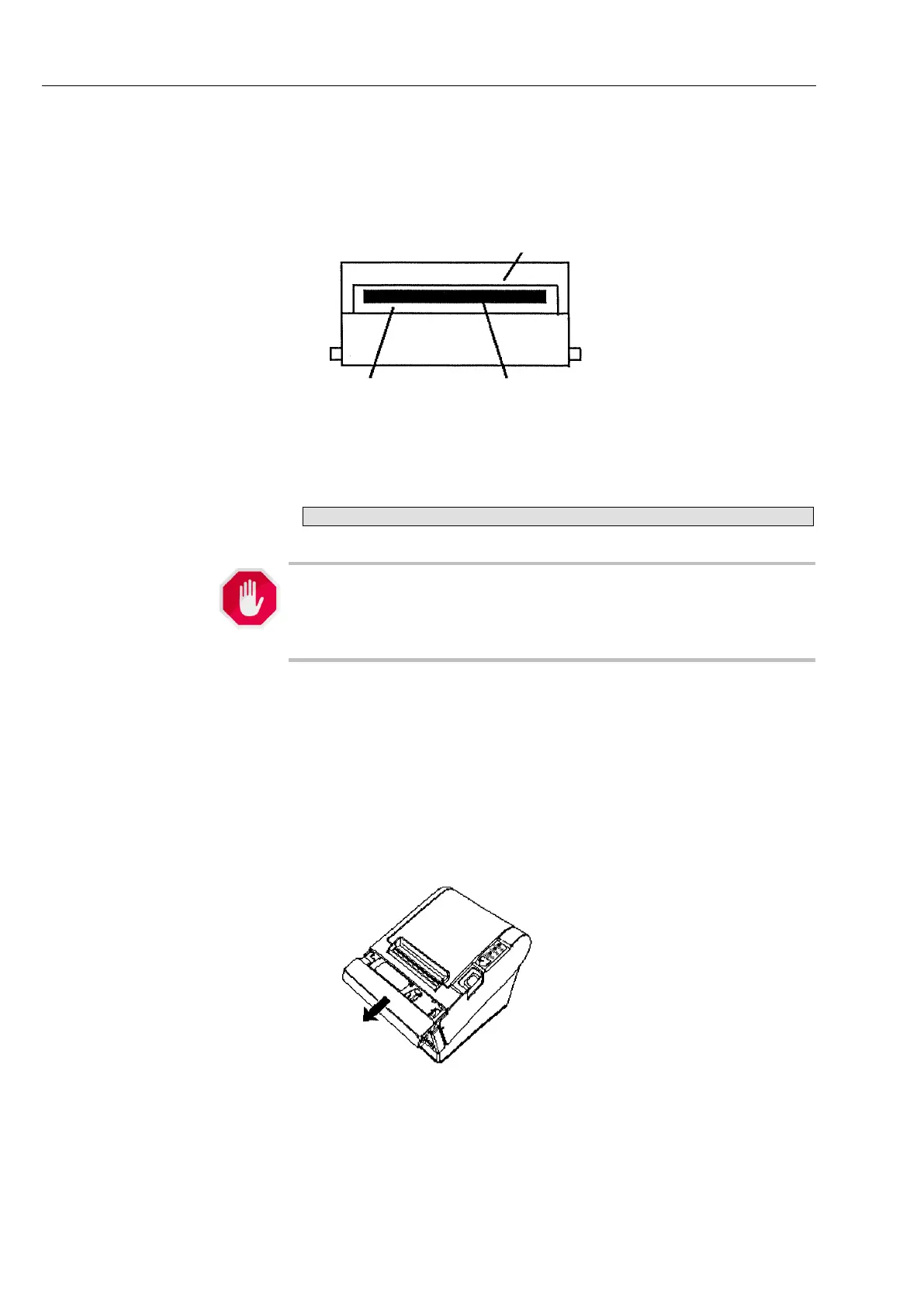
4. If paper has caught in the automatic cutter and the printer cover will not
open then open the cover on the cutter indicated in the diagram below.



 To Next Page