Measuring system MAK E-TIGER 3003
80
Measuring System MAK TIGER 3003 Service manual, SA 131128, 10.03.2020
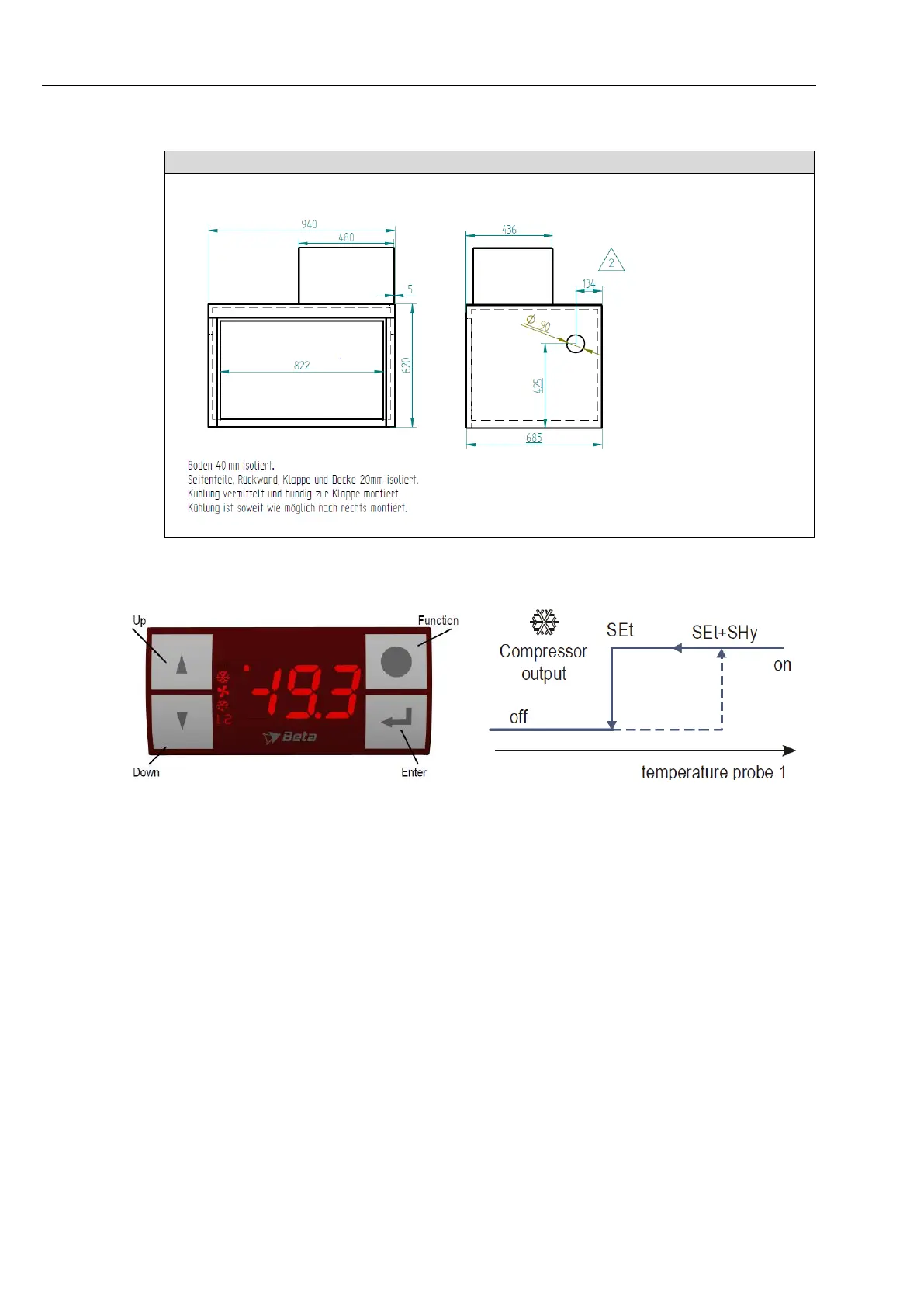
Settings
To adjust the lower temperature level [°C]: (delivery state 2°C)
Press “Enter”, select “Set” using the “arrow keys” and confirm with “Enter”.
The lower desired temperature can be adjusted using the “arrow keys”. The
temperature selected is saved by pressing the “Enter” key and holding it down
for approx. 15 seconds. After the temperature is saved, the display automati-
cally jumps to the current-temperature display.
To adjust the hysteresis: (delivery state 2°C)
Press “Enter” for 6 seconds, select “SHy” using the “arrow keys” and confirm
with “Enter”. The desired hysteresis can be adjusted using the “arrow keys”.
The hysteresis selected is saved by pressing the “Enter” key and holding it
down. After the temperature is saved, the display automatically jumps to the
current-temperature display.



 To Next Page