Shaded View Camera Control
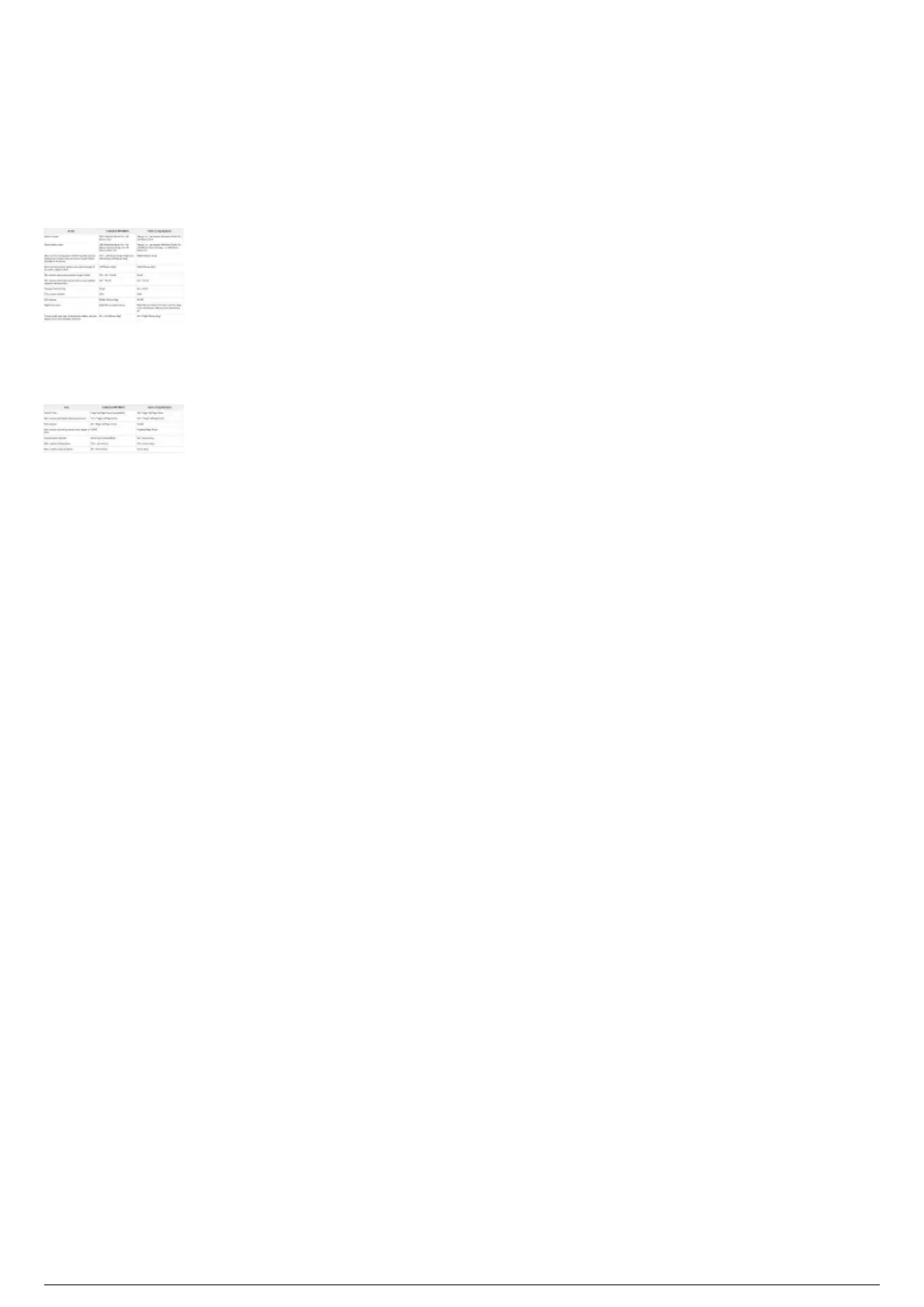
The default camera control in the Shaded view of BTWYSIWYG is set to Other 3D Applications where
commands and behavior are identical to other 3D applications instead of the traditional WYSIWYG
standard.
Mouse Actions
*Affected by View Option, "Pan tool moves objects".
Keyboard Actions
Note: In the Application Options window, you can choose Traditional WYSIWYG on the Shaded View
Camera Control list if you want to use the standard WYSIWYG camera control in Shaded view.



 To Next Page