Output Configuration
The Output Configuration widget displays the active tracking output data from the Output Modules and
Trackable Settings as a result of the tracking operation in BlackTrax.
The Output Configuration widget is used by the BTSystem to create, customize and remove Real-
Time Tracking Protocol data for Third Party use (RTTrPL, RTTrPM, and Art-Net).
The Output Configuration widget receives data based on preferences configured in Output
Configuration. The customized data is then sent to designated Third Party programs.
Note: Output Configuration data can be imported and exported for use of current tracking output and
saved for later use. You can activate Import or Export Outputs from the File menu.
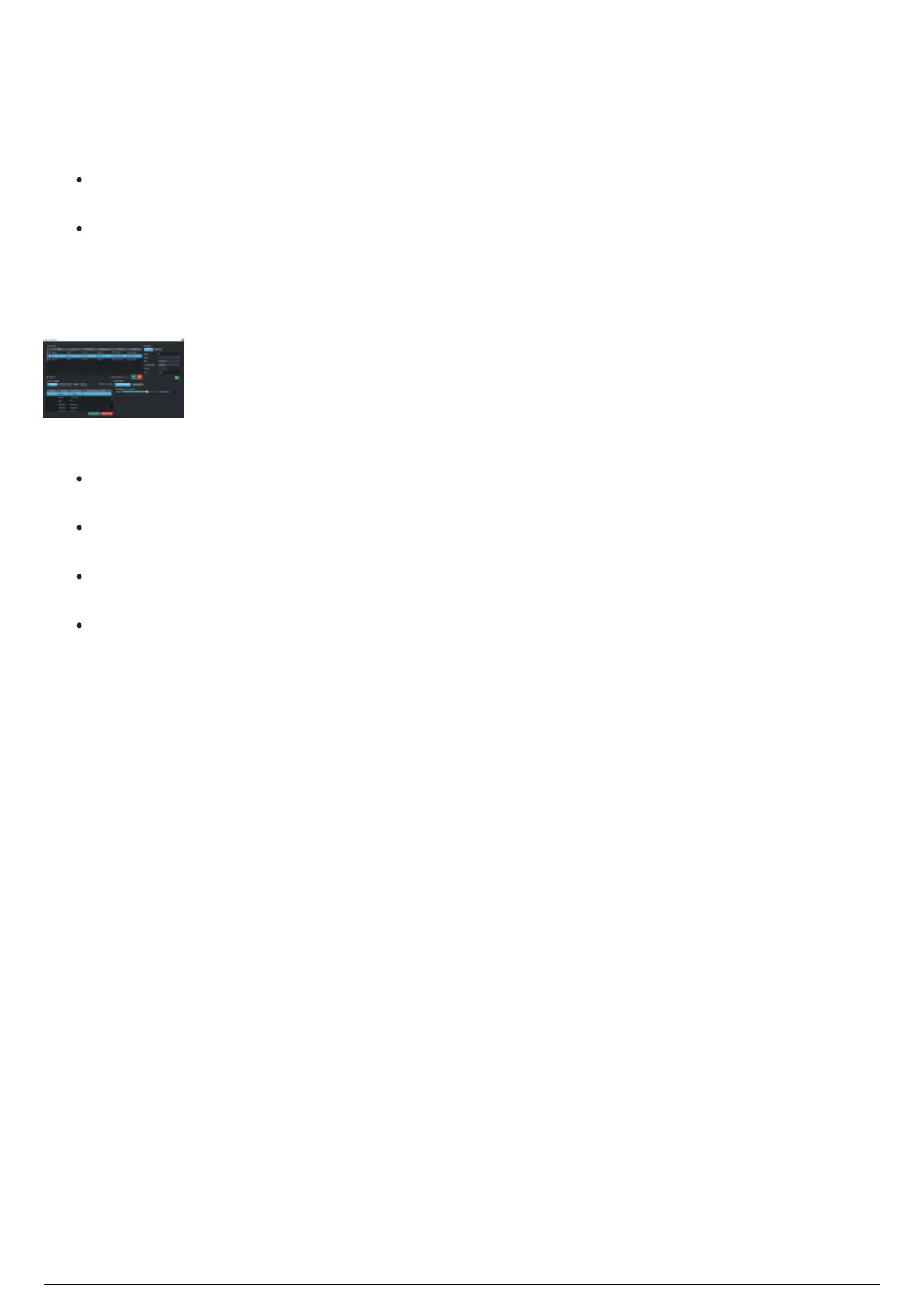
Output Configuration widget
The Output Configuration widget displays the following sections:
Active Outputs: The list data and settings of created outputs for the current BlackTrax project.
See Active Outputs page.
Edit Output: The section for managing the network connections of the selected output. See Edit
Output page.
Sending Trackables: The list of every active Trackable detected by the BTSystem and their third-
party output status (only applicable to RTTrPM outputs). See Sending Trackables page.
Output Options: The section enables you to select which RTTrPM modules to the output of the
selected active module (only applicable to RTTrPM and outputs). See Output Options page.
Note: As a general rule, click Apply Changes to apply all changes that you set in Output Configuration.



 To Next Page