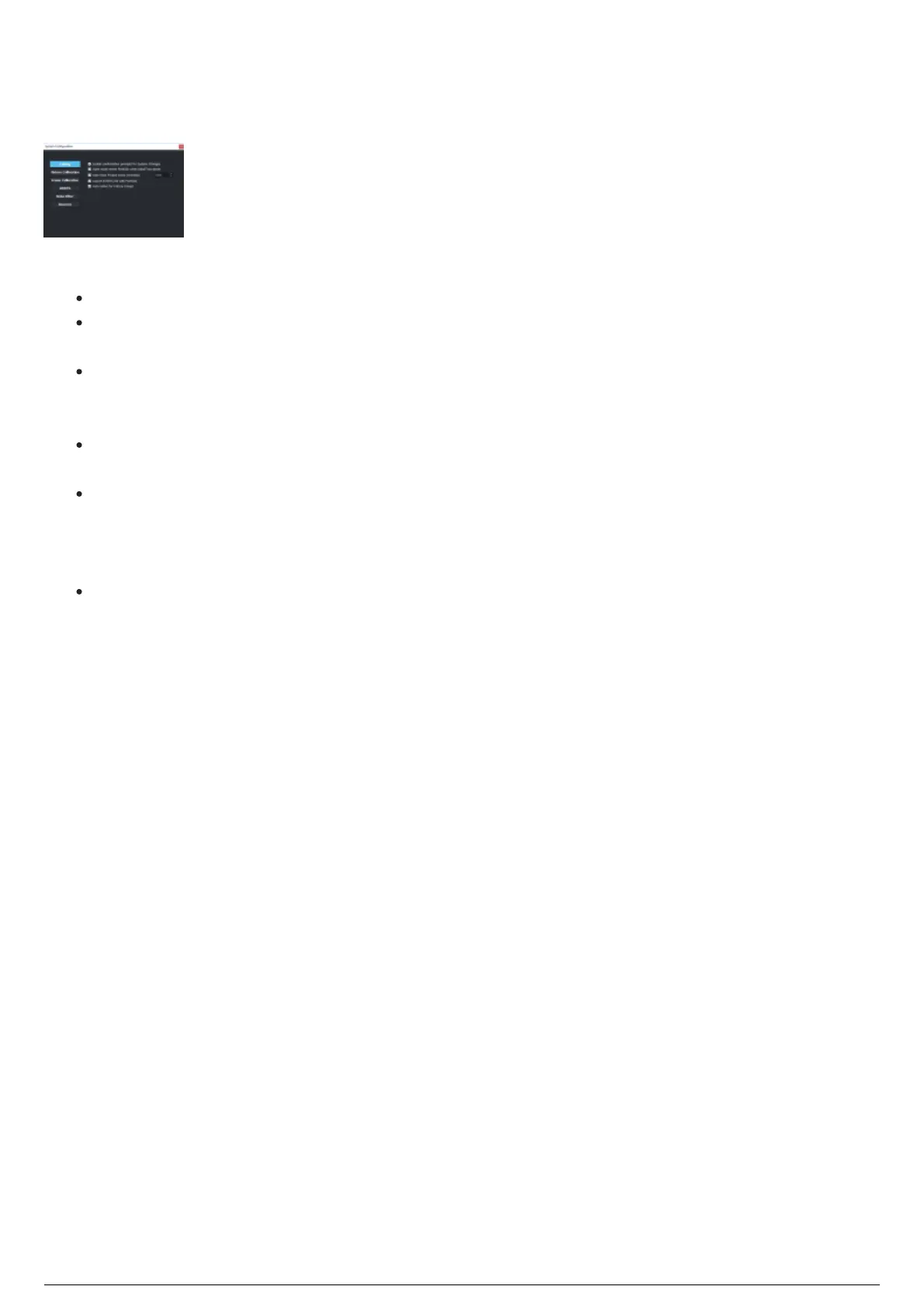
System Configuration
The System Configuration widget is where BlackTrax software behavior can be configured.
System Configuration Widget
The System Configuration widget displays the following buttons to access the sections:
System: System prompts can be toggled On or Off. See Editing section page.
Fixture Calibration: Settings that affect the collection of measurement points of the fixtures can be
toggled On or Off. See Fixture Calibration Section page.
Frame Calibration: Click on the Updating offsets interval (seconds) scroll box to set the time
interval for the Centroid and Orientation Offset values to be applied to the selected Rigid Frame.
See Frame Calibration Section page.
BTWYG: Settings that enable incoming and outgoing links to BTWYSIWYG can be toggled On or Off.
See BTWYG Section page.
Noise Filter: Determines if the point is valid or not by using a probability algorithm to determine
how likely a point would be. For example, if Beacon 1, LED 2 is seen in the same spot for 100
frames, but it then appears for one frame 10m away (typically caused by IR noise), then the filter
tosses that single frame away and continues to track the real LED. See Noise Filter section page.
Beacons: Settings that affect the function and reporting of Beacons. See Beacons Section page.



 To Next Page